30
The touch screen display is the primary user interface of the ‘Abacus 5’ analyzer for user interactions and data entry.
The LCD screen can be cleaned damp sponge and gentle detergent.
The front panel is a hinged cover that provides easy access to the shear valve, sampling needle and syringes for
cleaning and maintenance. The front panel, START button, and the sample rotor can be cleaned with damp sponge
and regular e.g. household cleaning material
Sample tubes are placed into a tube adapter inserted on the sample rotor for closed vial or open vial single-tube
manual sample processing. The sample tube is rotated from the front of the unit into the inside of the ‘Abacus 5’ for
aspiration. This safety feature protects the operator from inadvertent contact with the aspiration needle during
specimen processing.
Automatic sample processing with the optional Autosampler can be interrupted in order to run one or more stat
samples with the sample rotor. Automatic processing can be resumed after stat sample processing is complete.
The START button allows easy one-hand operation of the ‘Abacus 5’ analyzer. The color of the START button indicates
the status of the ‘Abacus 5’ analyzer.
Green – ready to process samples
Red – busy
Orange – standby
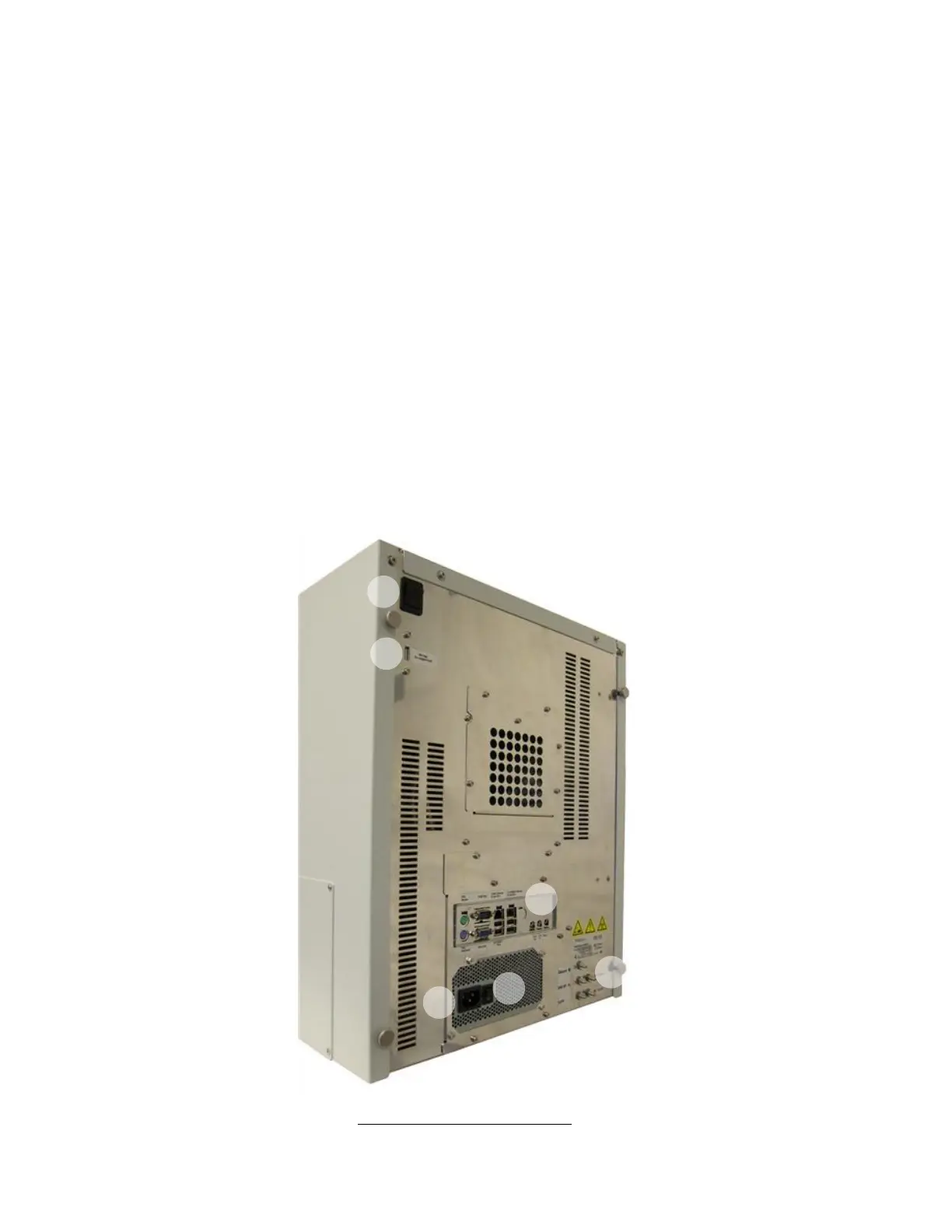
5.3.2 Back Panel
Figure 10. Abacus 5 Back Panel



 To Next Page