86
Clicking or tapping the ‘Change’ button displays a virtual on-screen date
keyboard. All records analyzed on the date entered will be selected.
The two ‘Change’ buttons allow entry of a start and end date. All records on
the start date, the end date, and all dates in between will be selected.
All records in the database will be selected.
Entering one Result ID will select a record with the same Result ID. Entering
two Result IDs will select a range of records including the start and end Result
IDs.
Clicking or tapping the ‘Run select’ will create a multiple selection of all database records that match the criteria
(if any). The ‘Cancel’ button returns to the database view and the current selection is not changed.
10.8.2 Importing
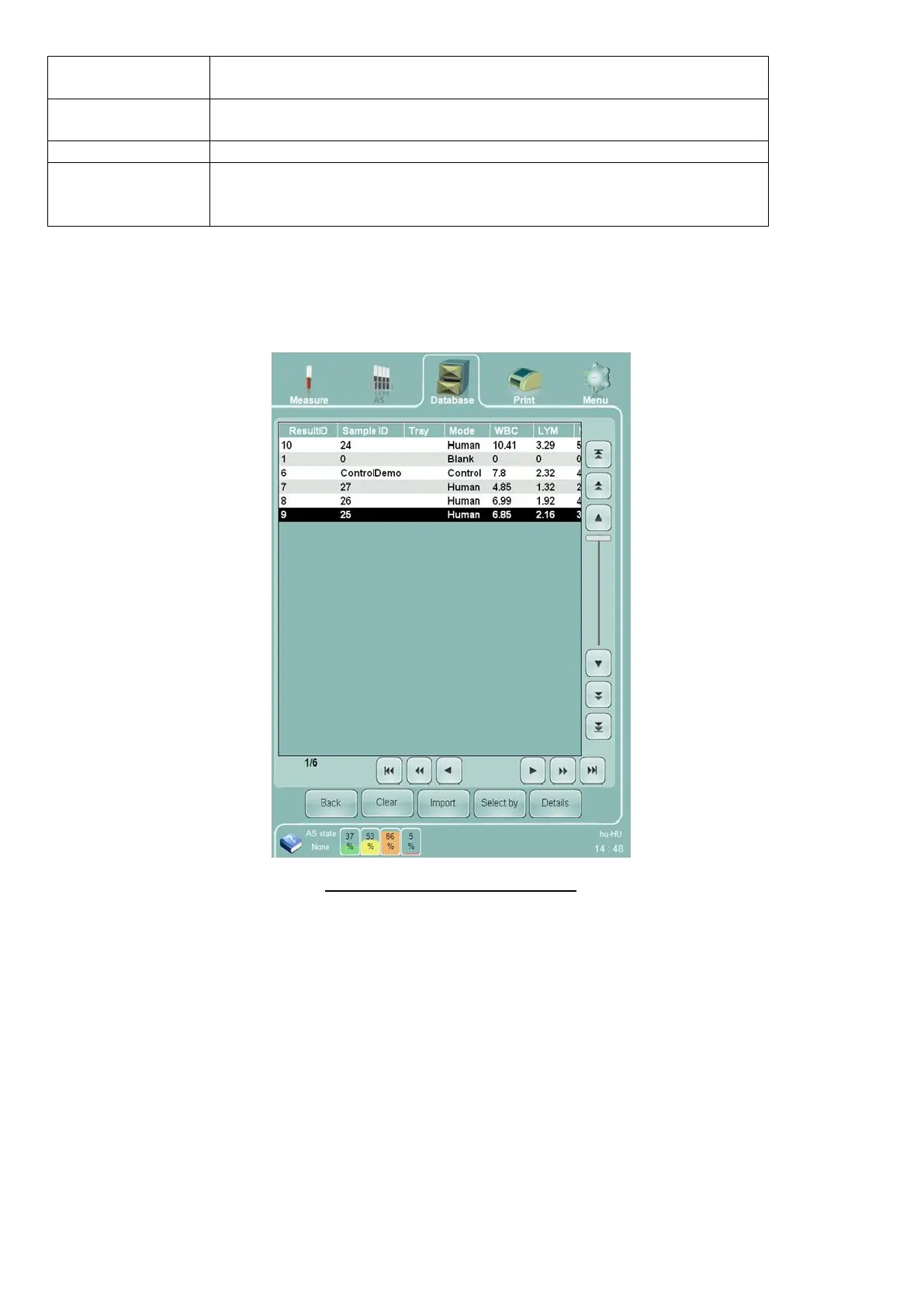
Clicking or tapping the ‘Import’ button displays a blank, modified version of the database panel.
Figure 57. Database Importing Panel
The database importing panel provides the following options:
The ‘Import’ button brings up a panel to select previously exported database record files to load and
view.
‘Select by’ performs the select by database function to select a group of imported records according to
criteria entered by the operator.
‘Details’ views the detailed result information for all or a selection of imported records.
‘Clear’ removes selected records from the imported records table, but does not permanently remove the
cleared records from the stored database file.
‘Back’ ends viewing of imported database information and returns to the ‘Abacus 5’ stored database.



 To Next Page