82
10 Database Functions
The ‘Abacus 5’ database stores all measured data including sample results, QC, and patient data. Each sample
result stored includes the complete parameter list, histograms, flags, and identifying data. The ‘Abacus 5’ has a
data capacity of up to 100,000 total records.
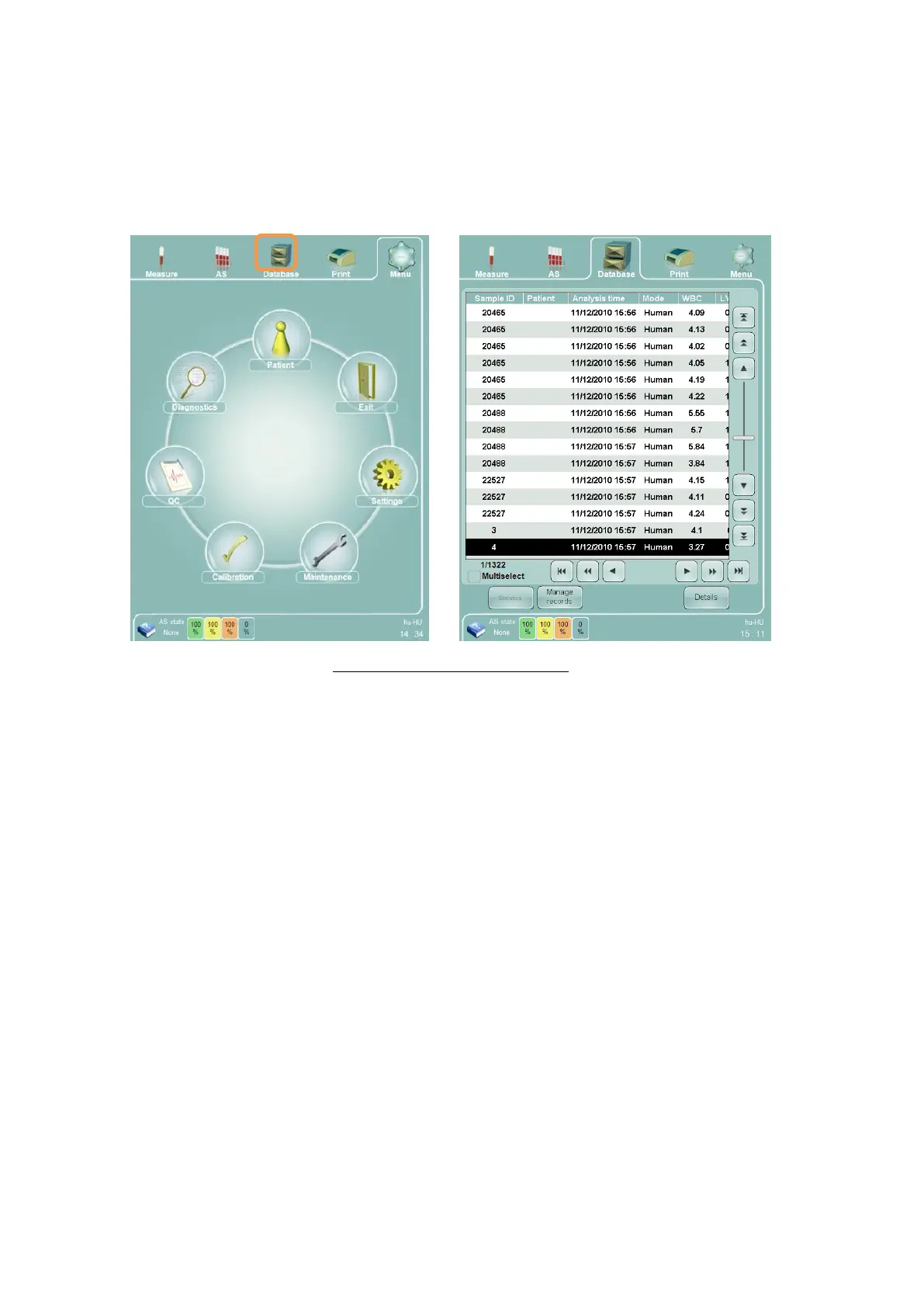
To activate Database panel, clicking or tapping the Database quick link on the top of the screen will take you to
the database view from any screen.
Figure 52. Accessing the Database
The database can be accessed at any time, even when processing samples in the background. You can return to
the measurement panel anytime to view ongoing sample measurements.
10.1 Database Overview
The ‘Abacus 5’ analyzer database provides a powerful, easy-to-use method of storing, accessing, and managing
patient and sample result information. The database of the ‘Abacus 5’ analyzer is capable of storing up to 100,000
measurement, control and patient records.
The database presents information in a table view of rows and columns. Each row in the database panel
represents one sample measurement. Rows are also called ‘records.’ Each column in the database consists or
sample identification information or measurement parameter results.
The database information can be scrolled using navigation buttons along the right and the bottom of the
database view, or by a moving a vertical scroll bar. Database records can be selected individually or in groups.
Detailed result views are available for selected database records. Selected records can be printed, sent to an LIS
and exported into a tab file. Various sort options are provided for quickly finding results.
Database records can be exported for storage and backup. Exported database information can be later imported
for review. Imported records do not become part of your ‘Abacus 5’ analyzer’s database. They are only imported
for viewing, but can be sorted, selected, and managed the same way as with regular data the stored inside the
‘Abacus 5’ analyzer database.



 To Next Page