40
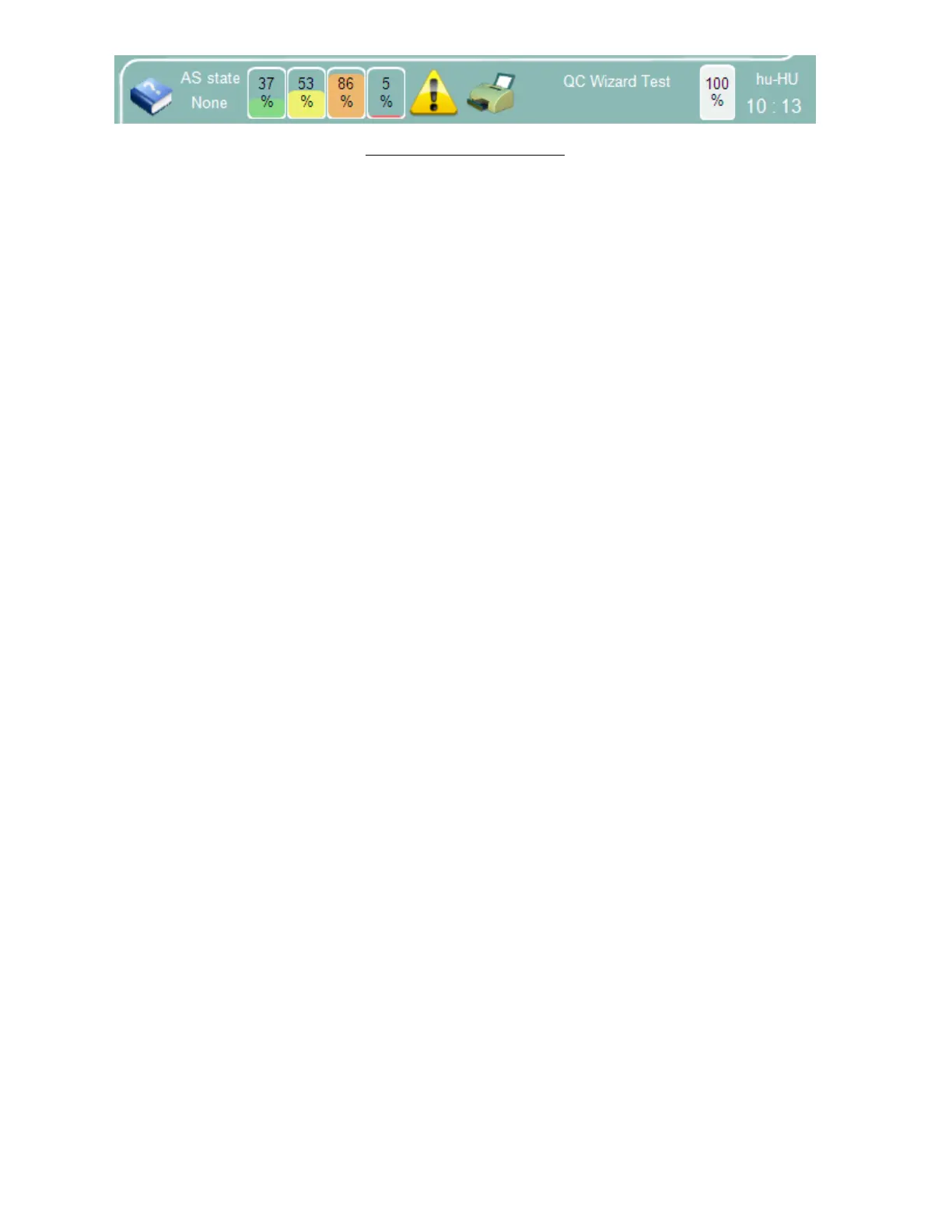
Figure 20. The Status Display
6.6.4 Entering Information
The ‘Abacus 5’ sometimes requires the operator to enter information such as sample ID or patient data. In order to
enter information into a data field simply tap or click on it. The data field will change color to yellow indicating that
data entry is active for that field. Information can be entered using the virtual on-screen keypad or with an optional
external keyboard.
6.7 The Menu System
The graphical user interface of the ‘Abacus 5’ analyzer has primary functions that are accessible directly by means of
icons or controls that are always available to the operator. The ‘Abacus 5’ analyzer also has secondary functions that
are available via two or more taps or clicks through the menu structure, or menu tree.
6.7.1 Primary Menu Items
The following menu items or functions are directly accessible:
Start a manual single tube measurement
Start an automated measurement
Access the database
Initiate printing
Access the main menu
Access the control panel of the Autosampler (opens with double click or tap)
Access the time adjustment panel (opens with double click/tap)
Access the warnings panel (only visible if an error or warning was reported)
6.7.2 Starting a Manual Single Tube Measurement
Tapping or clicking on the ‘Measure’ icon with the single sample tube graphic allows access to the following
functions:
Initiate a primary blank measurement
Make adjustments and settings about the manual measurement:
o Enter the Sample ID (unique or auto-increment)
o Select the associated patient
o Select the sample type or patient mode
Start a manual measurement
View the measurements results in detail:
o View the measured parameters
o View the calculated parameters
o View parameters that are out of the normal range
o View error, warning, or clinical flags
See section 8.4.1 for more information about manual measurements.



 To Next Page