136
20 Troubleshooting
Your ‘Abacus 5’ provides all the necessary software maintenance functions required to keep the analyzer
operating in optimum working order. Despite excellent maintenance, the analyzer can still encounter problems
where operator intervention is required. The ‘Abacus 5’ analyzer software informs the operator of situations
when further help is required. These are called error messages.
The Abacus 5’ analyzer provides additional information in the form of numerical codes that help the operator to
identify the root cause of the error. These error codes are important for service personnel. They can interpret the
messages and take necessary actions.
If you receive error messages with codes, please write them down. If possible, describe what you were doing
before the error appeared. This important information helps your service engineer to help you when necessary.
The software will store and re-display every error message, but it cannot describe the operation you were
performing at the time.
When an error comes up, the software usually attempt to offer a solution, or will try to resolve the problem and
retry the current operation. If this recovery process fails, or the problem continues to occur, please contact your
service engineer.
20.1 Software error messages
If Windows® XP® Embedded operation system errors appear, please accept the error
message and repeat the operation. If additional such error messages occur, please restart
the ‘Abacus 5’ analyzer. At the next service visit, please let the service engineer know
about the problem.
Low level error messages provide status information about the data acquisition system and pneumatic system.
Each error message includes the affected part and the area of the equipment. Check this area and part to find any
irregularities like clogging, mechanical problems or blocked elements. Try to repeat the operation. The system
will try to recover from the failure. If the error continues to occur, please contact your service personnel.
20.2 Pneumatic error messages
The analyzer software is designed to be error tolerant and recover from with minor problems. However, if some
physical obstructions or extreme operating conditions cause some mechanical parts to behave unexpectedly, the
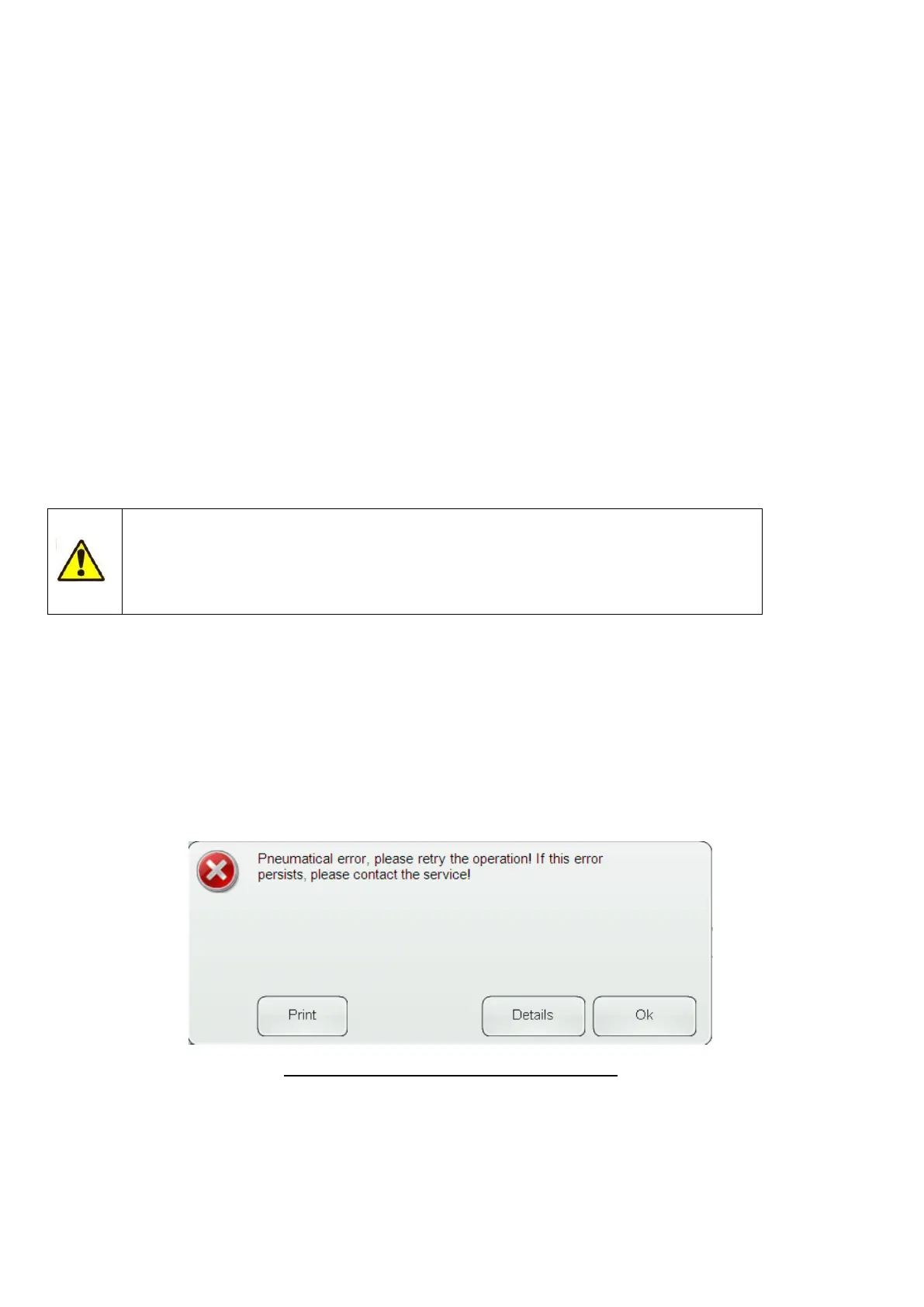
system will give you an error message such as this:
Figure 106. Pneumatical Error Message Example
Clicking or tapping the ’Ok’ button returns and retries the current operation. Clicking or tapping the ’Details’
button provide youo with further informaion abou the error. It will describe additional conditions of the failure.
The numbers in the second row are important for the service engineer.



 To Next Page