58
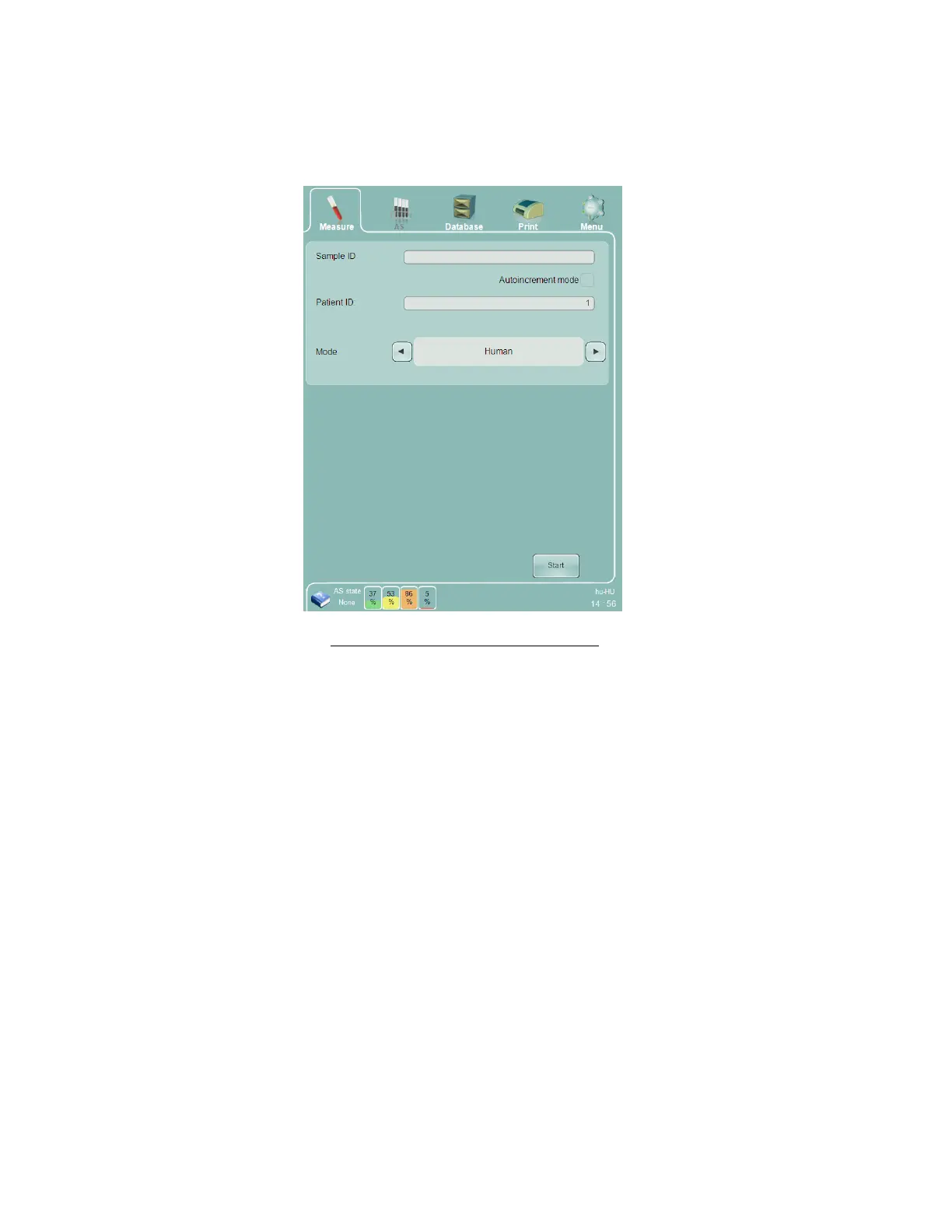
o Human blood modes: Human, Male, Female, Alternate 1, and Alternate 2. Select the mode which has
the appropriate normal ranges. NOTE: Alternate 1 and Alternate 2 are sample modes that are
different than Human, Male and Female, and have user-definable normal ranges.
Start the measurement by clicking or tapping the ‘Start’ button on the screen or by pressing the physical
‘Start’ button located on the front panel of the ‘Abacus 5’.
Figure 31. Sample Measurement Panel
After starting the measurement the sample door rotates and takes the sample tube inside the ‘Abacus 5’ analyzer.
This is a key safety feature of the ‘Abacus 5’ and protects the operator from the sample needle during routine
operation. The Start button changes color to red to indicate that the system is busy processing the sample. The
sample is aspirated inside the analyzer and returned to the operator when the sampling process is complete. As soon
as the measurement results are available the result screen is displayed. See section 1 for more information about the
results screen.



 To Next Page