60
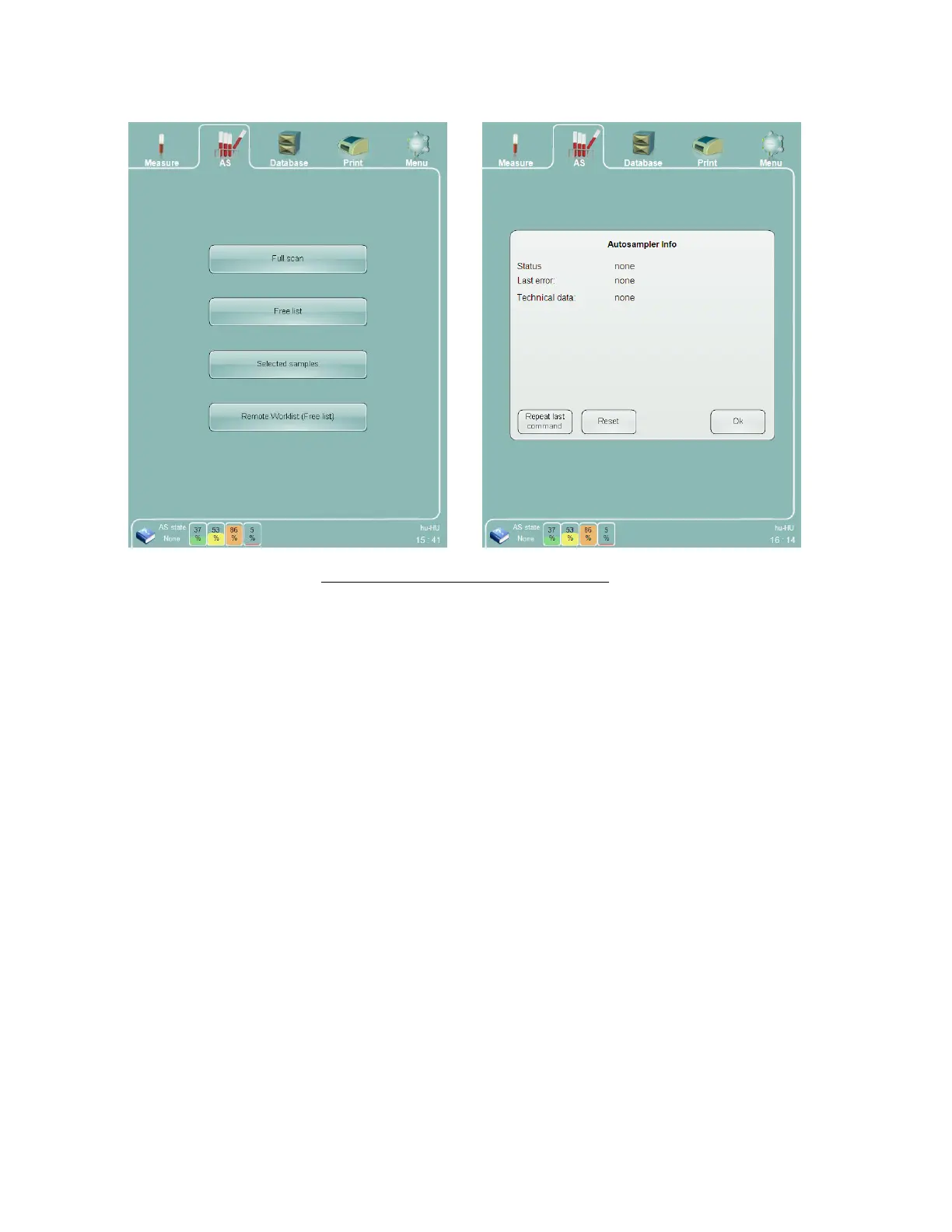
Open the AS panel by using the “AS” quick link at the top of the screen.
Figure 33. Autosampler Info and AS Panel
From the AS panel, you can initiate automated sample measurement in 3 modes:
Full Scan mode:
o The Autosampler will scan the whole sample tray
o The same sample mode (Human, Male, Female, Alternate 1, Alternate 2) will be used for all the
samples (NOTE: Alternate 1 and Alternate 2 are sample modes that are different than Human, Male
and Female, and have user-definable normal ranges)
o The sample ID is generated from the sample tube barcode (if available)
o It is not possible to assign a patient to automatically processed samples. The default patient will be
used for all samples.
Free List mode:
o The samples are defined in a list.
o The following parameters can be individually defined per sample:
Sample ID
Patient
Sample mode
o The samples should be placed in the same order in the sample tray as the samples defined in the list.
o Empty sample positions will be skipped on the sample tray.
Selected Samples mode:
o A sample can be defined for each position on the sample tray.
o Only defined samples positions on the sample tray will be processed. Additional samples will be
skipped and missing samples will be marked for later review.



 To Next Page