87
10.8.3 Export
The database export panel allows you to select a directory location to store records in a selection for backup or
reference purposes. To back up all records in the database, first use the select by function to select all records in
the database and export them using the export function.
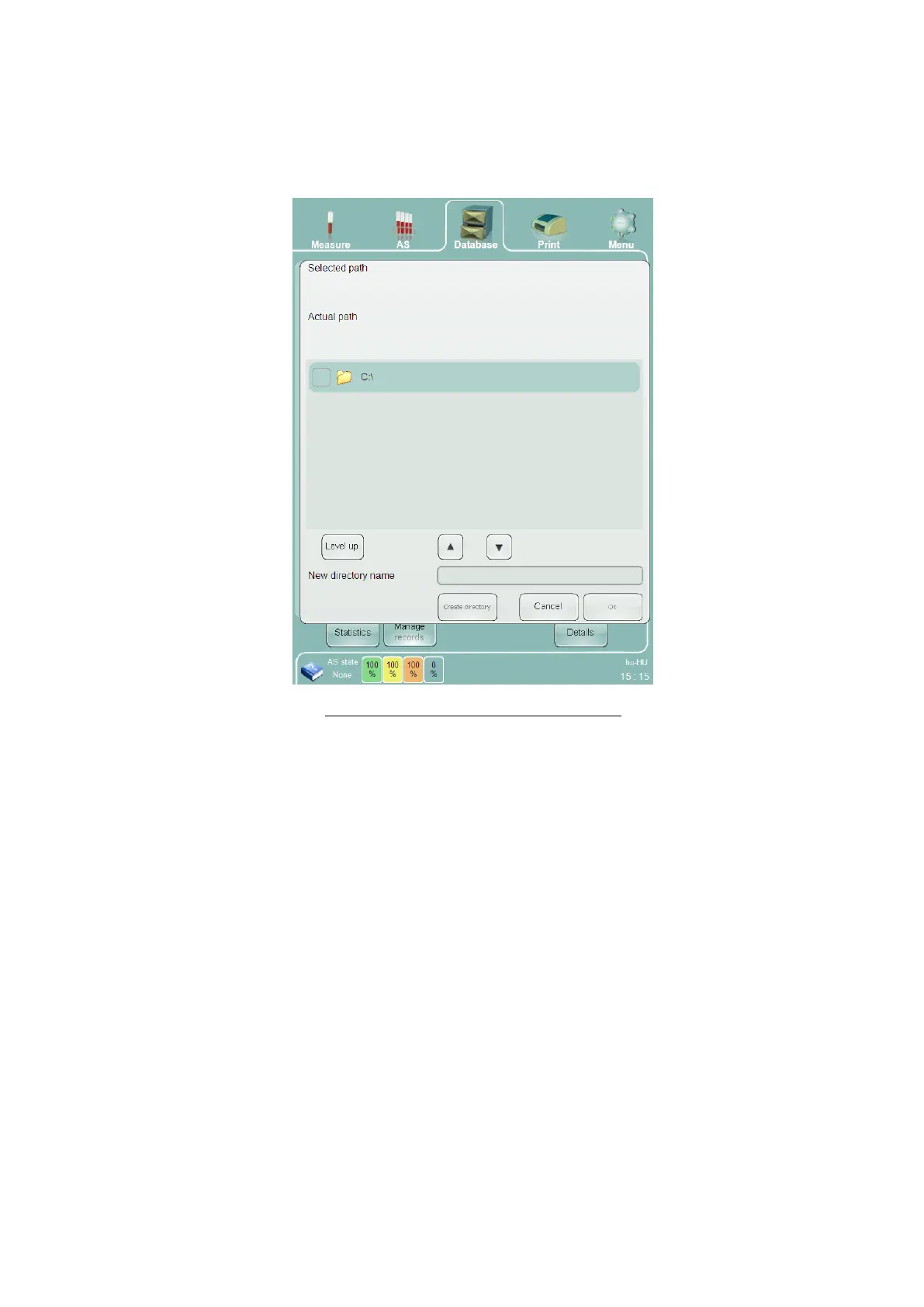
Clicking or tapping the ‘Export’ button displays the database export panel.
Figure 58. Directory Panel for Data Storage
Introduce a USB storage device (USB hard drive, memory stick, etc.) into an available USB port on the back panel
of the ‘Abacus 5’ analyzer. Select the directory to store the exported data and press the ‘Ok’ button to start the
export.
The file format of exported data is an internal format, and can only be read and interpreted by the ‘Abacus 5’
analyzer using the Import function. Each database record is stored as an individual file with an ‘.rp’ extension.
10.8.4 Send to LIS
The ‘Send to LIS’ button immediately transmits selected database records to the external LIS according to your LIS
settings.
10.8.5 Save Tab File
The Save tab file function is used to archive database data to a tab separated text file. The ‘Save tab file’ button
displays a directory panel like Figure 58, except that the file saved in the selected location is a tab separated text
file rather than a database backup file. Tab separated text files can be loaded and viewed by a text editor or
imported into spreadsheet software.
The filename created by the Save tab file function is generated automatically in the following format:
TAB_YYYYMMDDHHMMSS.txt with the year, month, day, hour, minute, and second of the time when the
operation started.



 To Next Page