105
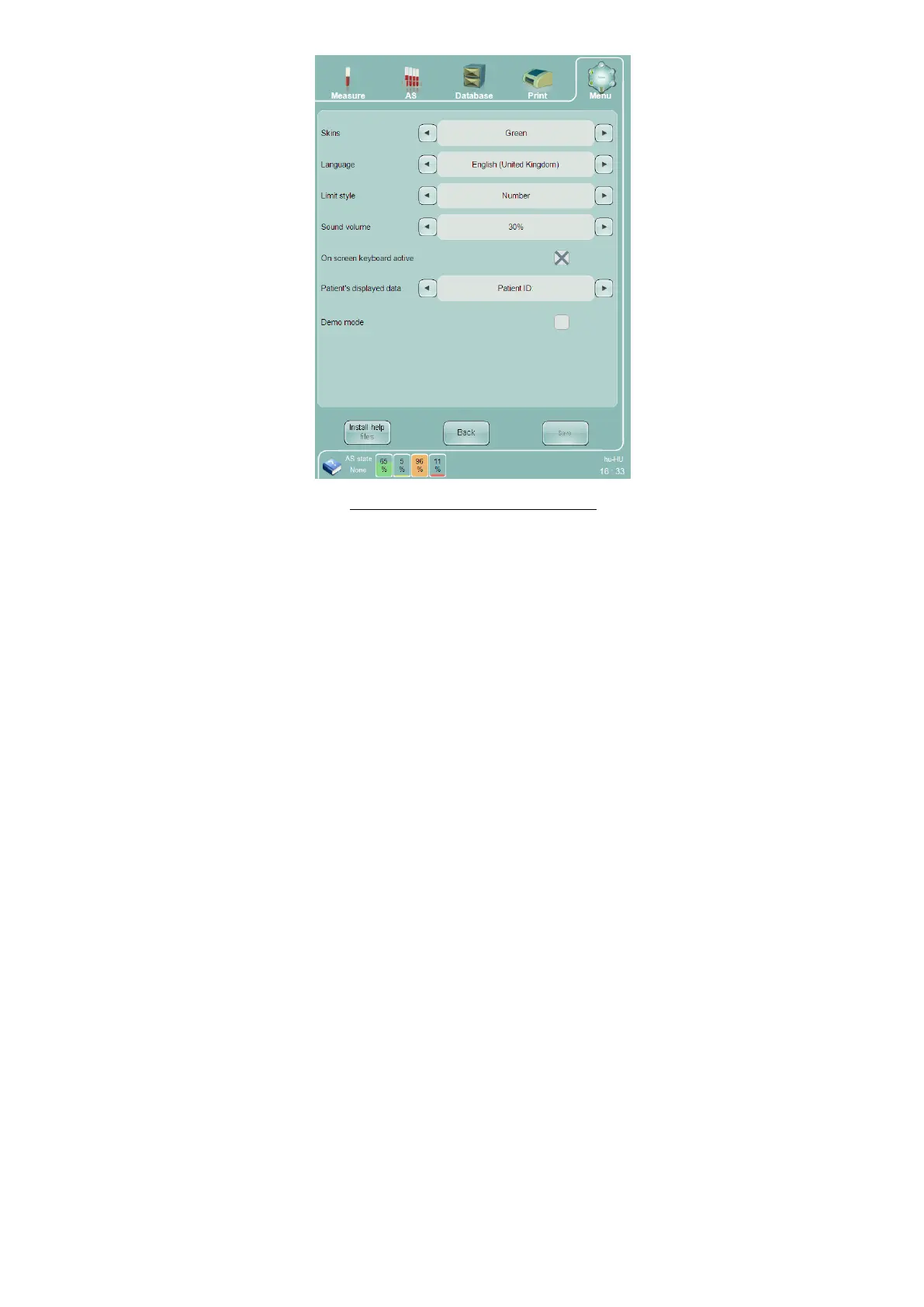
Figure 76. Customize Settings Panel
On the Customize panel, you can change the following settings:
Skins – By changing the ‘skin’ the appearance of the menus, GUI elements will change. The ‘skins’ has no
effect on the behavior of the ‘Abacus 5’
Language – select the language that the ‘Abacus 5’ analyzer user interface uses to communicate with the
operator. Only English (United States) is available in the US version of the ‘Abacus 5’ analyzer.
Limit style – select Number, Graphical1, and Graphical2 display modes to change the display method for
parameters outside the normal ranges on the result screens and printed reports.
Sound volume – modify the sound volume up or down
On screen keyboard active – Select whether to use the on-screen virtual keyboards for displaying
information, or an external keyboard.
Patient’s displayed data – choose Name or Patient ID as the patient identifier displayed in the
Measurement panel.
Demo mode
15.2 Laboratory Settings
The Laboratory settings panel allows entry of seven lines of text up to 50 characters of descriptive information
about the laboratory such as laboratory name, address, etc. All non-empty lines are displayed at the top of every
result printout.
15.3 External Devices
The External Devices panel allows entry of external LIS settings. The ‘Abacus 5’ analyzer supports external LIS
communications over a serial communications link using the Diatron version 3.1 protocol. It also supports an
Ethernet communications link over the HL7 version 2.5 protocol.
The External Devices panel lets you change the following settings:
Sending port baud rate – select 9600 or 115200 baud for serial LIS connection.



 To Next Page