116
34.0 to 38.0C
(LSDACQ v3.1)
Table 19. Self Test Item Limits
If any of the values falls outside the above limits, the software will list the errors on the self test report screen.
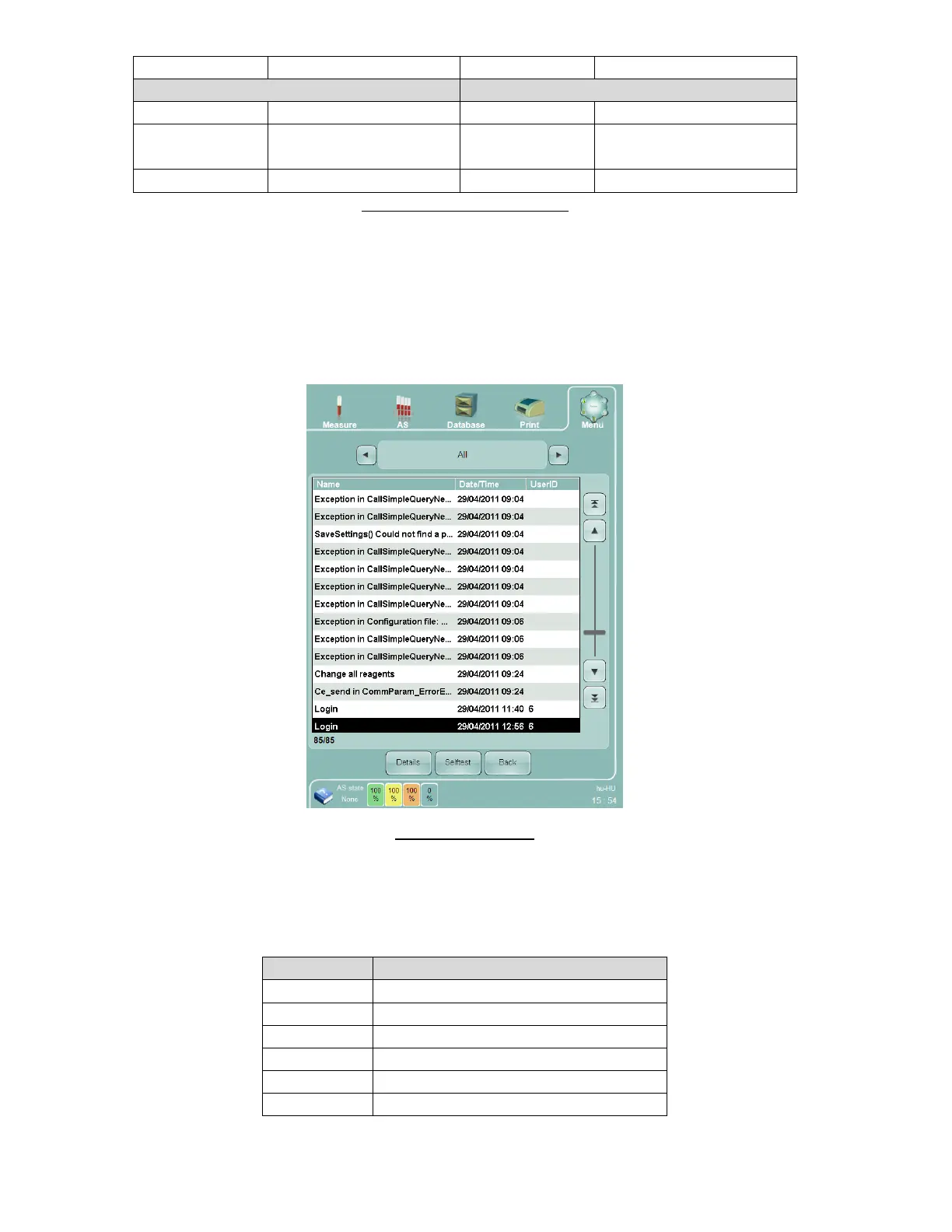
16.2 Log
The system log provides information for service or troubleshooting purposes. It lists events and possible problems
related to operation or measurements. It also lists routine events such as logon. If the multi-user mode is enabled,
the user ID of the operator that is logged at the time an event occurs will also be stored with the log entry.
Figure 87. Log Panel
The selector at the top of the panel filters the log entries according to the following categories:
Displays all log entries, no filter
Displays only error log entries
Displays only pneumatic system errors
Displays only software system errors
Displays only user-related log entries
Displays only system action log entries



 To Next Page