51
If the ‘Abacus 5’ is powered off without a proper shutdown or prepare for shipment
procedure, the following may occur:
The pneumatic components may lock in an undefined state. The next startup and
pneumatic initialization may take longer with increased reagent consumption.
The ‘Abacus 5’ application software and/or the Windows® XP® Embedded
operating system can suffer damage or data loss.
The ‘Abacus 5’ analyzer may have to be restarted by a service engineer after an
improper shut down or power off sequence.
The ‘Prepare for Shipment’ procedure should be used for following reasons:
The reagents may spill out if the ‘Abacus 5’ is tilted, potentially causing electrical short circuit or corrosion.
Reagents can flow out of the ‘Abacus 5’ if the reagent intakes are disconnected.
Evaporation may cause reagents left in the pneumatic components in the ‘Abacus 5’ analyzer to become
concentrated and form crystals that increase blank results, damage pneumatic components, and may require
a service engineer to restore proper operation.
Microbial growth may occur if reagents are left in an inactive analyzer for extended time periods, causing
high blank results and may require a service engineer to restore proper operation.
Accidental storage at very low temperatures may cause freezing that damages the pneumatic components.
It is strongly recommended that the ‘Prepare for shipment’ procedure be used if the analyzer will be inactive for
more than five days. Higher temperature or lower humidity decreases the period of time the ‘Abacus 5’ can be idle
without performing the ‘Prepare for shipment’ procedure.
The analyzer will guide you through the preparing for shipment process. This process takes about 30 minutes and
requires the following items:
“Prepare for shipment” tube set included with your ‘Abacus 5’ analyzer
Distilled water
After initiating the ‘Prepare for shipment’ procedure the system will prepare itself for the draining process. Do not
power off the analyzer during these steps unless the system indicates that is safe to do so.
Step 1: The analyzer will ask you to disconnect the reagents from the reagent connectors on the back panel except
for the waste connection. Leave the waste container tubing connected to the analyzer. The system will drain all inner
reagent buffers throughout the pneumatic system. This step takes approximately 9 minutes. Do not turn the analyzer
off during this step.
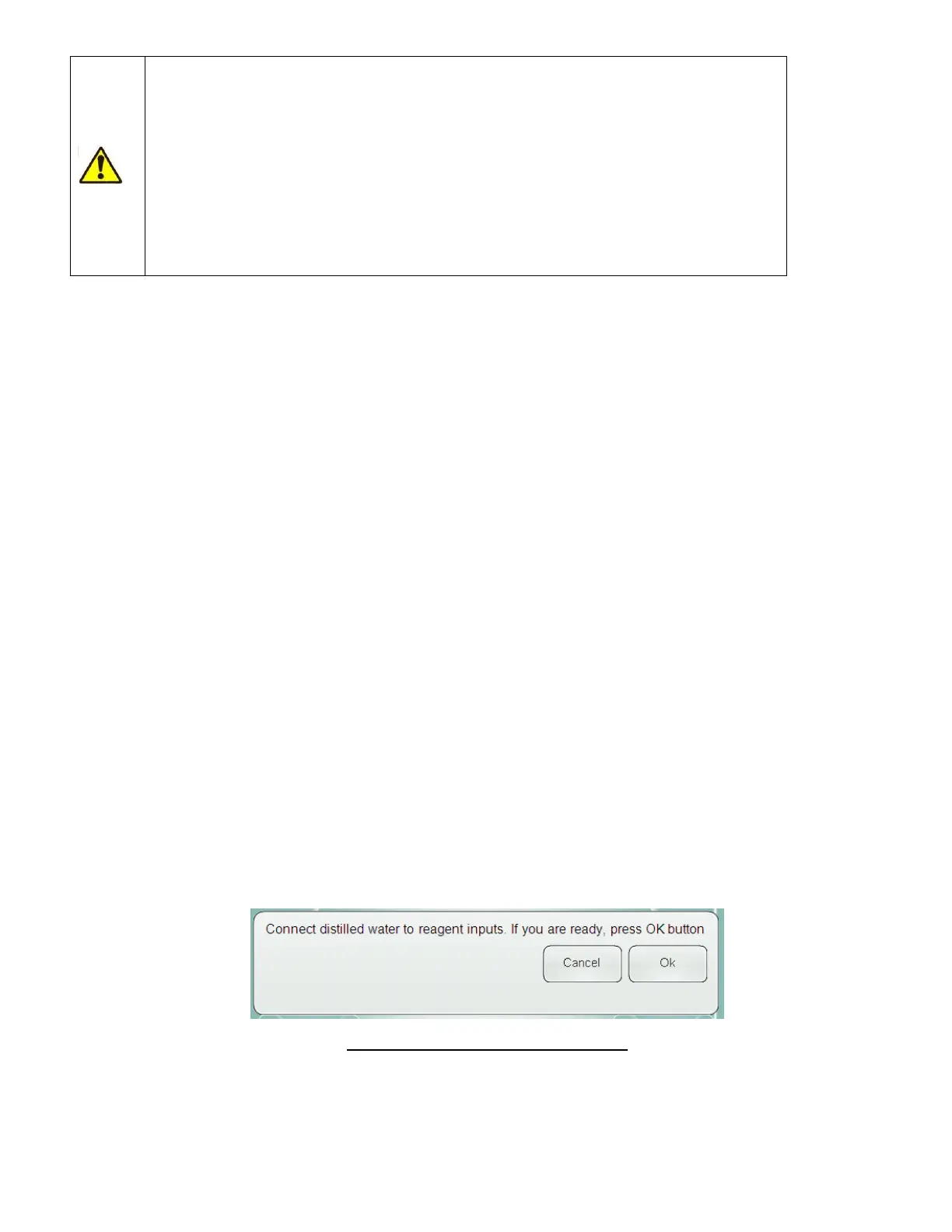
Step 2: The instrument will ask you to connect distilled water to the reagent inputs.
Figure 27. Connect Distilled Water Panel



 To Next Page