102
14.3 Deleting or Changing Users
Anyone with a valid administrator account can delete administrator or regular delete users. Regular users do not
have privileges to create or delete users. To delete a user, log on with a valid administrator account user ID and
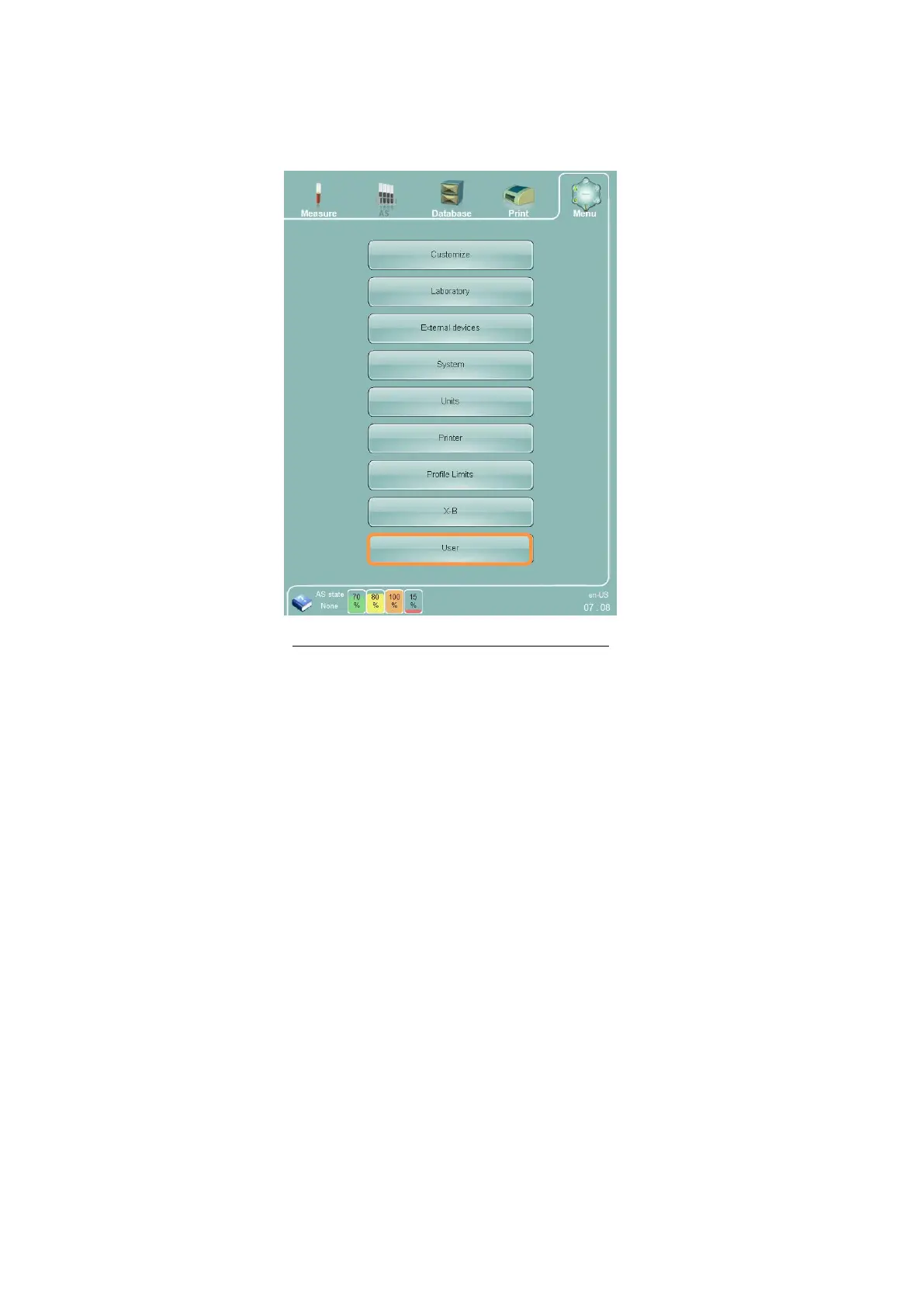
password, then click or tap the ‘Menu’ button at the top of the screen, then click or tap the ‘Settings’ menu item.
Figure 72. Settings Panel (Administrator User)
Click or tap the ‘User’ button to access the user management panel. Select the user you want to delete and click
or tap the ‘Delete user’ button. Click or tap the ‘Yes’ button when asked to confirm the deletion of the selected
user.



 To Next Page