Chapter 5
5-20
5.3.11 Machine Control .................................................................
The icon showing two green arrows represents Machine Control Messages.
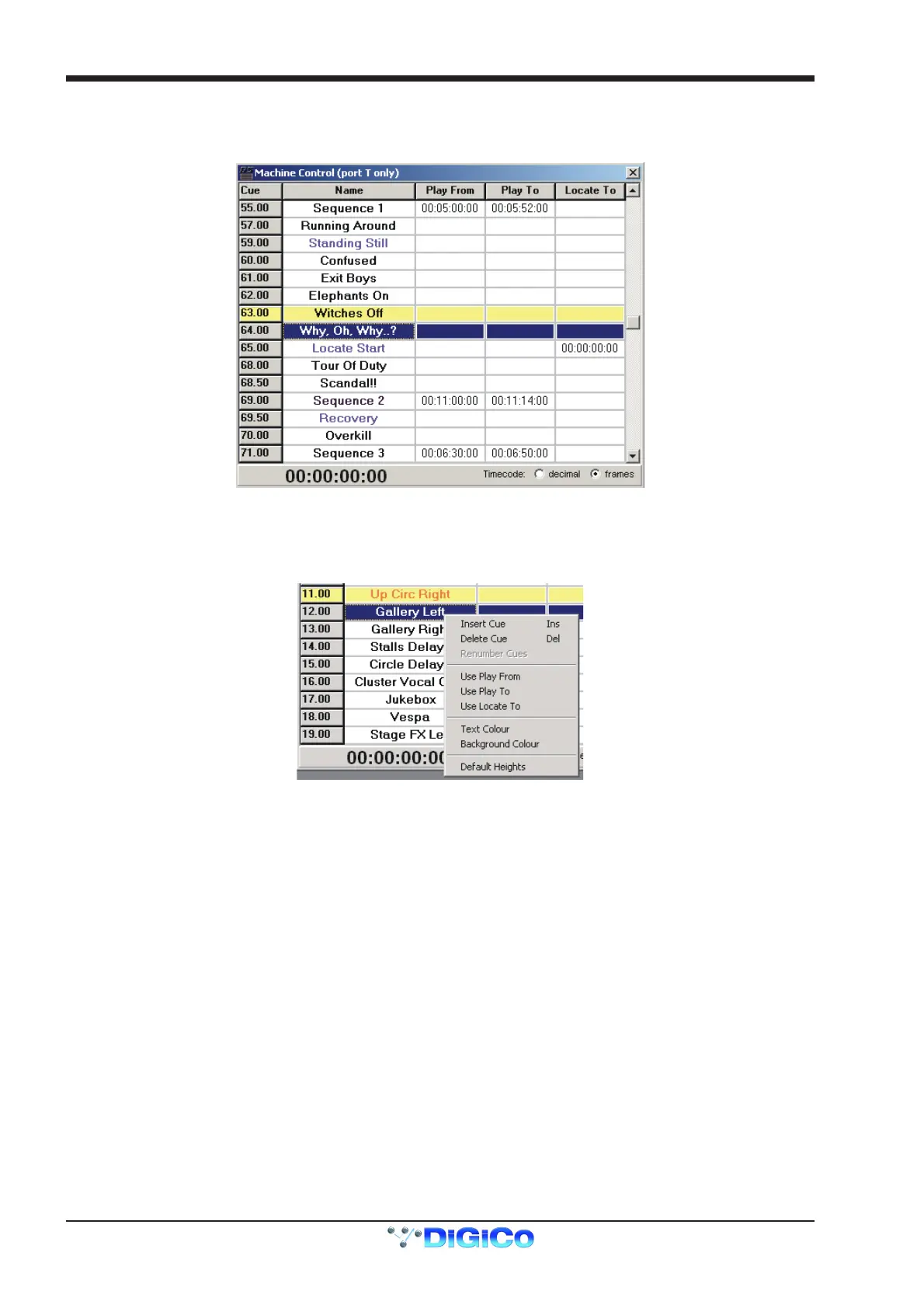
Each cue can send combinations of Play From, Play To and Locate To commands.
The simplest method of inserting these commands into a cue is to right click on the cue's row and select the required command from the
drop down menu. This will insert a value of 00:00:00:00 into the relevant column and this can then be edited by clicking in the box and
typing.
The other commands in this menu are the same as those in the Cue List window.



 To Next Page