Chapter 2
2-25
FAD=channel fader positions
PAN = L/R and F/B pan or balance, Sub and Divergence levels and switches
GRP = Group routing buttons only
Channel mutes and control group membership are always included.
Direct Outputs and Insert Sends can only be fed from one channel at a time and therefore their routing is not copied. Stereo channels will
be copied as long as sufficient audio processing (unrouted channels) is available, otherwise they will appear as mono.
2.4.7 Duplicate Channel ................................................................
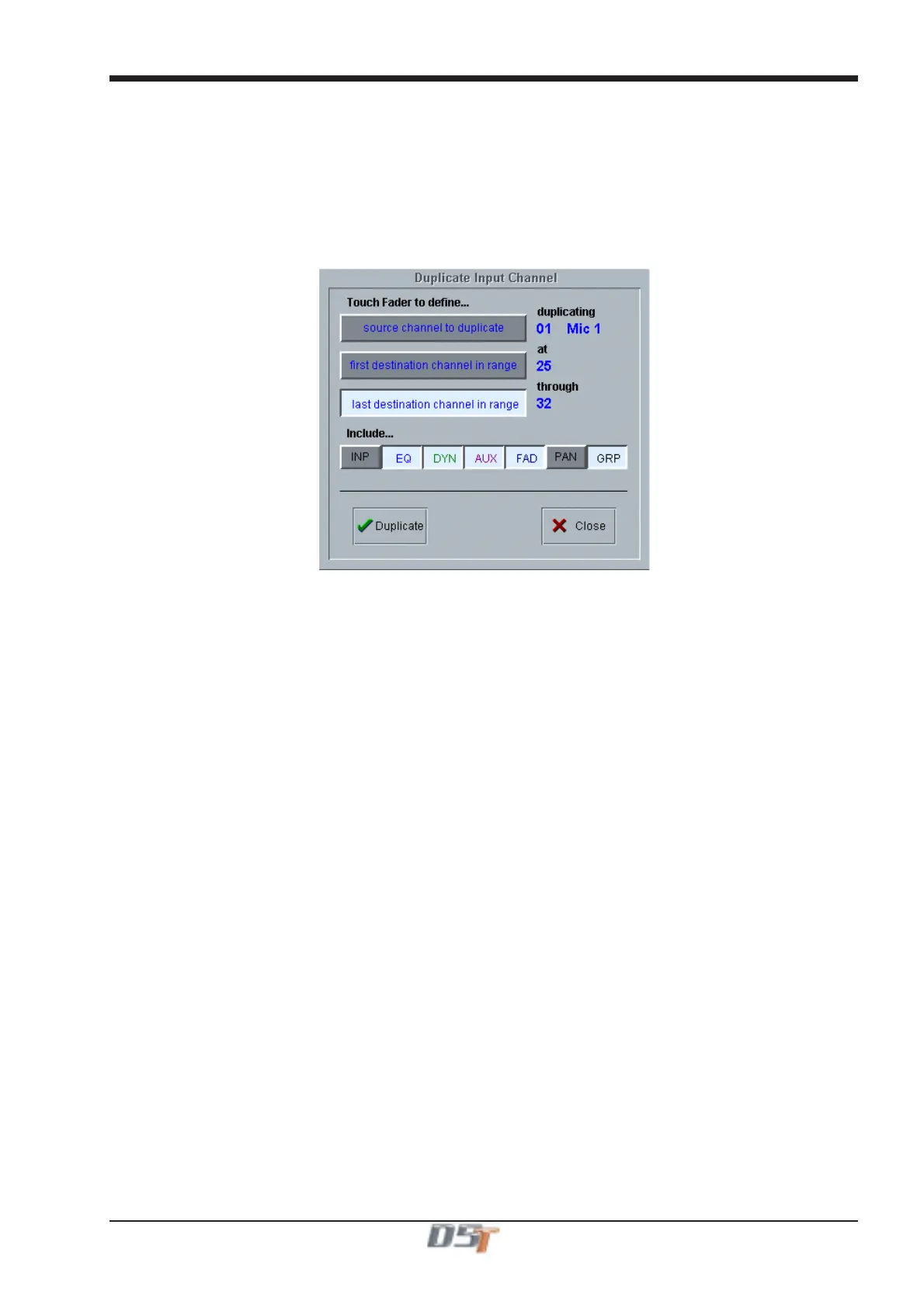
Where Copy Channels only duplicates each of a block of channels once, the Duplicate Channel panel allows a single source channel to be
copied into several destination channels, duplicating the source several times.
Touch a fader to define which channel will be duplicated and then touch two more channels to define the destination range. The source
channel will be duplicated into each channel in the destination range.
Scope is applied in the same way as with Copy Channels (See previous section).



 To Next Page