Chapter 2
2-21
In a similar way, if one gang members group routing is changed, the other gang members will all be routed to the same group.
NOTE: The following controls are not affected by changes to other gang members:
Channel and Aux Pans
Sub Feed Modes
Input Phase buttons
Solos
All other controls are affected by changes to other gang members including;
1) Presets
If a preset is selected for one gang member it will load into all the other gang members as well.
2) Socket Routing Buttons ie. Input source, Direct Out and Insert Send / Return.
2.4 Layout
2.4.1 External Screens ..................................................................
Each of the console's worksurface screens have an equivalent SVGA video output on the back of the console and therefore any of the
input screens can be duplicated to an external colour monitor. Input screens are 640 x 480 resolution
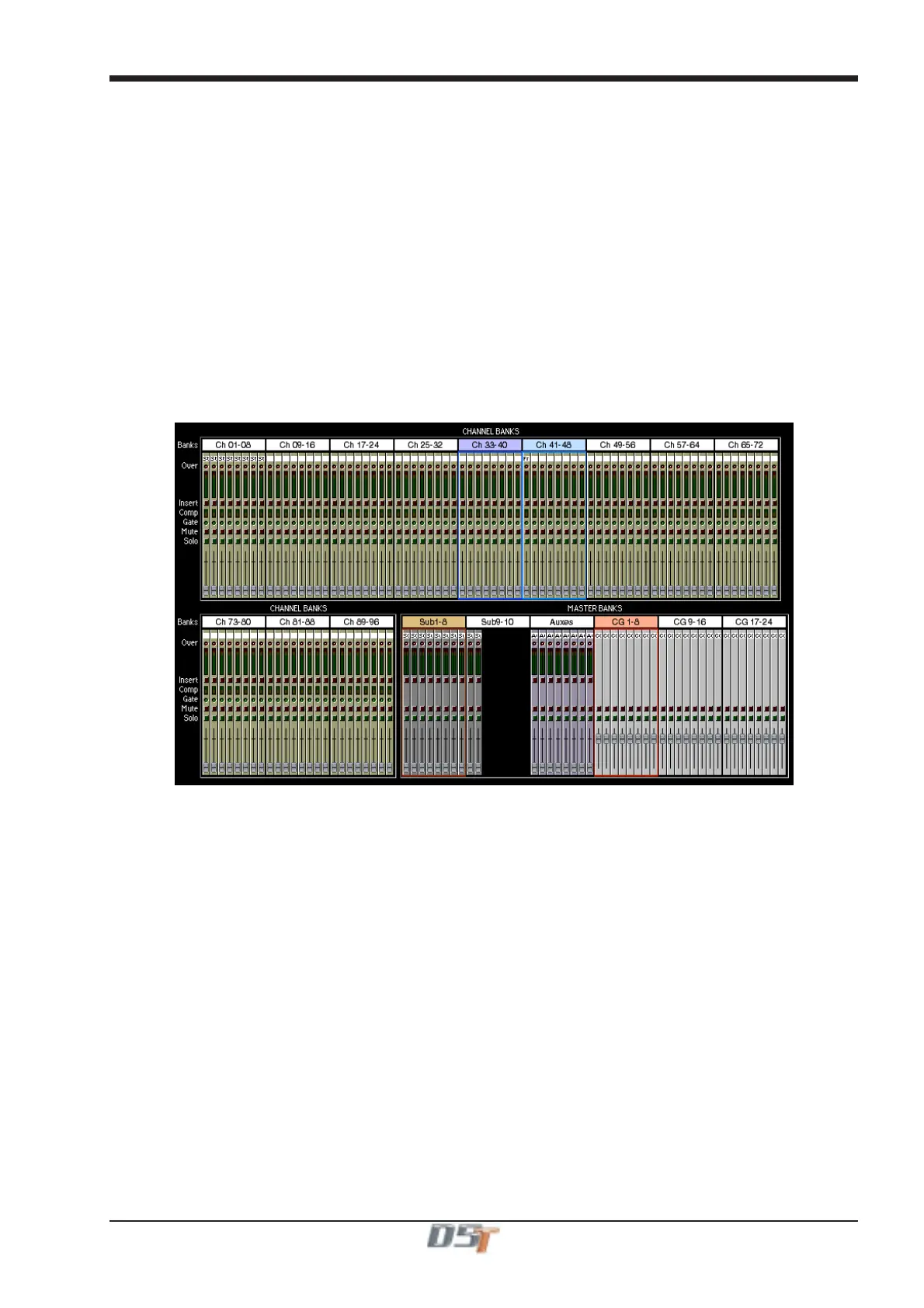
There is also an output for an Overview screen and this can be customised to show different combinations of the console's controls using
the functions in the Layout menu. It is recommended to use a 1280 x 1024 resolution for greatest flexibility. The monitor should be Plug N
Play compatible.
Each channel displays the essential meters, switches and fader, which may be operated with the trackball if required.
Coloured rectangles surround the channels which are currently assigned to the worksurface: magenta for the Input Banks and red for the
Master Banks.



 To Next Page