7-4
Chapter 7
7.1.2 Effects and Routing .............................................................
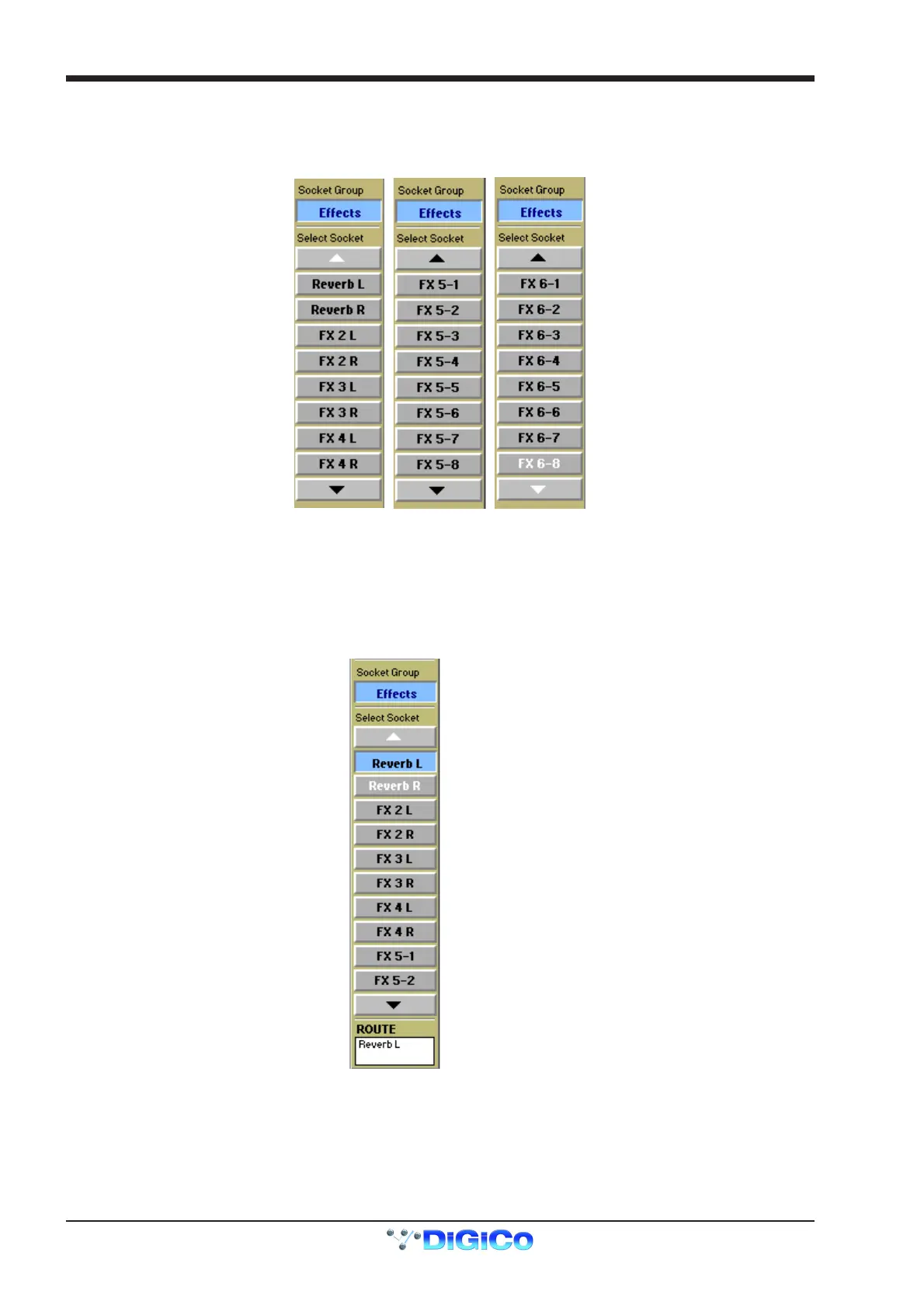
Signals can be routed to the effects modules from Direct Outputs, Insert Sends, Auxiliary Outputs and SubGroup Outputs. An output
routing Socket Group named Effects which contains the list of all the effects modules' inputs appears in the output socket routing panel.
In a similar way, the returns from the effects modules appear in a signal group named Effects in the input socket routing panel.
This group contains left and Right sockets for FX 1 to 4 and 8 sockets each for FX5 and FX6. Therefore FX5 and FX6 can be used for
output processing on stereo or surround busses.
7.1.3 Effects and Auxiliaries .........................................................
Touch the relevant auxiliary bus on the Master Screen to open it and then touch the Routing box beneath the meter to show the output
socket routing.
Select the effects socket group and then the output which you require eg Reverb L
Note: If the auxiliary is stereo, selecting Reverb L will automatically route the left and right signals to Reverb L and Reverb R.
To Effects



 To Next Page