A-7
Appendix A
A.8 Global Safe and Mute Buttons ..............................................
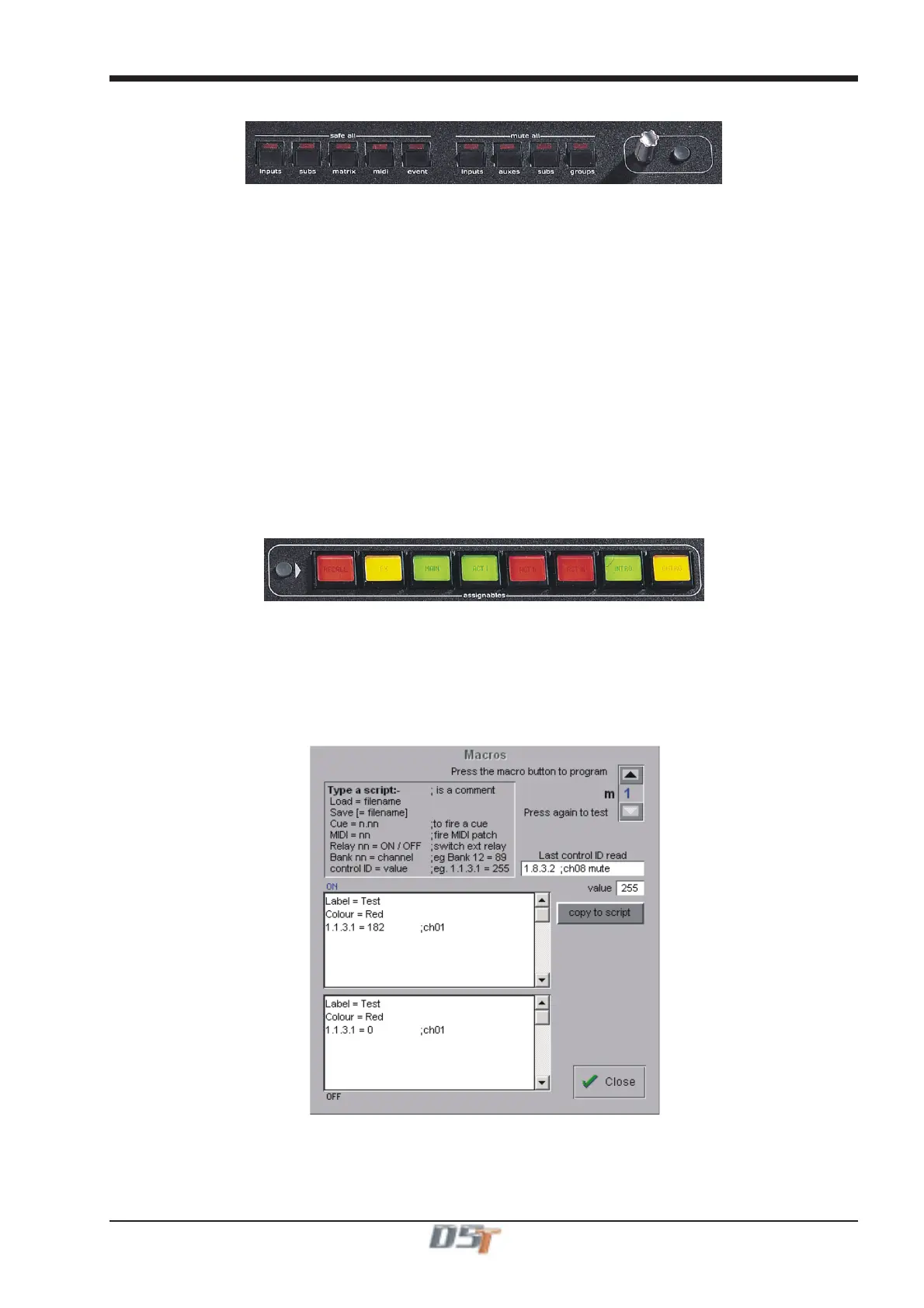
The Safe All buttons allow groups of controls to be made globally Safe from all cues with a single button press. Options are:
All Input channels.
All Sub Groups.
All Matrix outs.
All MIDI events.
All Relay events.
The Mute All buttons allow groups of controls to muted/unmuted with a single button press. Options are:
All Input channels.
Important Note:
When the Mute All Inputs button is pressed, all the input channels will be muted but when it is pressed a second time to
unmute the input channels the result will be that the current cue's mute status for each channel is recalled.
This may mean that not all the channels are unmuted and if there is only one default cue in the list which has not yet been
edited, it will appear as if the unmute function is not doing anything at all.
All Auxiliaries.
All Sub Groups.
All Matrix outs.
The switch and rotary controls situated next to the Mute All buttons duplicate the D5T main worksurface Touch and Turn controls and
can be used to control Matrix sends and Effects parameters.
A.9 Macros .....................................................................................
The eight programmable Macro buttons on the TC will initially appear unlit. The colour and labelling of the buttons is part of the script
used to program the button.
Press the black worksurface switch next to the buttons or press the on screen Layout/Macros button to open the following panel.
In the example below you will see that for Macro Button 1 (selected top right) there are two scripts, one for its ON state and one for its
OFF state in the two text boxes.
The syntax Label = "Test" and Colour = "Red" is used in both text boxes to keep the state of the button the same in both its ON and OFF
positions. Obviously different text can be entered for the ON and OFF states and the colours can be chosen from the following list.
Green, Red, Orange or Yellow or any of these colours preceeded by the word Dim eg Dim Green, Dim Orange etc.



 To Next Page