B-9
Appendix B
There are several significant things to note in the above Console Configuration panels.
1) As these panels represent the Main console and its Redundant Engine, the configurations should be identical in most repects.
NOTE: The hardware configurations will not differ as although the Redundant Engine doesn't actually have a worksurface, it behaves as if
it has and therefore on earlier models of RE the Worksurface warning light on the Master Screen will appear to show an red error light.
This is not an indication of a real problem and the software is currently being amended to address this issue.
2) Elements that should not be identical are:
a) The console IP Address which should be unique to each device but only differ in the last of the four numbers (The number after the last
dot):
In the example above the Main console = 192.168.2.70 and the Redundant Engine = 192.168.2.75
These IP Addresses are assigned to the consoles and engines at the factory and should not be changed unless two devices in the same
system have the same address.
b) The console Optocore ID which should be unique to each device in the system that is connected to the optical loop (Settings on the TC
and RC are not significant).
Console Optocore ID's should be as follows:
FOH Main Console = 20
FOH Main Console's Redundant Engine = 21
Monitor Console = 22
Monitor Console's Redundant Engine = 23
B.2.4 Consoles and Racks Panel .................................................
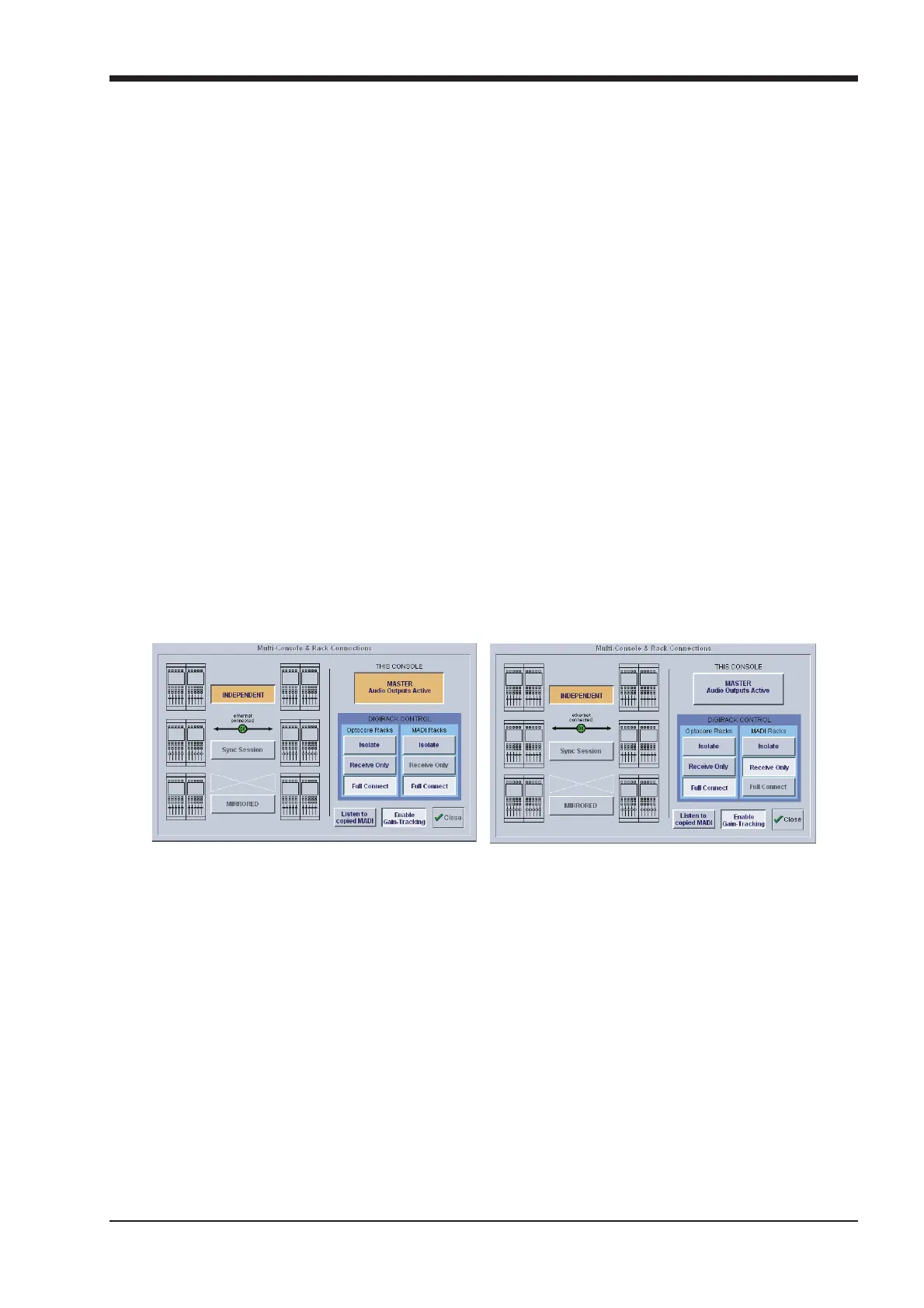
If the system has been defined as consisting of more than one device, the Consoles & Racks panel will automatically open on boot up or
load session.
This panel can also be opened from the System menu.
If the crossed Ethernet cable or Ethernet switch has been connected, then the Ethernet Connected line should show a green OK light
and not a red cross.
The initial state will have no connection between the devices (Independent) or the racks (Isolated) and the panel appears in order to
prompt the operator to make the necessary connections.
In this state, any gain adjustments made on the console will have no effect as the racks will not be receiving any data.
The console’s MASTER Audio Outputs Active button will normally be highlighted in orange to show that it is the master responsible for
audio processing at this time.
The same button on the Redundant Engine should not be highlighted at all.
The MADI Rack’s connect states Receive Only and Full Connect are enabled/disabled and set according to the Audio Master active state
– an inactive engine cannot output to a MADI rack.
Main Console Redundant Engine, Mirror Console or Remote



 To Next Page