Chapter 2
2-8
To Recall an existing channel preset, simply touch the preset you want. If the preset is not visible, you can touch the vertical arrows to
scroll the list up or down. The preset settings are implemented in the channel as soon as you touch it.
To store the current channel settings as a New preset, touch the New button, then type a name for the new preset.
To Replace an existing preset with the current settings, touch the Store button, then touch the name of the preset you want to overwrite.
To Rename an existing preset without changing its settings, touch the Rename button, then touch the preset you want to rename, and
type the new name.
Note: If a preset is renamed, it can be given a different name from the channel label itself. It is the channel label that Live Update uses to
determine whether to update Aliases and therefore it is recommended that to avoid potential confusion, Presets that are used as Aliases
are not renamed and therefore retain the name of the channel label.
To Delete a preset, touch the Delete button, then touch the name of the preset you want to delete.
The Default button forces all controls on the channel to their default settings. This will normally mean flat EQ, inactive dynamics, central
pan, Aux sends at zero, and fader at 0dB.
The Close button removes the Preset Selector from the screen, but has no direct effect on the channel settings.
Gain, Phase and Delay
When the Input module is expanded, the rotaries and switches in the Lower Row of input bank controls (immediately below the channel
display) control the Delay settings for mono channels or Input Balance and Delay for stereo channels.
In addition, Gain and Phase adjustment is always available using the controls above the Inputs Screen.
The Input Gain control provides a basic level trim. If the input source is an analogue input socket, the Gain setting controls the analogue
amplifier which sets the incoming signal level before conversion to digital. The Phase switch allows +/- phase settings.
On mono or stereo channels you can use the Delay control to delay the input signal by up to 240ms. On a mono channel, pressing the Set
0 button sets the delay back to zero.
2.2.2 Equaliser Module .................................................................
The EQ module comprises four user-configurable parametric filters.
There is also a pair of swept High-pass and Low-pass filters. If the EQ module is not expanded, the EQ can be switched On or Off with
the In / Out button above the EQ graph
To expand the EQ Module for a channel, first select the channel, then touch the channel's EQ graph. To hide the module again, touch the
expanded EQ graph.
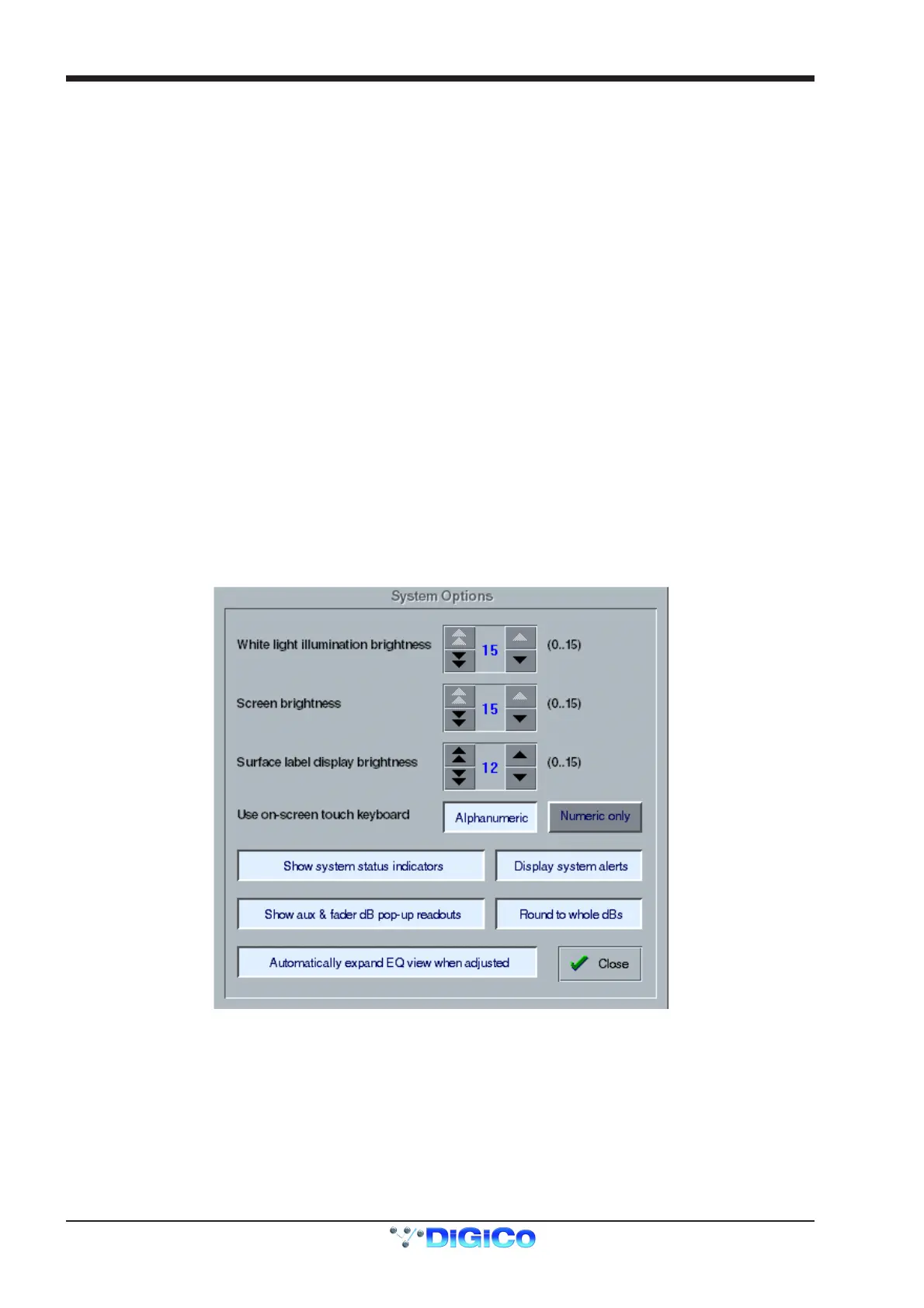
Note: The EQ panel can be expanded automatically when an EQ control is adjusted by setting System Menu / System Options:



 To Next Page