91
18-6. Ancillary Data
The switcher allows you to substitute or blank the ancillary data in the Program (Clean) and
Preview video. The current ancillary data in the video stream are once cleared and then the
substitute data is inserted, if set in the menu. Where the substitute data comes from can be
selected in the [SETUP-OUTPUT- ANCI] menu.
The switcher can be also set to pass or blank the ancillary data in the AUX outputs.
Ancillary data in input video cannot be passed through if FS (input frame synchronizer) is
set to ON or RESIZE is enabled. To pass ancillary data, input the video synchronized with
the genlock signal and set FS to OFF. Be sure to that ancillary data in SD inputs cannot be
used when the switcher operates in HD mode.
18-6-1. PROGRAM (CLEAN) Output
The procedure below shows how to set to blank or substitute the ancillary data by using the
[SETUP-OUTPUT-ANCI] menu.
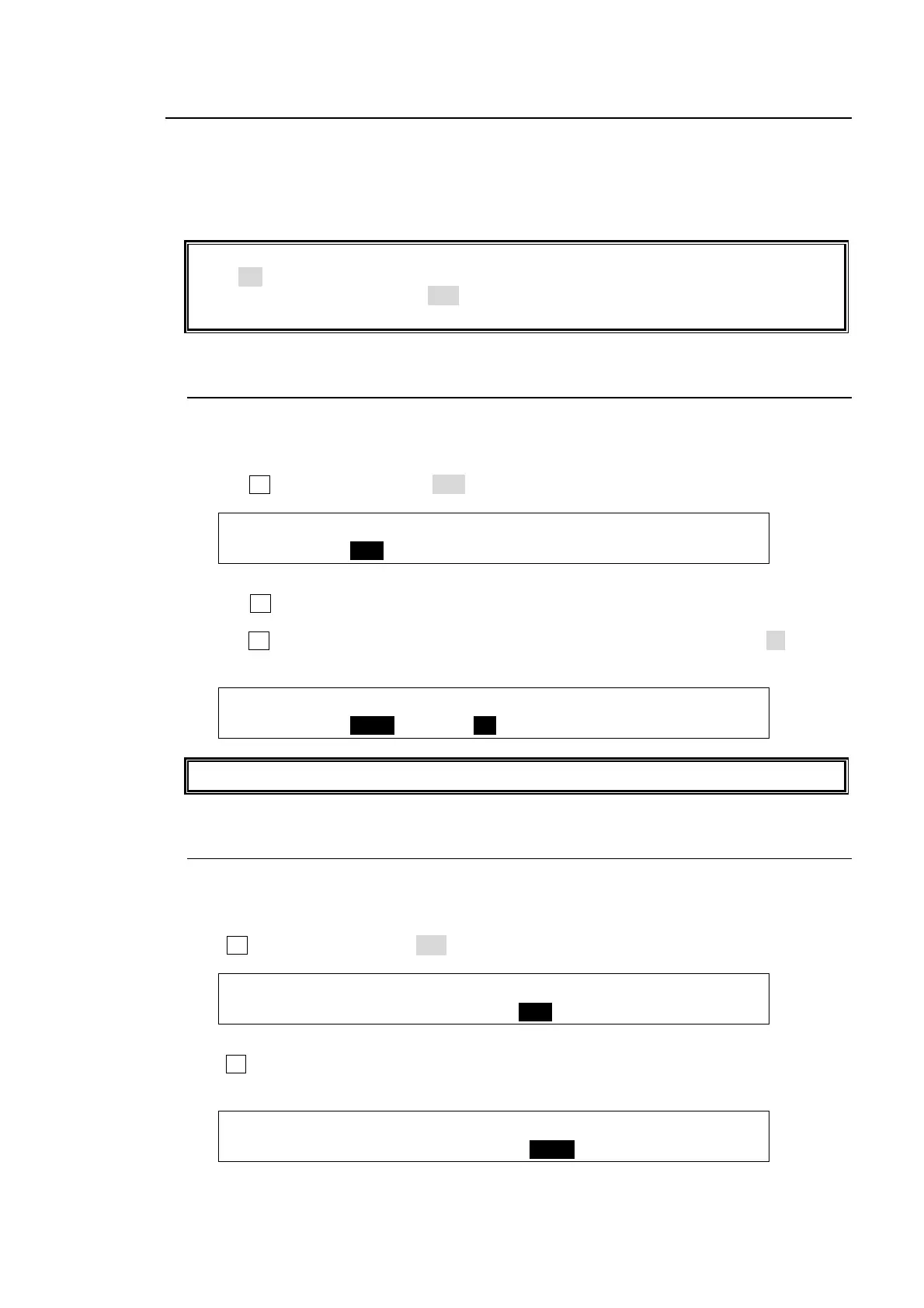
Setting to Blank the Ancillary Data (Default setting)
Turn F1 to set PGM SWAP to OFF.
OUTPUT : PGM SWAP :PREV SW: : 1/1
ANCI : =OFF Lv=50: =OFF : :
Selecting the Substitute Ancillary Data
Turn F1 to specify where the ancillary data to be inserted comes from. The options are
AUX1, AUX2 and AUX3.
Turn F2 to select the point where the new data is inserted from 1-100. If set to 50, the new
data is inserted at the halfway point of the transition.
OUTPUT : PGM SWAP :PREV SW: : 1/1
ANCI : =AUX1 Lv=50: =OFF : :
The same ancillary setting for PGM is applied for CLEAN output.
18-6-2. PREVIEW Output
The procedure below shows how to set to pass or blank the ancillary data by using the
[SETUP-OUTPUT-ANCI] menu.
Setting to Blank the Ancillary Data (Default setting)
Turn F3 to set PREV SWAP to OFF.
OUTPUT : PGM SWAP :PREV SW: : 1/1
ANCI : =OFF Lv=50: =OFF : :
Selecting the Substitute Ancillary Data
Turn F3 to specify where the ancillary data to be inserted comes from. The options are AUX1,
AUX2 and AUX3.
OUTPUT : PGM SWAP :PREV SW: : 1/1
ANCI : =OFF Lv=50: =AUX1 : :



 To Next Page