67
12-4. FADE
The FADE allows users to add an effect to make backgrounds transparent.
(1) Go to the [DSK - POS/SIZE] menu PAGE2.
DSK : ASPECT : FADE : : 2/3
ASPECT :X=1000 Y=1000 : =0.0 : :
(2) Turn F3 to set the FADE level for the DSK image. Increasing the value makes the backgound
transparent.
12-5. CROP
CROP allows users to trim the KEY image or DSK image from all four directions. The
background image then only remains visible in the cropped area.
(1) Go to the [DSK - POS/SIZE] menu PAGE3.
DSK : CROP POSITION : 3/3
CROP :T=0 B=0 L=0 R=0 :
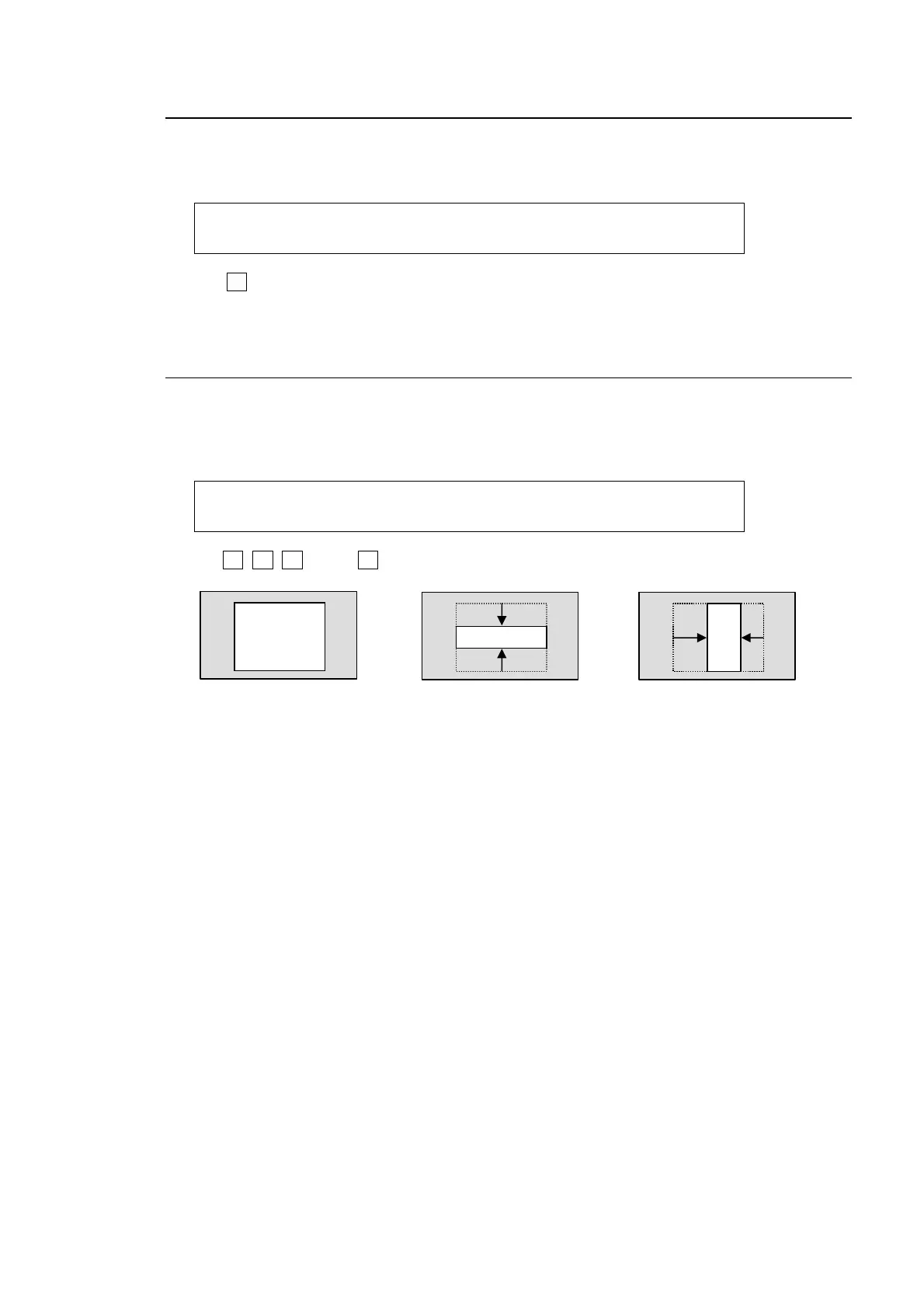
(2) Use F1, F2, F3 and/or F4 to crop DSK images.
Crops from top
and bottom.
Crops from right
and left.
DSK image



 To Next Page