76
15. Multiviewer
The multiviewer allows users to monitor multiple images such as the video sources input to the
switcher and internally generated or combined images on the same screen. Three types of split
displays are available: quad, 10 and 16 way. The video titles and the on-air tally information can be
also displayed. Note that the multiviewer output is delayed by one frame relative to the program
output.
The setup procedure for the multiviewer is as follows:
1. Assign the multiviewer video to an AUX output bus
2. Select a split-screen type.
3. Select video for each split area.
4. Add titles, on-air tally and frame border.
15-1. Assigning the Multiviewer function to an AUX Bus
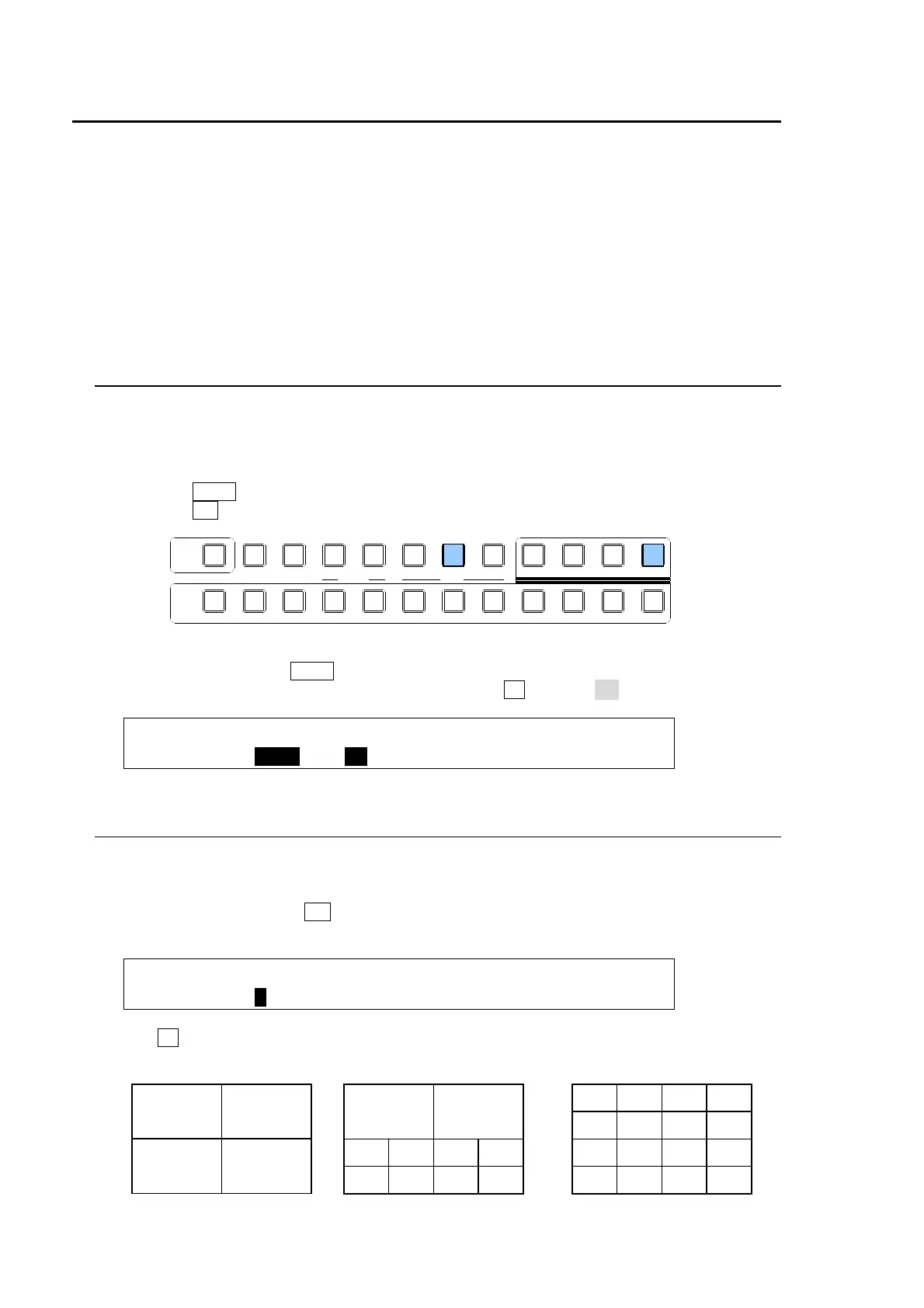
The multiviewer function can be assigned to any AUX bus. There are two ways to select an AUX
bus: using the buttons in the BUS SELECT block or using the menus. In the following example
AUX2 is selected to be the multiviewer output.
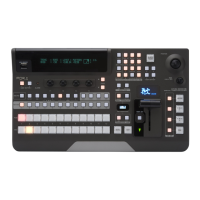
Using Buttons in BUS SELECT
(1) Press the AUX2 button in the BUS SELECT block.
(2) Press the MV button at the right end of the BUS SELECT block.
Using Menu
(1) Quickly press twice the AUX2 button in the BUS SELECT block.
(2) The [SETUP-OUTPUT-AUX XPT] menu opens. Turn F2 to select MV.
OUTPUT :SELECT : XPT : CTRL : ANCI : 1/2
AUX XPT : =AUX2 : =MV : =ON : =OFF :
15-2. Selecting Split-screen Type
The type of split-screen to be used can be selected in the [SETUP-OUTPUT-MV SCRN] menu.
There are three different types.
(1) Quickly press twice the MV button in the BUS SELECT block to display the [SETUP-
OUTPUT-MV SCRN] menu.
OUTPUT : TYPE :WINDOW :SIGNAL : CHARA : 1/3
MV SCRN : =4 : =01 : =IN01 : = OFF :
(2) Turn F1 to select the type from 4,10 or 16-way. (See the split screen images with channel
numbers below.)
0201
0605
04 03
08 07
1009
1413
12 11
16 15
05
01
0403
0807
0605
1009
02
01
02
03
04
AUXP IN P
KEYER DSK
12123
PGM CLEANPREV MV
234567891011121
KEY/AUX
TRANS PREV


 To Next Page