81
To Recall Events (in the detailed way):
(1) Press the ±/EVENT button at the top right-hand side of the menu display. The [EVENT
MEMORY] menu is displayed and the Keypad changed to Event mode.
(2) Turn F1 to select an event page in the [EVENT MEMORY] menu.
(3) Press the number button where the needed data is stored. The [EVENT RECALL] menu is
displayed.
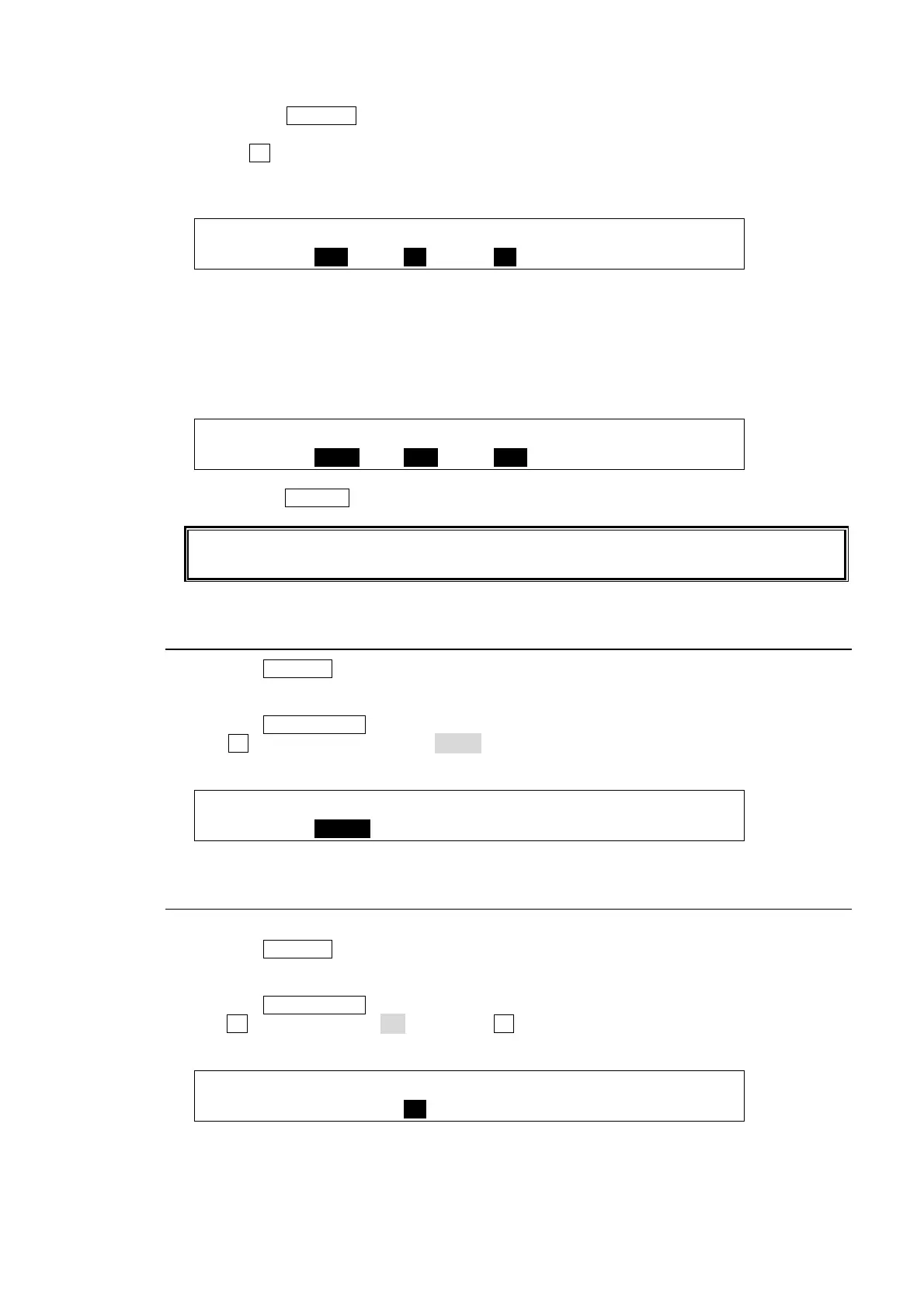
EVENT :SELECT :XPT :DATA : : 1/2
RECALL : =ALL : =ON : =ON : :
(4) The saved data in the event is set on the [EVENT RECALL] menu. This time users can
select to recall all saved data or the specific data within the event by setting SELECT, XPT
and DATA items.
For example, to recall the stored event data except the background information, one must
do the following:
EVENT :SELECT :XPT :DATA : : 1/2
RECALL : =BKGD : =OFF : =OFF : :
(5) Press the RECALL button. The [EVENT RECALL] menu is displayed.
The LAST item in the [EVENT MEMORY] menu shows the number of the last recalled
event. This is useful when checking which event was recalled last.
16-3. Overwrite Protection
(1) Press the ±/EVENT button at the top right-hand side of the menu display.
(2) Press the number button where the needed data is stored. The button will strart flashing
when pressed. The [EVENT RECALL] menu will be automatically displayed.
(3) Press the PAGE DOWN button to go to PAGE 2.
(4) Turn F1 to change OVER WR to DISBL(disable) to set the write protection on the memory
button.
EVENT :OVER WR:DELETE : : : 2/2
RECALL : =DISBL: >OFF : : :
16-4. Deleting Events
To Delete Data for an Event:
(1) Press the ±/EVENT button at the top right-hand side of the menu display.
(2) Press the number button from which data is to be deleted. The button will begin to flashing
when pressed.
(3) Press the PAGE DOWN button to go to PAGE 2.
(4) Turn F2 to set DELETE to ON, then press F2. The data saved in the event memory button is
cleared.
EVENT :OVER WR:DELETE : : : 2/2
RECALL : =ENABL: >ON : : :



 To Next Page