66
12-3. Changing Sizes or Aspect Ratios
Changing sizes Sizes
(1) Go to the [DSK - POS/SIZE] menu PAGE1.
DSK : POSITION : SIZE :2D DVE : 1/3
POS/SIZE:X=0 Y=0 : =500 : =ON :
(2) Turn F3 to adjust the size of the DSK image.
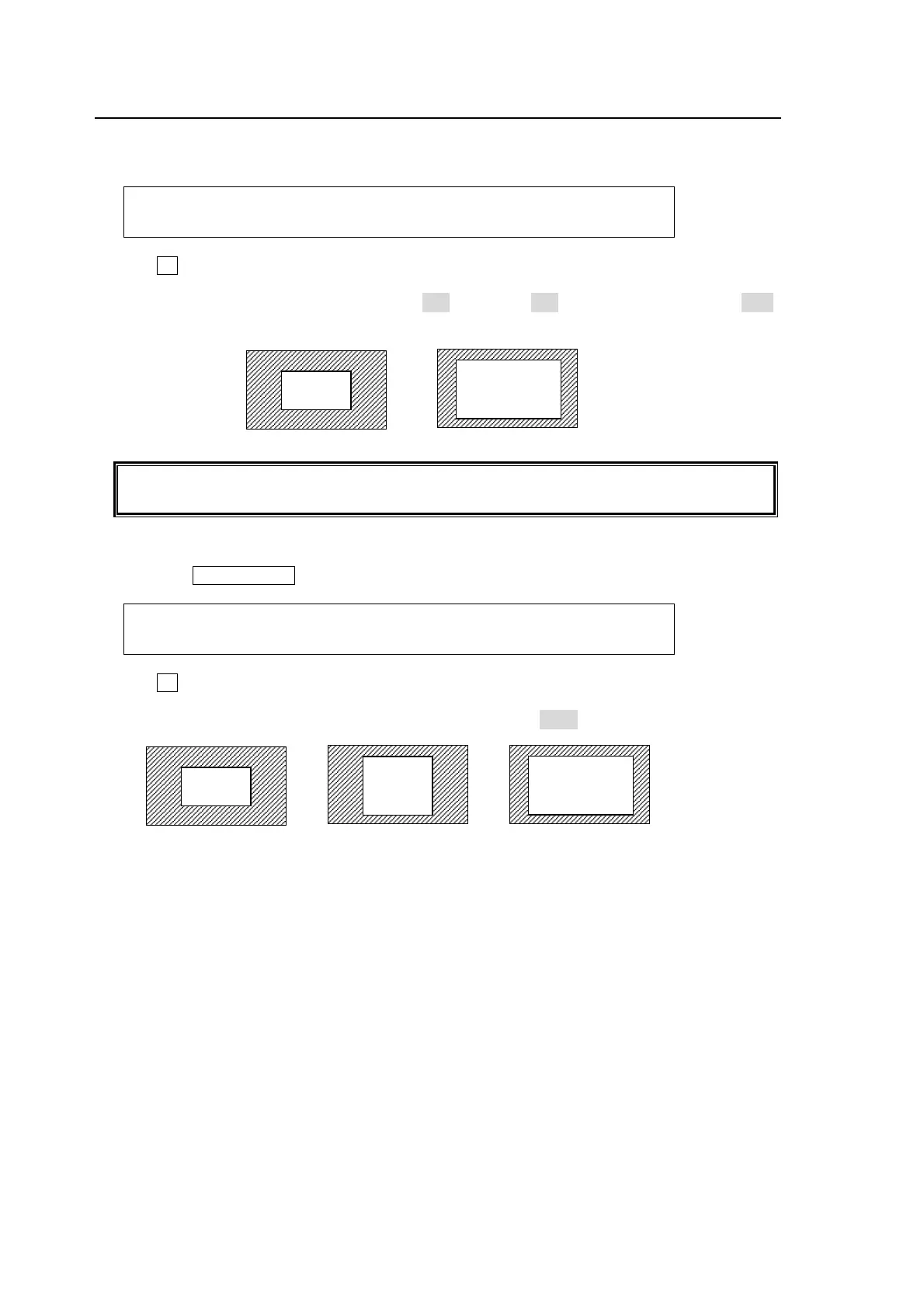
(The figures below are examples of SIZE=500 and SIZE=750. The POSITION is set to (0, 0)
in both examples. )
Setting the size allows users to change the size of KEY or DSK images while retaining
aspect ratios. If the value is 1000, the DSK will be of a full screen size.
To Change Aspect Ratio
(1) Press the PAGE DOWN button to display the [DSK - POS/SIZE] menu PAGE2.
DSK : ASPECT : FADE : : 2/3
ASPECT :X=1000 Y=1000 : =0.0 : :
(2) Turn F2 to change the values of ASPECT for the DSK image.
(The figures below are examples. The POSITION is set to (0, 0) in the examples.)
(500, 500)
(500, 750) (750, 750)
SIZE(500)
SIZE(750)



 To Next Page