45
9-8-2. Transition Rate
The transition rate setting determines how long transitions takes in frames to electrically
complete.
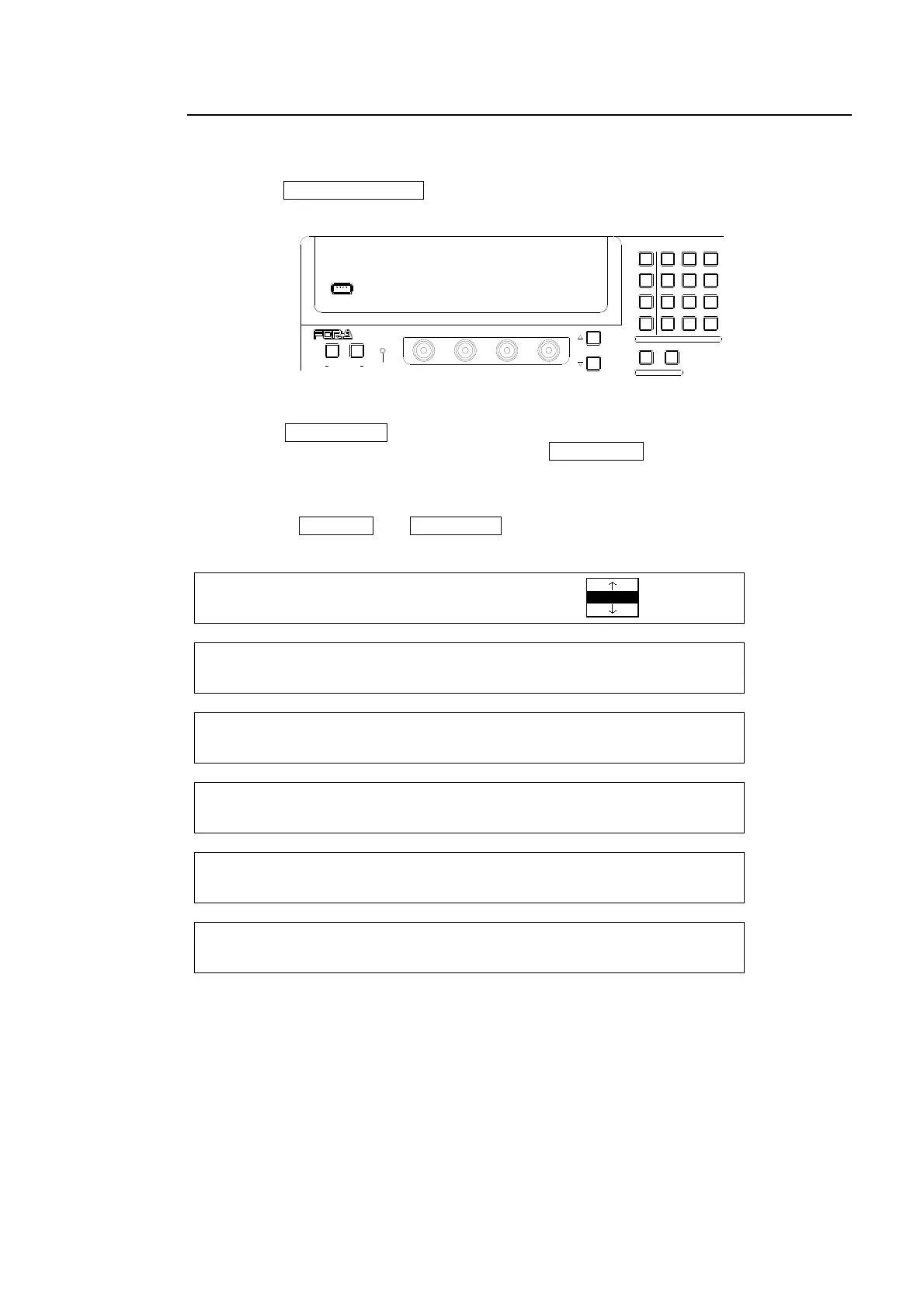
(1) Press the CLR/TRANS RATE button in the MENU/DIRECT PATT/EVENT/KEYPAD block
to display the TRANS menu.
(2) Press the PAGE DOWN button to go to the page for the desired bus.
(3) Enter the rate in the KEYPAD and then press ENT/STORE in the KEYPAD to store the
new transition rate.
The transition rate can be set for each bus respectively as shown in the following menu
pages. Use PAGE UP and PAGE OWN buttons to move between the menu pages. The
setting range is 0 to 999 on a frame basis.
TRANS : RATE : LIMIT :PATTERN : 1/6
BKGD : =30 : =100.0: =20 :
TRANS : RATE :USER TRANS :ADV CTL: 2/6
KEYER : =30 : =SLIDE LEFT : =AUTO :
TRANS : RATE :USER TRANS :ADV CTL: 3/6
PinP 1 : =10 : =SLIDE UP : =C/AT :
TRANS : RATE :USER TRANS :ADV CTL: 4/6
PinP 2 : =10 : =CUT : =AUTO :
TRANS : RATE :USER TRANS :ADV CTL: 5/6
DSK : =25 : =SCALER : =C/AT :
TRANS : RATE : :ADV CTL: 6/6
BLACK : =30 : : =AUTO :
USB MEMORY
NOR/REVREV
F4
F3F2
F1
PAGE
12
MENU/DIRECT PATT/EVENT/KEY PAD
ALARMUSER BUTTON
DIRECTION
7/SET UP
4/WIPE
1
8/STILL
5/P in P
2/KEYER
9/FILE
6/MATT
3/DSK
MENU
DIRECT PATT
±/EVENT
CLR/TRANS RATE 0 /RECALL
. (DOT)
ENT/STORE



 To Next Page