101
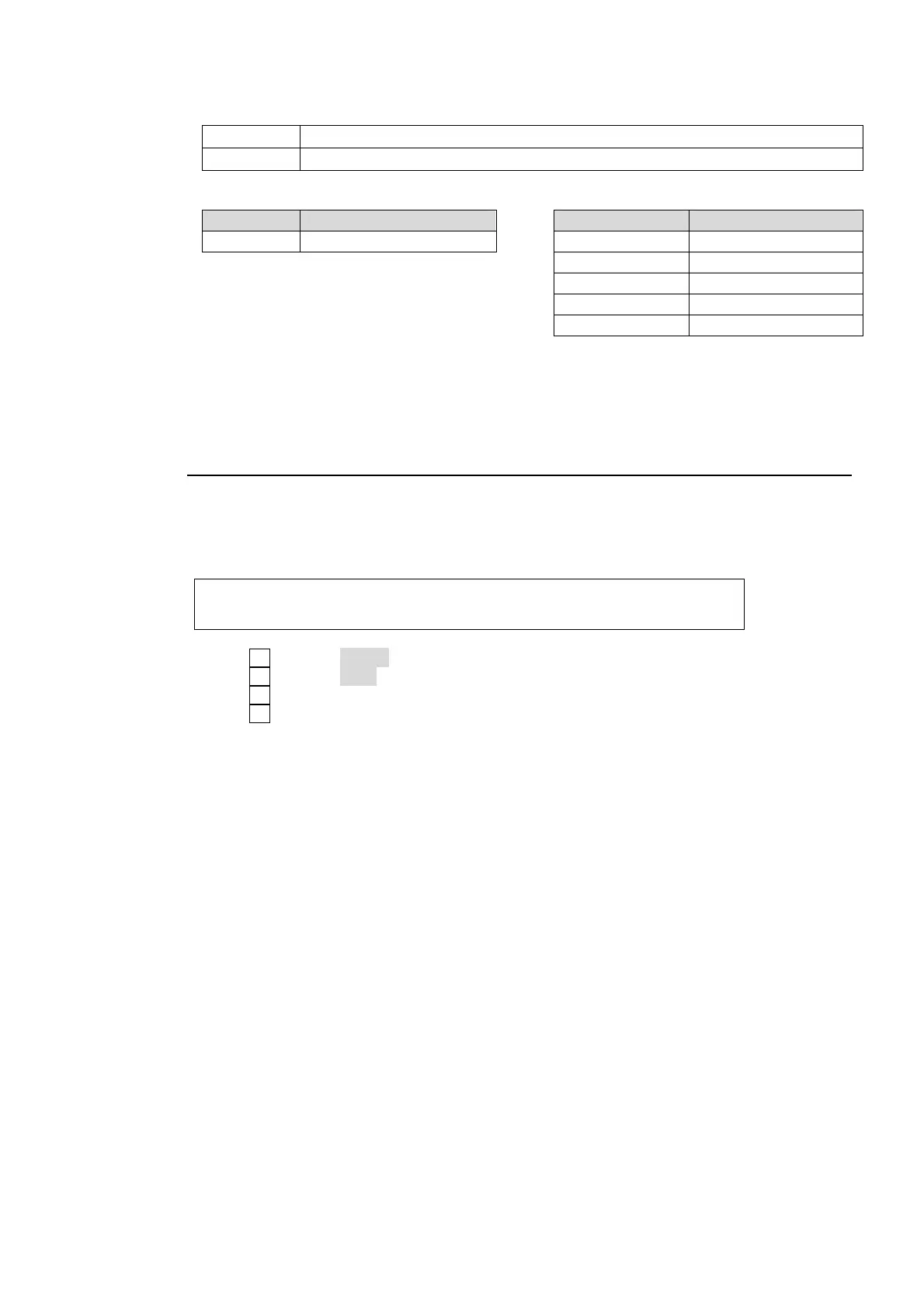
(7) Select the crosspoint control mode between two below at XPT CTL.
INPUT Specify a signal by using the input number from the editor. (Default setting)
BUTTON Specify a signal by using the button number from the editor.
BUTTON INPUT
Selected bus Button number Input number Source signal
1-24 1-24 0 BLACK
1-12 IN01-IN12
27 COLOR BAR
29-30 STILL1-2
33 MATT
(8) Set to enable/disable the wipe pattern control under the WIP CTL item.
(9) Set to enable/disable the KEYER control under the KEY CTL item. (Be careful that in this
case KEYER will not be automatically OFF when ALL STOP is received in the switcher.)
20-3-2. Connection Settings with Editor (EDITOR port setting)
The connection settings with an editor are made in the [SETUP - EXT-IF-RS-422] menu as
shown below.
(1) Open the [SETUP-EXT I/F-RS-422] menu.
EXT I/F :SELECT :FUNC :BAUDRAT:PARITY : 1/1
RS-422 : =EDITR: =EDIT : =38400: =ODD :
(2) Turn F1 to select EDITR (EDITOR).
(3) Turn F2 to select EDIT (EDITOR)
(4) Turn F3 to select the baud rate. (It is normally not necessary to change this.)
(5) Turn F4 to select the parity. (It is normally not necessary to change this.)



 To Next Page