40
9-4. DSK Transitions
(1) Setup a DSK key. (See section 11. "KEYER and DSK.")
(2) Perform DSK transition as described below.
To perform CUT transition:
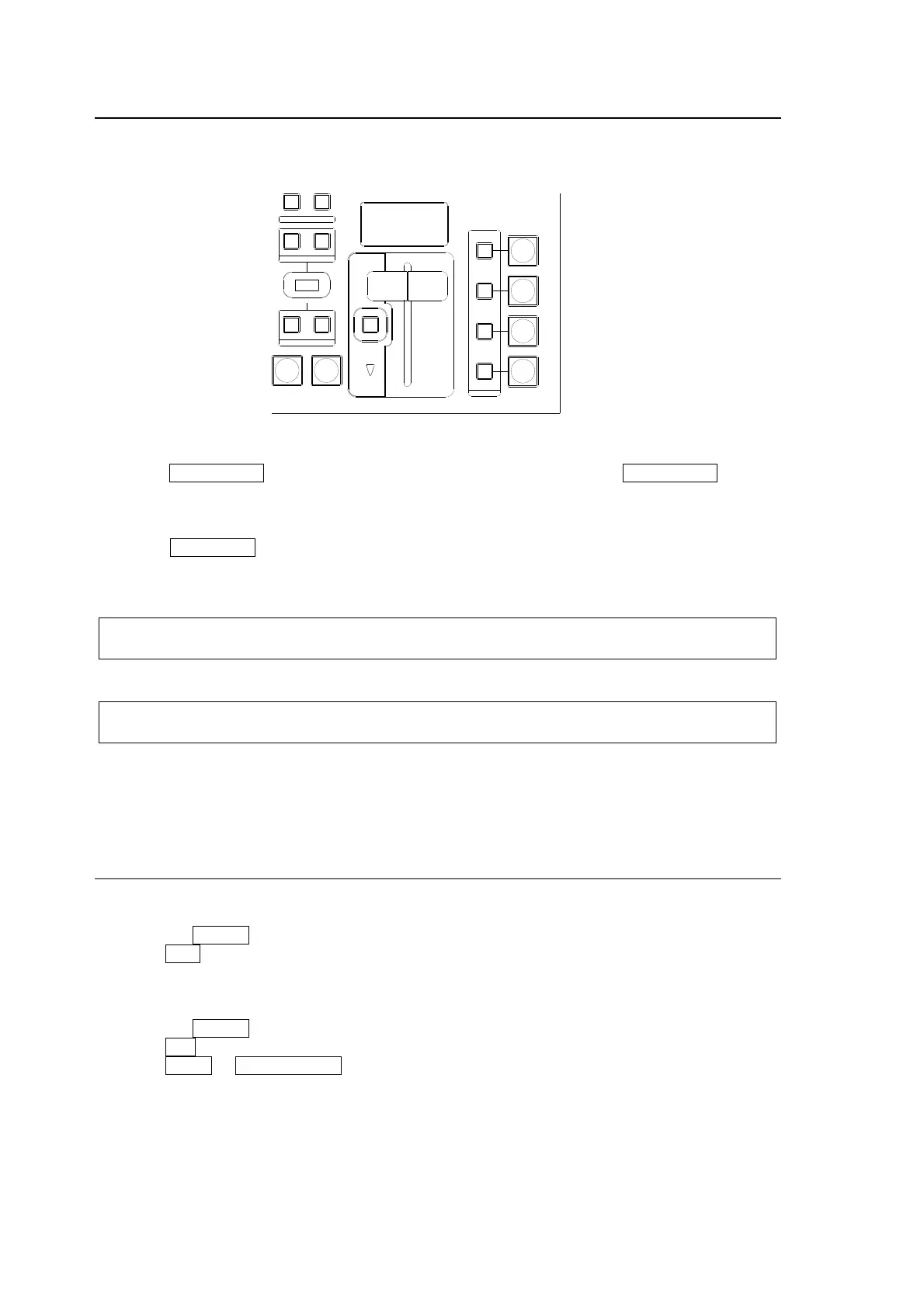
Press the DSK ON AIR button to insert the DSK on program video. Press DSK ON AIR again to
remove the DSK from the signal.
To perform MIX transition:
Press the DSK AUTO button in the DSK transition section to perform the MIX transition.
Set the transition rate in the menu, if necessary. See section 9-8-2. “Transition Rate" for details.
DSK AUTO button
The DSK AUTO button can works in different ways (CUT or MIX), depending on the menu
setting. (See section
9-8-4. "Advanced Auto Transitions ".)
DSK ON AIR button and On-Air indicator
The DSK ON AIR button can work in different ways such as CUT, Scale Up/Down or Slide
In/Out, depending on the menu setting. (See section
9-8-3. "User Transitions .")
On-air/Off-air Indication
The On-Air DSK indicator turns on while signal is on-air and is off when off-air.
9-5. KEYER Transitions
CUT Transition
(1) Setup a key for the KEYER. (See section
11. "KEYER and DSK.")
(2) Press the KEYER button in the NEXT TRANSITION block.
(3) Press CUT to perform KEYER CUT transition.
MIX Transition
(1) Setup a key for the KEYER. (See section
11. "KEYER and DSK.")
(2) Press the KEYER button in the NEXT TRANSITION block.
(3) Press MIX in the TRANSITION TYPE block.
(4) Press AUTO or KEYER AUTO, or move the fader lever to perform KEYER MIX transition.
AUTO CUT
DSK
KEYER
P IN P
1
2
P IN P
NOR/ REVREV
BKGD
WIPEMIX
KEYER
FADER LIMIT
ON AIR
DIRECTION
NEXT TRANSITION
PATT ERN/RATE
TRANSITION TYPE



 To Next Page