107
GENLOCK
External
Lock
Indicates that the valid reference signal is present and video
signals are properly locked to the reference signal.
Internal Lock
Indicates that the reference signal is not present or it level is
too low. The internal reference is used.
Unlock
Indicates that the reference signal with a different format
from the switcher is present.
21-2. Verifying Version
To verify the version of software and FPGA firmware installed in the HVS-300HS, open the
[SETUP-STATUS-VERSION] menu. Before upgrading the switcher, be sure to check the
relevant version in this menu.
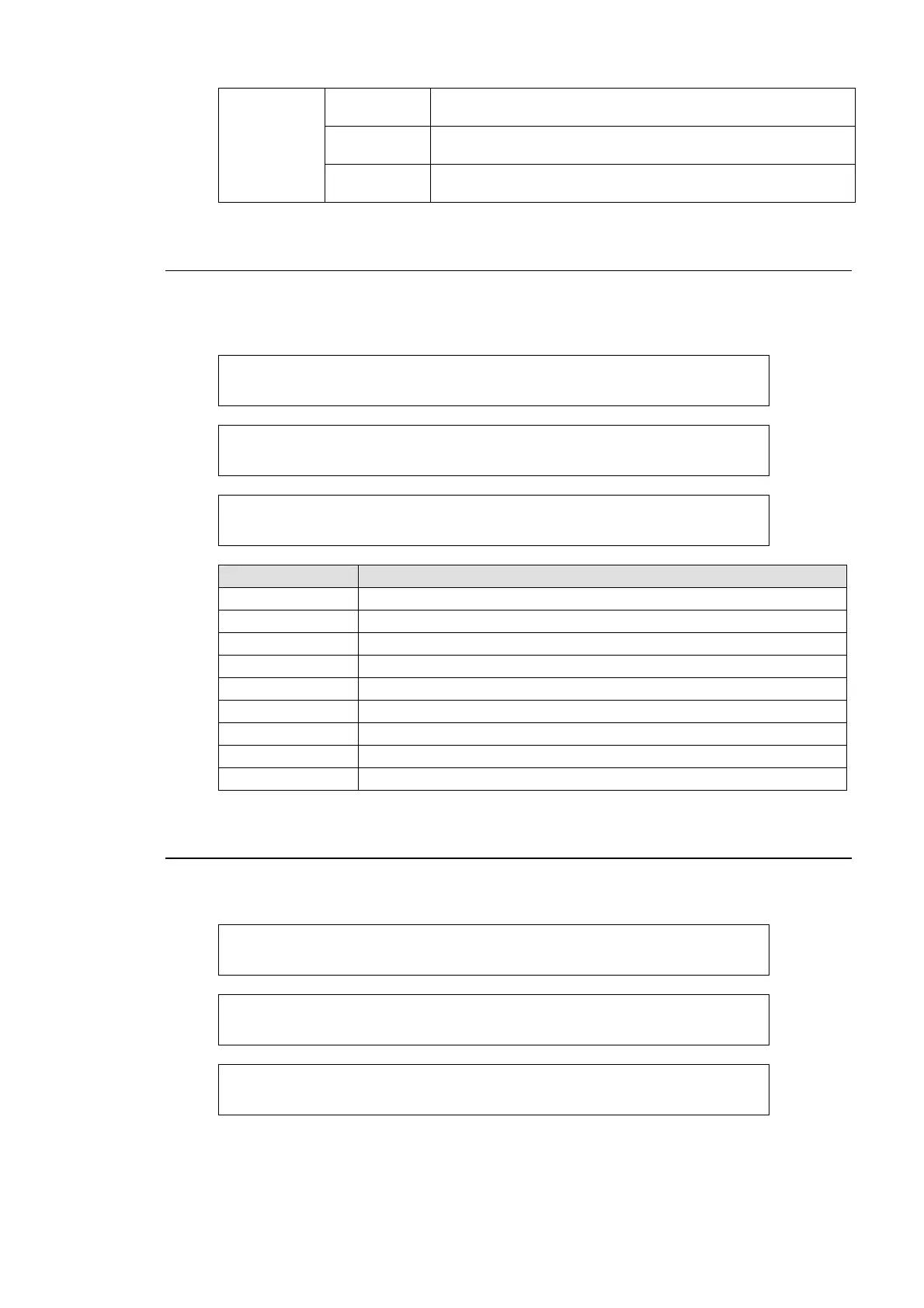
STATUS :SOFT MU:v1.00.0 OU:v1.00.0 : 1/3
VERSION : FP:v1.00.0 RU:v1.00.0 :
STATUS :FPGA GL:v01-00 SDI:v01-00 : 2/3
VERSION : IN:v01-00 OUT:v01-00 :
STATUS :FPGA DVE:v01-00 OU:v01-00 : 3/3
VERSION : :
Item Description
SOFT MU Displays the software version of HVS-300HS/RPS.
SOFT OU Displays the software version of HVS-30OU.
SOFT FP/RU Displays the software version of HVS-30FP/RU.
FPGA GL Displays the FPGA version for Genlock card.
FPGA SDI Displays the FPGA version for SDI card.
FPGA IN Displays the FPGA version for IN card.
FPGA OUT Displays the FPGA version for OUT card.
FPGA DVE Displays the FPGA version for DVE card.
FPGA OU Displays the FPGA version for HVS-30OU
21-3. Installed Options
To check the options installed to the switcher, open the [SETUP-STATUS-OPTION] menu. The
menu shows the hardware and software option installed to the switcher as shown below.
STATUS :SLOT-A >HVS-30HSDI :v01-00 : 1/3
OPTION :SLOT-B >HVS-30HSAI :v01-00 :
STATUS :SLOT-C >HVS-30HSDO :v01-00 : 2/3
OPTION :SLOT-D >HVS-30PCO :v01-00 :
STATUS :HVS-30ED >installed : 3/3
OPTION : :


 To Next Page