78
(4) Press PAGE button to go to Page 2 where you can change the title position. Turning F3
selects the horizontal title position and turning F4 selects the vertical title position
respectively from three options.
Item Description
TITLE POSITION -X Selects the horizontal title position from LEFT, MID (middle) or
RIGHT.
TITLE POSITION -Y Selects the vertical title position from HIGH, MID (middle) or
LOW.
15-4-2. On-air Tally
The tally indicates which video is currently On-air (output from the program) and which video
is set to be the next output. The multiviewer has two types of tally indicators: Frame and
Marker. You can use one at a time or both simultaneously. The Frame indicator is active by
default.
(1) Quickly press twice the MV button in the BUS SELECT block to display the [SETUP-
OUTPUT-MV SCRN] menu.
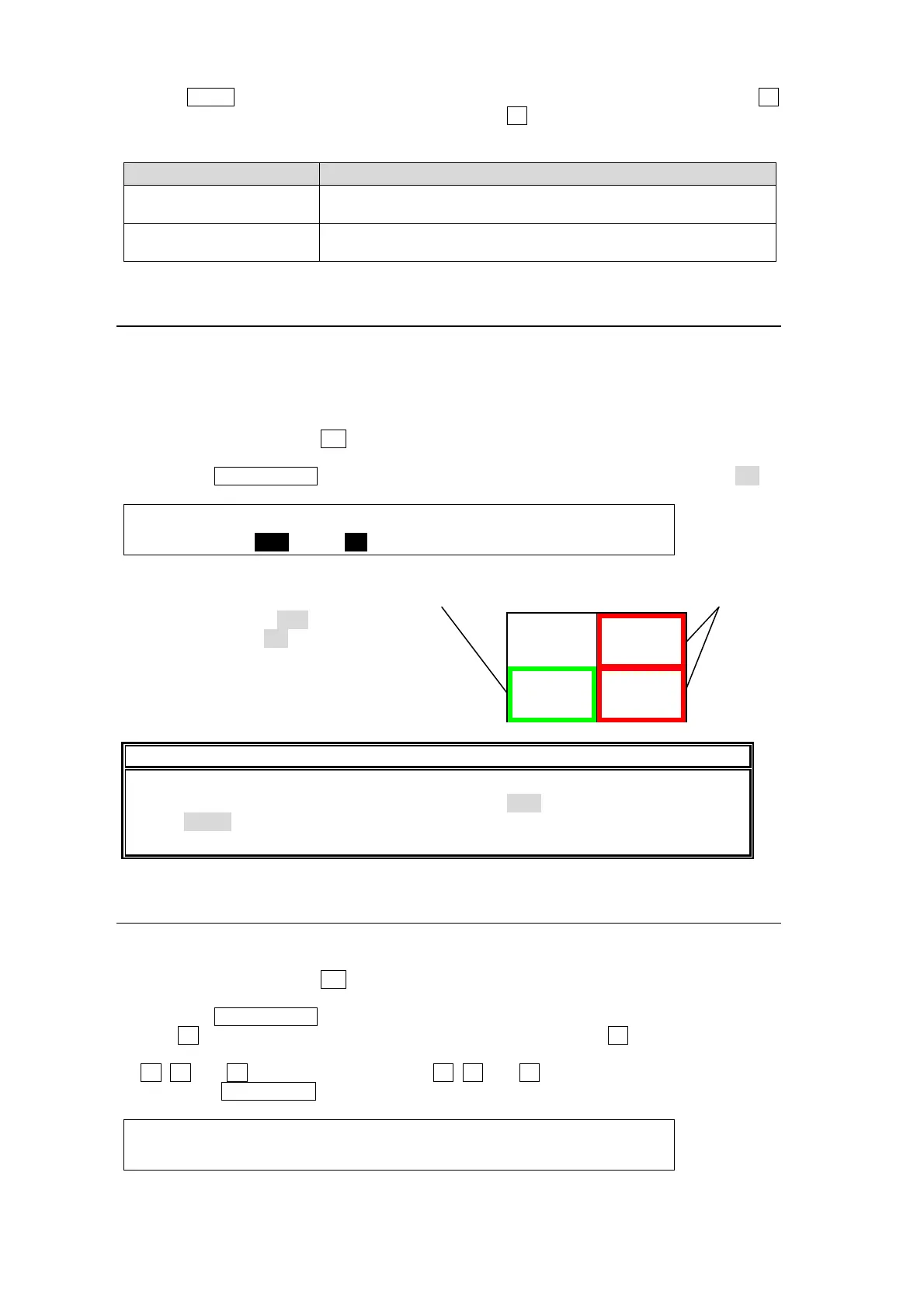
(2) Press the PAGE DOWN button to go to PAGE 2. Set FRAME and/or MARKER to ON.
OUTPUT :MARKER :FRAME :TITLE POSITION : 2/3
MV TALLY: =OFF : =ON :X=MID Y=LOW :
Setting Example
MARKER indicator is OFF.
FRAME indicator is ON.
Here, we assume that IN02 is displayed in PGM.
IMPORTANT
The on-air tally indication (RED and GREEN) is linked to the tally color (TLY COL)
setting. For example, the tally color for PGM is set to RED and the tally color for PST is
set to NONE, green tally (next indication) is not displayed on the screen. (See
section
20-2-2. "Tally Output Settings (GPI IN/TALLY OUT."
15-4-3. Frame Border
A color border can be also applied to the split-screen to emphasize channel areas.
(1) Quickly press twice the MV button in the BUS SELECT block to display the [SETUP-
OUTPUT- MV SCRN] menu.
(2) Press the PAGE DOWN button to go to PAGE 3.
(3) Turn F4 to select a border color from eight standard colors. Press F4 to apply the selected
color. If you want to adjust the selected color or set the color by entering HSL values, turn
F1, F2 and F3 to adjust values or press F1, F2 and F3, enter a value in the Keypad and
then press ENT/STORE in the Keypad.
OUTPUT : BORDER COLOR :RECALL : 3/3
MV BDR :S=0.0 L=100.0 H=0.0 : >WHITE:
IN02
PREVIEW
PROGRAM
Green: Next indication Red: On-air indication



 To Next Page