46
9-8-3. User Transitions
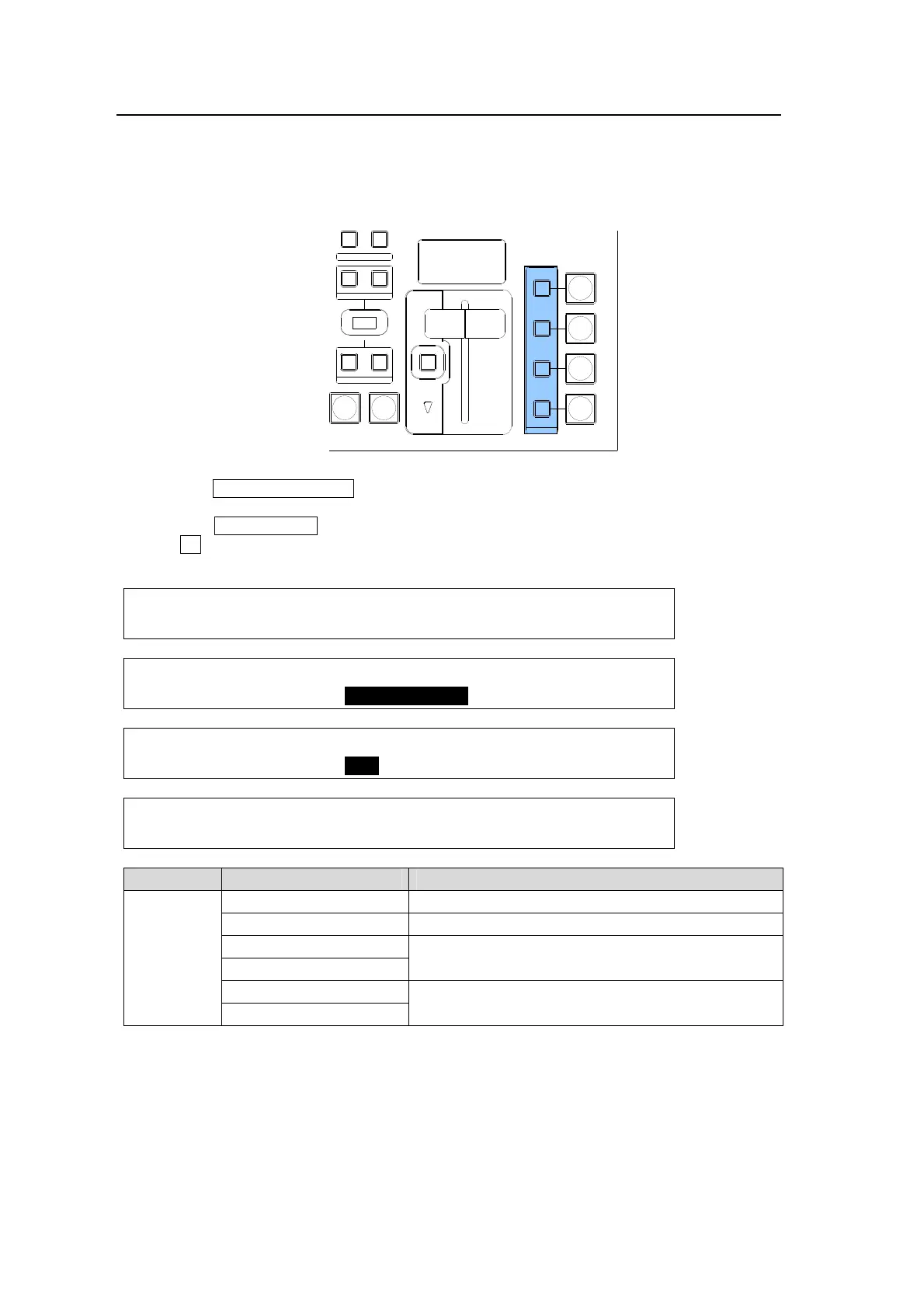
A specific transition effect such as Scale Up/Down or Slide In/Out can be set to each ON AIR
button for KEYER, DSK, PinP1 and PinP2. Once a transition effect is set for the ON AIR
button, the effect transition can be executed by simply pressing ON AIR.
To apply the transition effect to ON AIR buttons, proceed as follows.
(1) Press the CLR/TRANS RATE button in the MENU/DIRECT PATT/EVENT/KEYPAD block
to display the TRANS menu.
(2) Press the PAGE DOWN button to go to the page for the desired bus.
(3) Turn F2 to select a transition effect under the USER TRANS item. This can be set for
each bus.
TRANS : RATE :USER TRANS :ADV CTL: 2/6
KEYER : =30 : =SLIDE LEFT : =AUTO :
TRANS : RATE :USER TRANS :ADV CTL: 3/6
PinP 1 : =10 : =SLIDE RIGHT : =C/AT :
TRANS : RATE :USER TRANS :ADV CTL: 4/6
PinP 2 : =10 : =CUT : =AUTO :
TRANS : RATE :USER TRANS :ADV CTL: 5/6
DSK : =25 : =SCALER : =C/AT :
Item Setting Description
USER
TRANS
CUT Performs Cut transition for the bus.
SCALER Performs Scale Up and Down for the bus.
SLIDE RIGHT/LEFT
Performs Slide In and Out for the bus.
SLIDE TOP/BOTTOM
WIPE RIGHT/LEFT
Performs WIPE In and Out for the bus.
WIPE TOP/BOTTOM
AUTO CUT
DSK
KEYER
P IN P
1
2
P IN P
NOR/ REVREV
BKGD
WIPEMIX
KEYER
FADER LIMIT
ON AIR
DIRECTION
NEXT TRANSITION
PATT ERN/RATE
TRANSITION TYPE



 To Next Page