75
To Change Functional Behavior of the Transition Buttons
(1) Press the CLR/TRANS RATE button in the MENU/DIRECT PATT/EVENT/KEYPAD block to
display the TRANS menu.
(2) Press the PAGE DOWN button to go to PAGE 3 or PAGE 4.
(3) Turn F2 to select a transition effect for the ON-AIR button. Turn F3 to select a transition
effect for the PinP AUTO button.
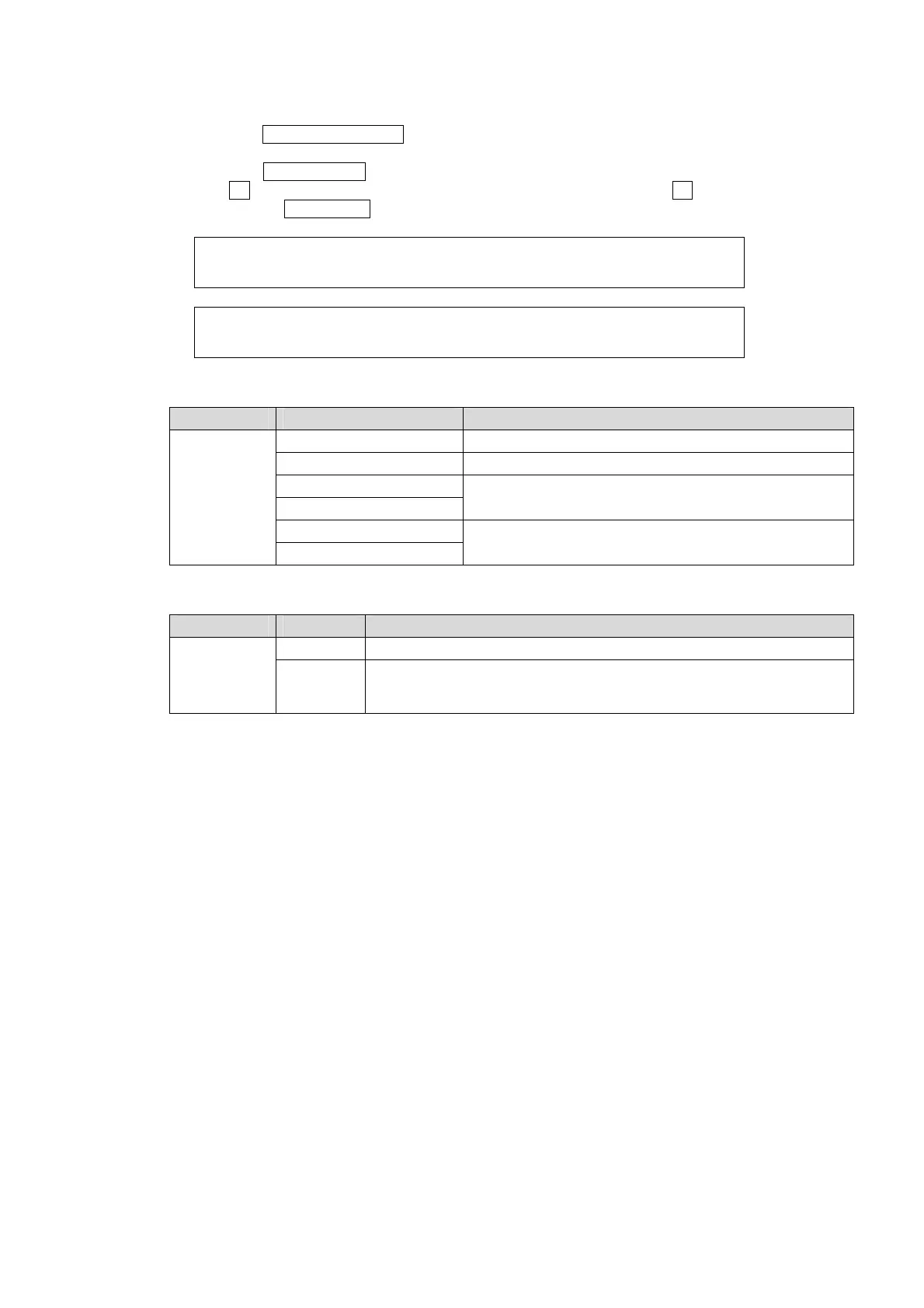
TRANS : RATE :USER TRANS :ADV CTL: 3/6
PinP 1 : =10 : =SLIDE TOP : =C/AT :
TRANS : RATE :USER TRANS :ADV CTL: 4/6
PinP 2 : =10 : =CUT : =AUTO :
ON-AIR Button
Item Setting Description
TRANS
RATE TYPE
CUT Performs Cut-in or CUT-out of PinP.
SCALER Performs Scale Up or Down of PinP.
SLIDE RIGHT/LEFT
Performs Slide-in or Slide-out of PinP.
SLIDE TOP/BOTTOM
WIPE RIGHT/LEFT
Performs WIPE-in and Wipe-out of PinP.
WIPE TOP/BOTTOM
PinP Auto Button
Item Setting Description
ADV CTRL
AUTO Always performs Mix transition regardless of the pressing button time.
C/AT
Performs Cut transition when briefly pressing the button.
Performs MIX transition when pressing and holding down the button
for more than one second.
The transition duration for the MIX transitions can be set at the RATE item in the menu on a
frame basis.



 To Next Page