30
HVS-30HSAI available format
System
standard
HD
Component
Composite
Component
SMPTE
Component
BetaCam
Component
1080/59.94i
1080/29.97PsF
720/59.94i
Available Available* Available Available* -
1080/50i,
1080/25PsF
720/50p
Available Available - - Available
525/60 - Available* Available Available* -
625/50 - Available - - Available
Other standards Available - - - -
* You can choose whether to add or not to add 7.5% Setup to the video outputs. If 7.5% Setup is
added to a signal, the symbol "+" follows immediately after the name of the signal.
(4) When operating in HD mode, SD signals can be input, upsized by using Resize function and
used in the same way as HD signals. In this case, the SD signals must have the same frame
rate as the current video format.
HVS-30HSDI/30HSAI
See
6-3. "Resize Function."
HVS-30PCIN
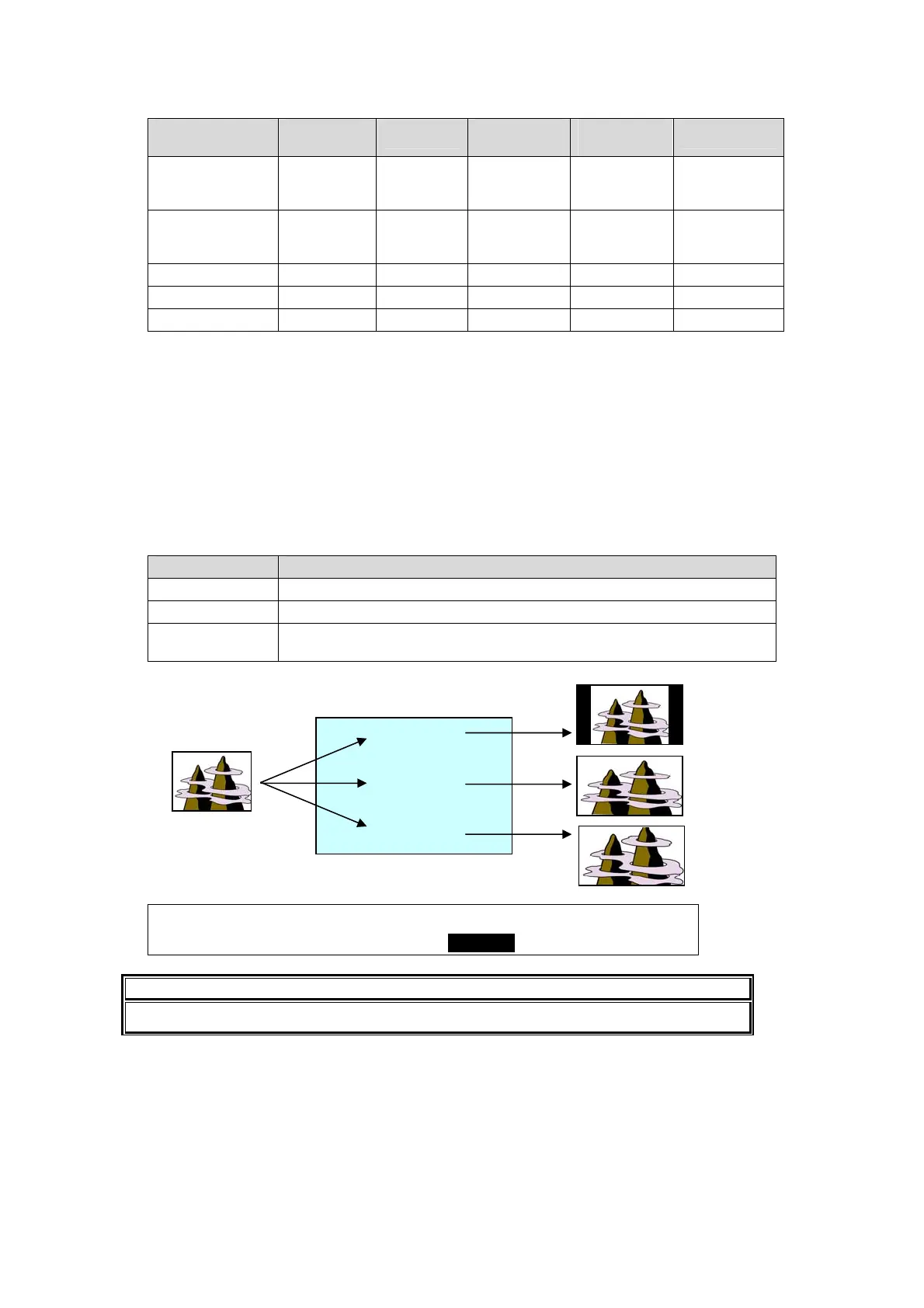
If 4:3 signals are input, the aspect ratio is selectable between two below.
RESIZE setting Description
NORMAL Adds black bars to the left and right of the screen.
FULL Expands images to 16:9 aspect ratio.
ZOOM
Displays images in full screen by cropping off the top and bottom of the
picture.
INPUT :SELECT :FORMAT :RESIZE : FS : 1/1
SIGNAL : =INA1 : =AUTO :=NORMAL: =OFF :
IMPORTANT
The resize function is not available for the HVS-30HSDI-A optional inputs.
(NORMAL)
(FULL)
(ZOOM)
(4:3 image)
RESIZE setting



 To Next Page