Get Connected
24 TIMS MVP™ Setup and Configuration Guide
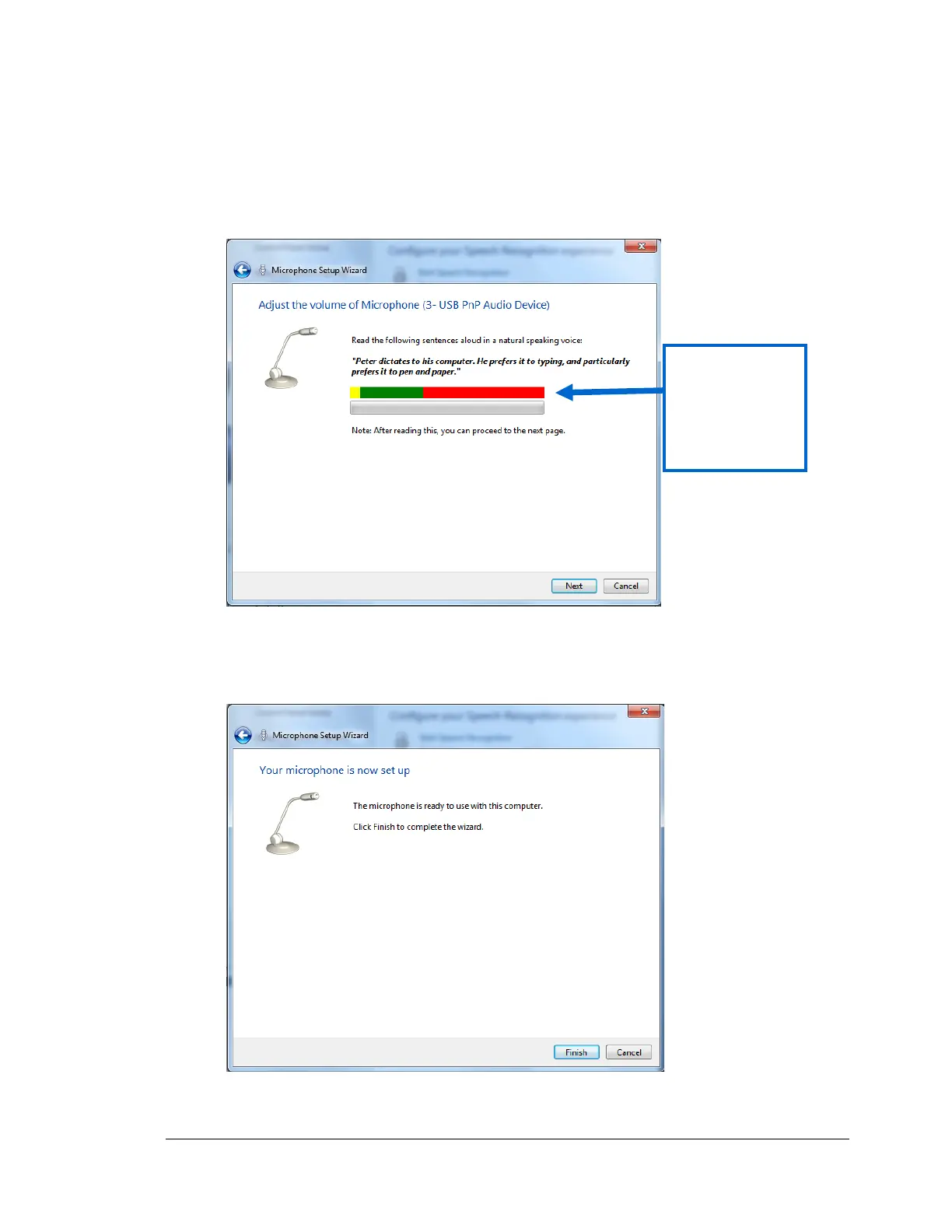
6. Test the microphone by speaking the phrase shown in the dialog.
• If the meter is moving, then the microphone is working properly, click Next.
• If the meter is not moving, click Cancel and go to the verification procedure on page
18.
7. Click Finish and the click the X to close the configuration menu.



 To Next Page