Get Connected
TIMS MVP™ Setup and Configuration Guide 25
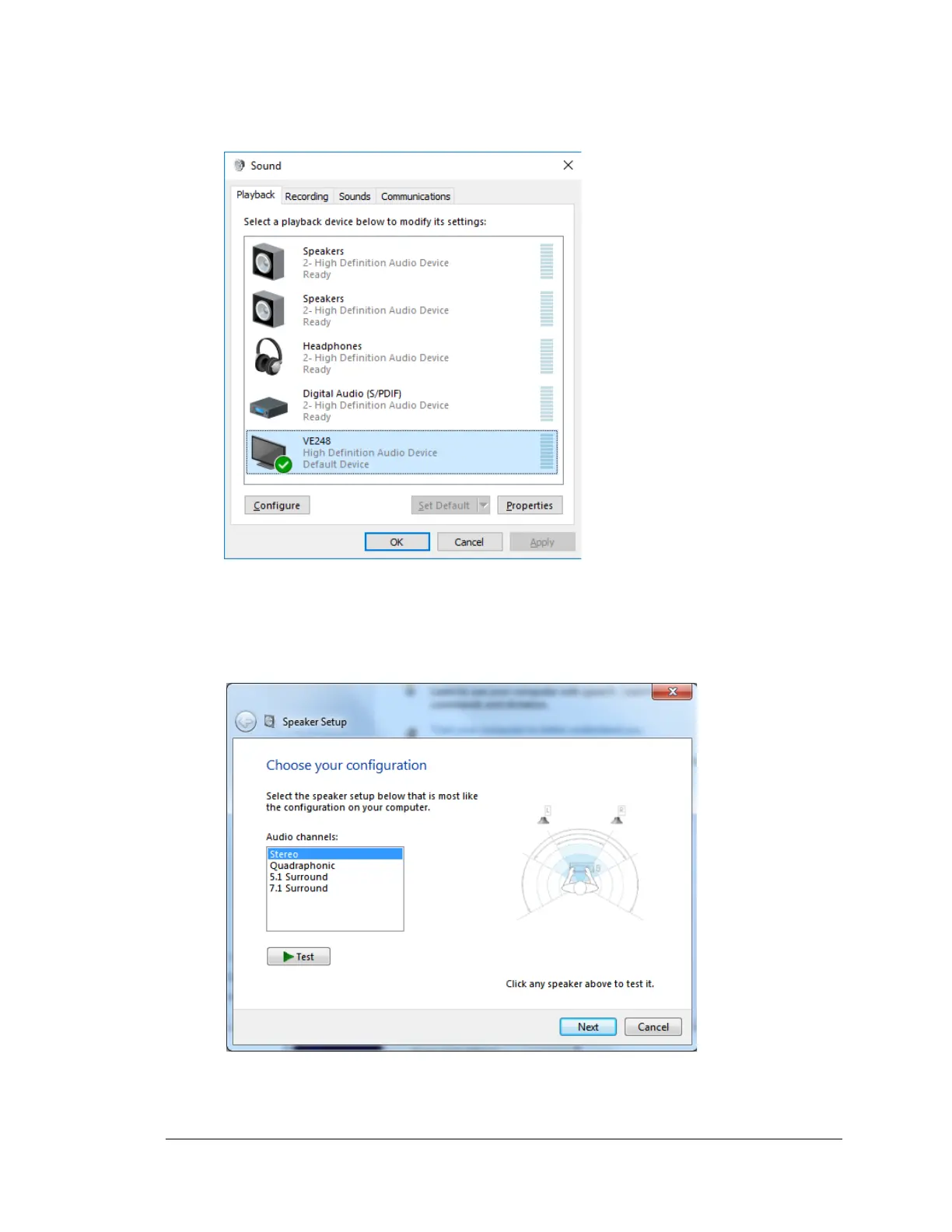
8. Select the Playback tab on the Control Panel Sound dialog. Click on the Playback
speakers you are using and then click Configure.
9. Choose your playback configuration. In this example, the speakers are used for
playback. Click Test to test the sound for the playback device. Click Next.



 To Next Page