9.3.1 Relay configuration
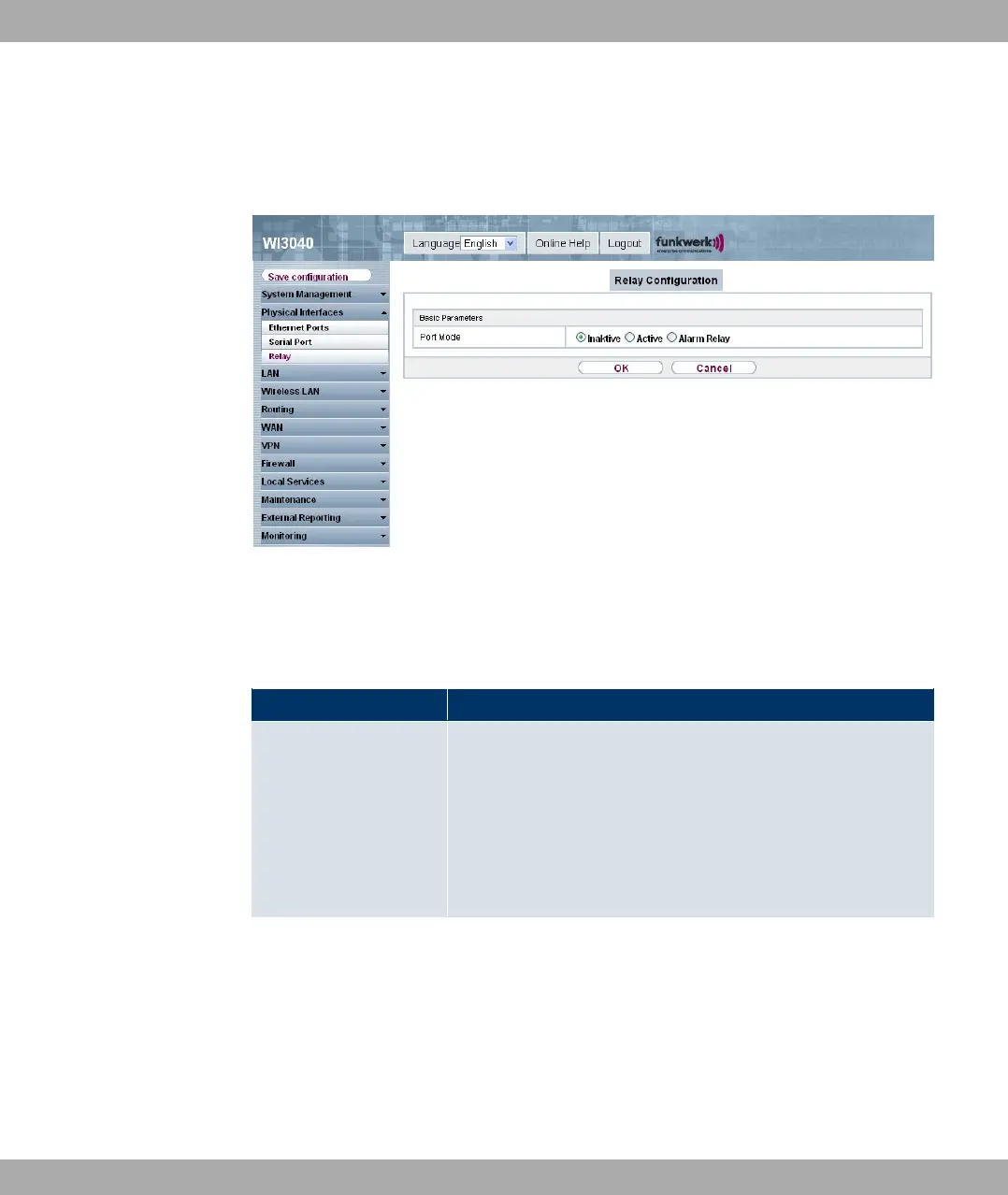
In this menu, you can configure the port mode.
Fig. 56: Physical Interfaces->Relay->Relay Configuration
The Physical Interfaces->Relay->Relay Configuration menu consists of the following
fields:
Fields in the Relay ConfigurationBasic Parameters menu
Field Description
Port mode
Possible values:
• Inactive (default value): The relay is manually set to always
open.
• Active: The relay is manually set to always closed.
• Alarm relay: The relay is automatically coupled with the
red error LED.
Funkwerk Enterprise Communications GmbH
9 Physical interfaces
bintec W1002/W1002n/W2002/WIx040/WIx065 125



 To Next Page