Field Description
access point is connected is down). A configuration request
cannot be sent to the access point.
• Other AP Error: The access point responds to the config-
uration request with an unexpected or non-specific error.
• Internal Error: An internal device problem prevented the
configuration option from being carried out.
16.6.2 Options
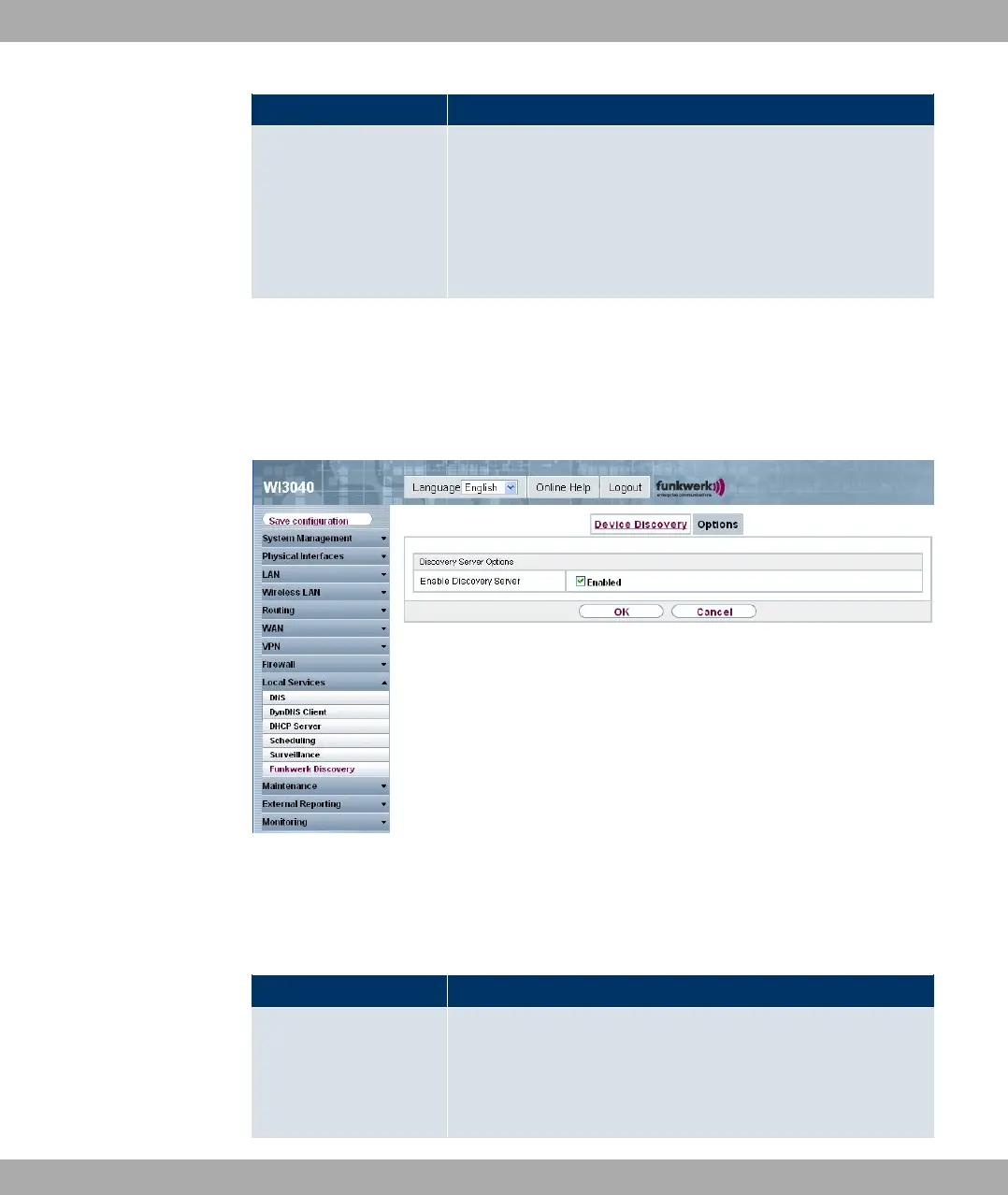
In this menu, you can grant permission for your device to be discovered by other bintec
devices using the funkwerk Discovery protocol and to be configured by means of this.
Fig. 146: Local Services->Funkwerk Discovery->Options
The Local Services->Funkwerk Discovery->Options menu consists of the following
fields:
Fields in the Discovery Server Options menu
Field Description
Enable Discovery Server Select whether your device is to be discovered and configured
by other bintec devices in the network.
The function is activated with Enabled.
Funkwerk Enterprise Communications GmbH
16 Local services
bintec W1002/W1002n/W2002/WIx040/WIx065 329



 To Next Page