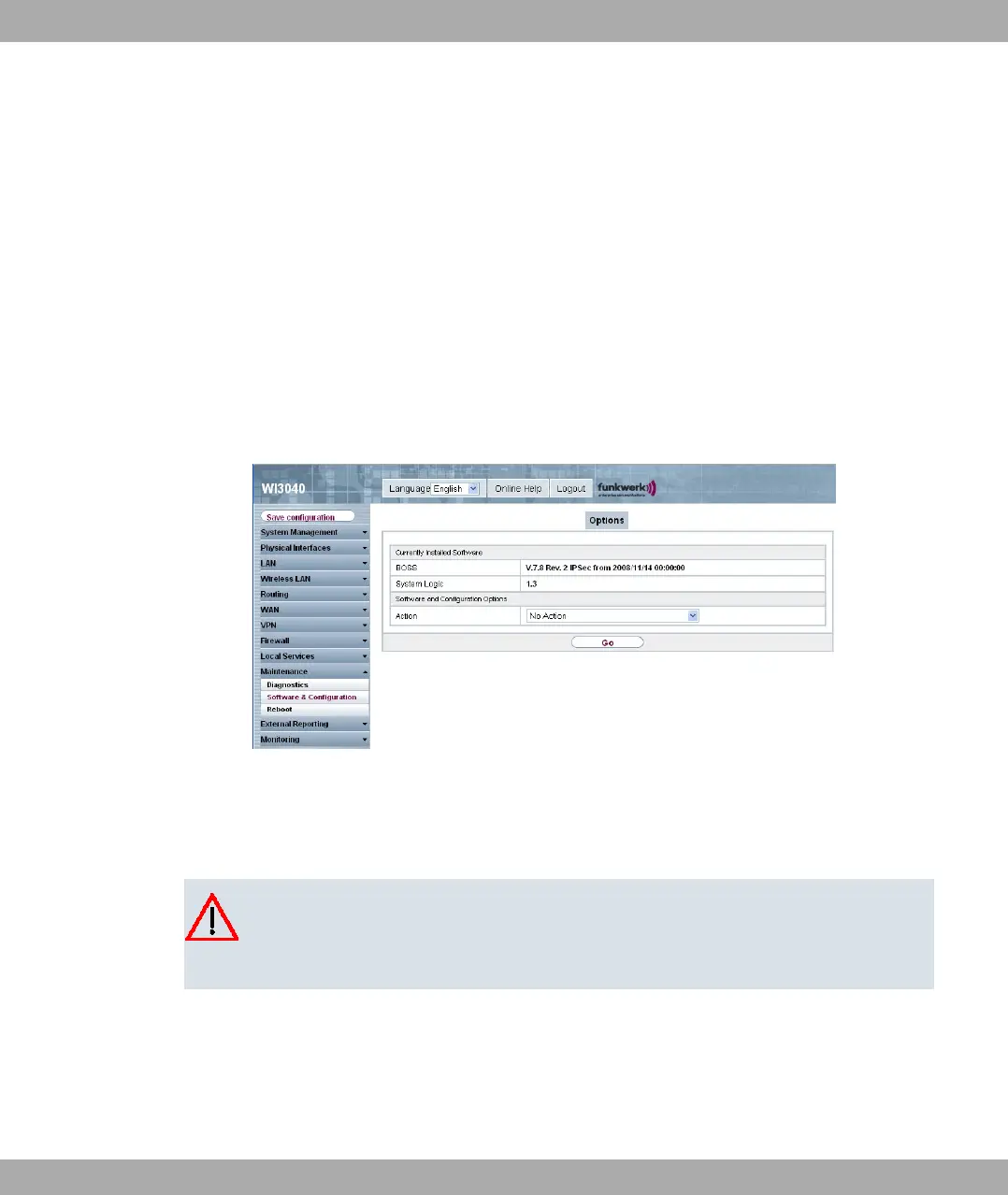
4.8 Software Update
The range of functions of bintec devices is continuously being extended. These extensions
are made available to you by Funkwerk Enterprise Communications GmbH free of charge.
Checking for new software versions and the installation of updates can be carried out eas-
ily with the Funkwerk Configuration Interface . An existing internet connection is needed
for an automatic update.
Proceed as follows:
(1) In the Maintenance ->menu, select Software & configuration.
(2) Under Action, select Update System Software and, under Source, Latest
Software from Funkwerk Server.
(3) Then click GO.
The device will now connect to the Funkwerk Enterprise Communications GmbH download
server and check whether an updated version of the system software is available. If so,
your device will be updated automatically. When installation of the new software is com-
plete, you will be invited to restart the device.
Caution
Once you have clicked on GO , the update cannot be cancelled/interrupted. If an error
occurs during the update, do not re-start the device and contact support.
Funkwerk Enterprise Communications GmbH
4 Basic configuration
bintec W1002/W1002n/W2002/WIx040/WIx065 23



 To Next Page