3 RESET Reset button
4 ETH1/PoE and
ETH2
10/100 Base-T Ethernet interface
5 ANT3 Connections for screwing on the external antennas
ANT3 = RX3
ANT1/ANT2 Top (Fig.)
Connections for screwing on the external antennas
ANT1 = TX/RX1 (Connection of first directional antenna)
ANT2 = TX/RX2 (Connection of second option directional an-
tenna)
6.1.5 Pin Assignments
6.1.5.1 Ethernet interface
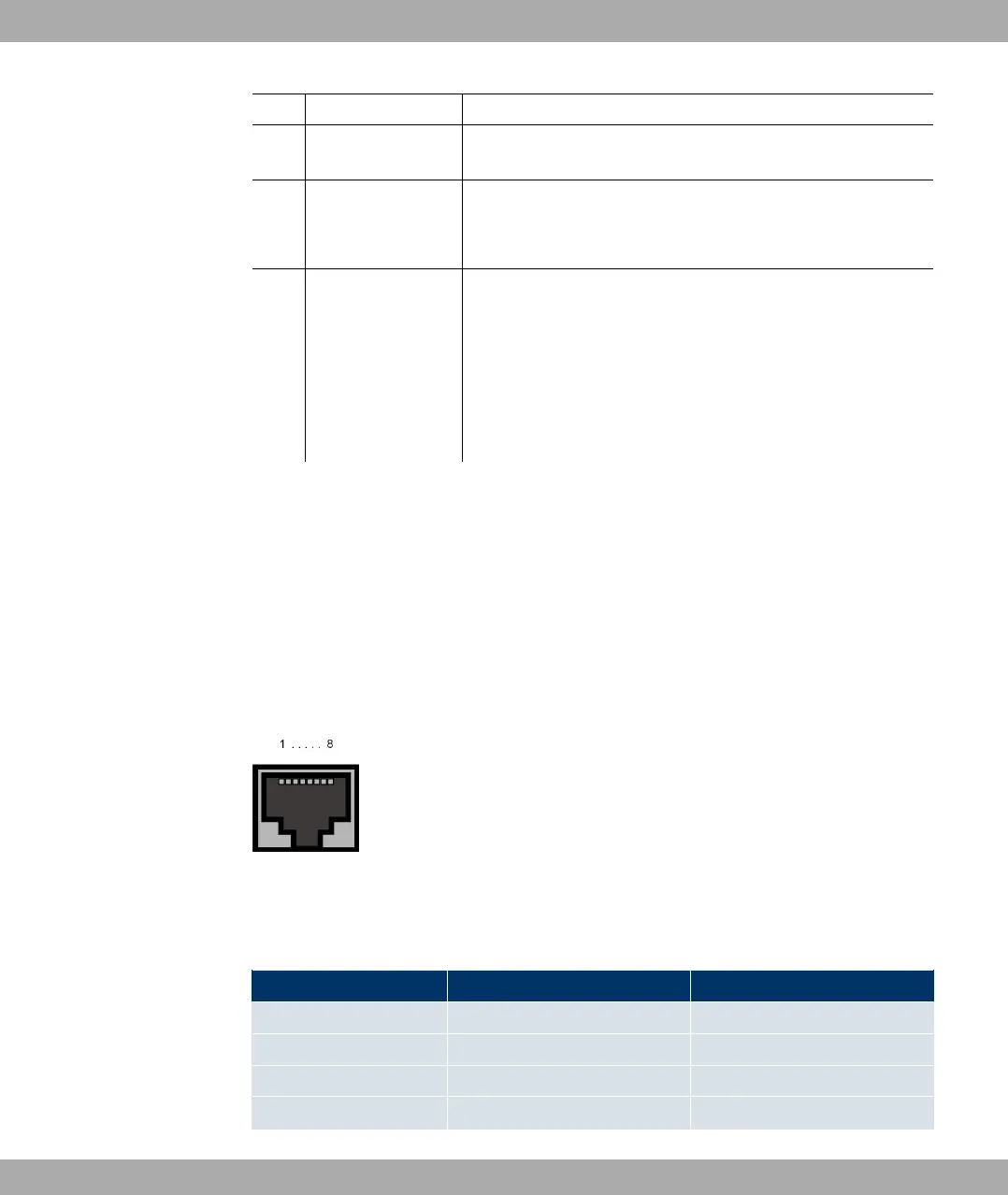
Your device has two Ethernet interfaces. These are used to connect individual PCs or other
switches.
The connection is made via an RJ45 socket.
Fig. 16: Ethernet 10/100 Base-T interface (RJ45 socket)
The pin assignment for the Ethernet 10/100 Base-T interface (RJ45 socket) is as follows:
RJ45 socket for LAN connection
Pin Function Eth1 - PoE Function Eth 2
1 TD +/Power TD +
2 TD -/Power TD -
3 RD +/Power RD +
4 Power Not used
6 Technical data Funkwerk Enterprise Communications GmbH
34 bintec W1002/W1002n/W2002/WIx040/WIx065



 To Next Page