6.3.5.1 Ethernet interface
Your device has two Ethernet interfaces. These are used to connect individual PCs or other
switches.
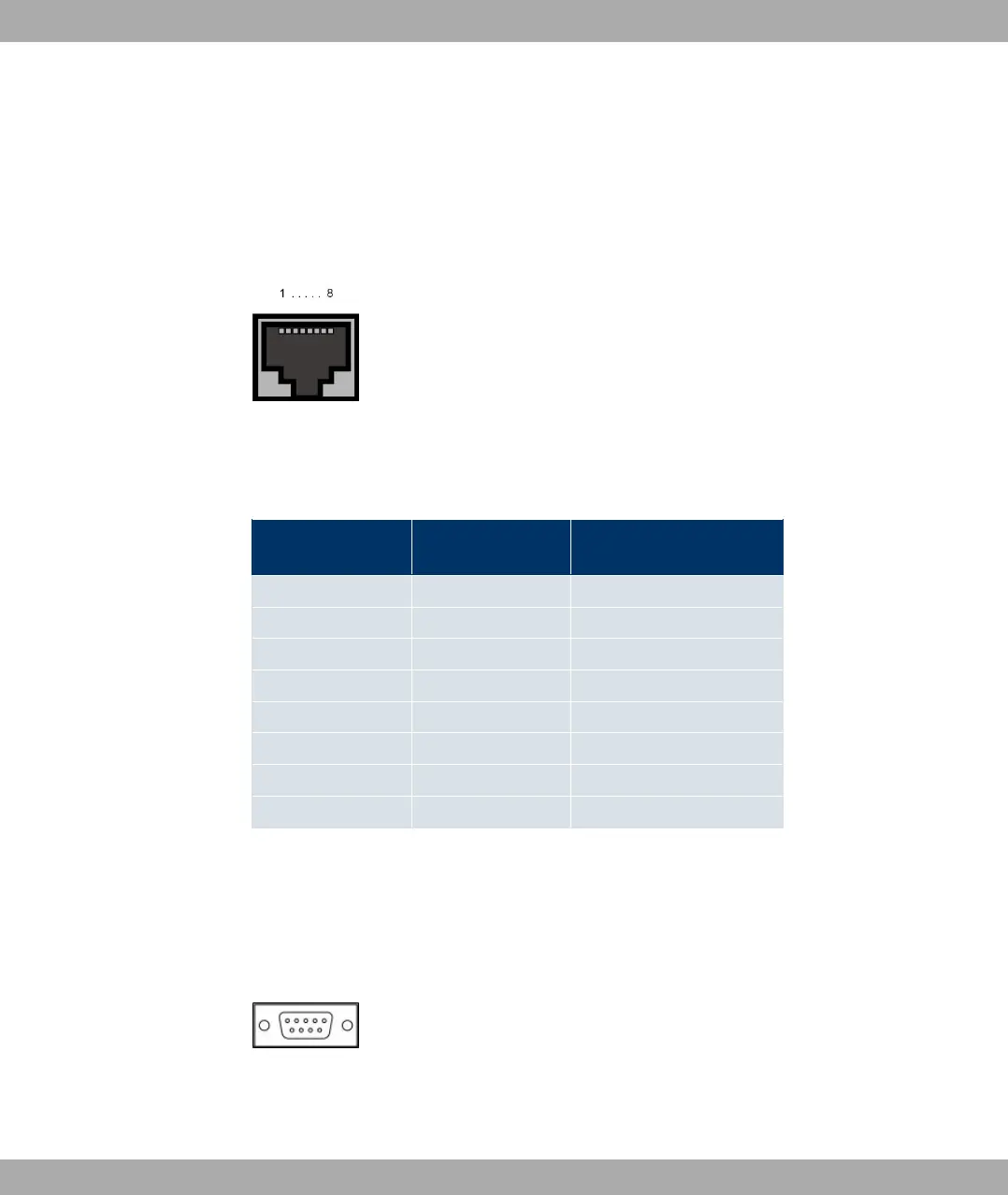
The connection is made via an RJ45 socket.
Fig. 25: Ethernet 10/100 Base-T interface (RJ45 socket)
The pin assignment for the Ethernet 10/100 Base-T interface (RJ45 socket) is as follows:
RJ45 socket for LAN connection
Pin Function Eth1 -
PoE
Function Eth 2
1 TD +/Power TD +
2 TD -/Power TD -
3 RD +/Power RD +
4 Power Not used
5 Power Not used
6 RD -/Power RD -
7 Power Not used
8 Power Not used
6.3.5.2 Serial Interface
Your device has a Serial interface for connection to a console. This supports Baud rates
from 1200 to 115200 Bps.
The interface is designed as a 9-pin SUB-D socket.
Fig. 26: 9-pin Sub-D connector
The pin assignment is as follows:
Funkwerk Enterprise Communications GmbH
6 Technical data
bintec W1002/W1002n/W2002/WIx040/WIx065 51



 To Next Page