Chapter 6: Receiver Configuration Modules Satellite Receiver Configuration
© Harmonic Inc. Manual p/n 101543/Ver 1.0 6-18 ProView 2900 Series/SW Version 1.94
6.2.2.13. LNB L.O. Frequency
The LNB L.O. Frequency configuration parameter sets the fixed LNB oscillator frequency for
the Ku or C-Band L.O. in the LNB.
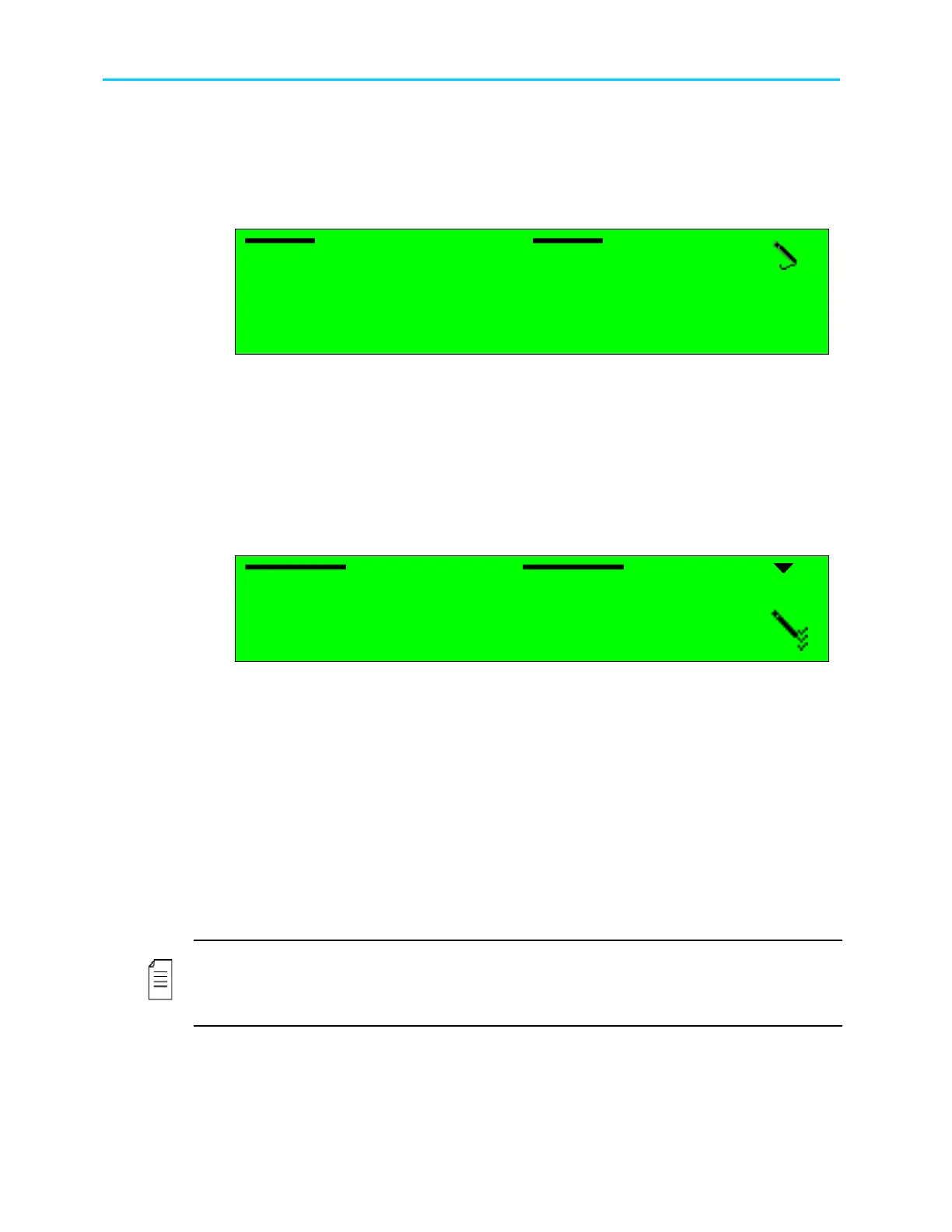
The following figure illustrates the Ku-Band Frequency screen.
LNB L.O.
LNB L.O. LNB L.O.
LNB L.O. Frequency
Frequency Frequency
Frequency
1.
1.1.
1. 9750
9750 9750
97500
00
000 [
00 [00 [
00 [k
kk
kHz]
Hz]Hz]
Hz]
<
<<
<850
850850
8500000
0000 0000
0000 -
--
-
1300
13001300
13000000>
0000>0000>
0000>
Available frequency range is:
• For Ku-Band L.O.: 8500000 to 13000000 [KHz]
• For C-Band L.O.: 5000000 to 6000000 [KHz]
6.2.2.14. Frequency Range
The Frequency Range parameter defines the input frequency in the Ku, C or L bands.
This parameter affects the displayed frequencies and ranges of the ProView 2900 DVB-S2
receiver parameters. The following figure illustrates the Frequency Range screen.
Frequency Range
Frequency Range Frequency Range
Frequency Range
1
11
1
L BAND
L BAND L BAND
L BAND
2
22
2
Ku BAND
Ku BAND Ku BAND
Ku BAND
3
33
3
C BAND
C BAND C BAND
C BAND
Available frequency band options are:
• L BAND – selects the frequency range 0.950000 - 2.150000 GHz
• Ku BAND - selects the frequency range 3.200000 - 4.200000 GHz
• C BAND - selects the frequency range 10.700000 - 12.750000 GHz
6.2.2.15. Frequency Scan
The Frequency Scan configuration function sets scanning a selected frequency range if the
stream's frequency is unknown. The symbol rate must be known and set in the
ProView 2900. The ProView 2900 scans the frequency range, while seeking a valid DVB
stream. Upon locating a valid DVB stream, the ProView 2900 marks the located frequency
and service name. Results output either to the RS-232 port (terminal) or Telnet. The following
screen displays the Frequency Scan screen
NOTE
The ProView 2900 scans only the L-band frequency range. Located frequencies are shown in
L-Band and must be modified for the relevant frequency value if they are tuned to either C-
band or Ku-band.



 To Next Page