Chapter 6: Receiver Configuration Modules Satellite Receiver Configuration
© Harmonic Inc. Manual p/n 101543/Ver 1.0 6-19 ProView 2900 Series/SW Version 1.94
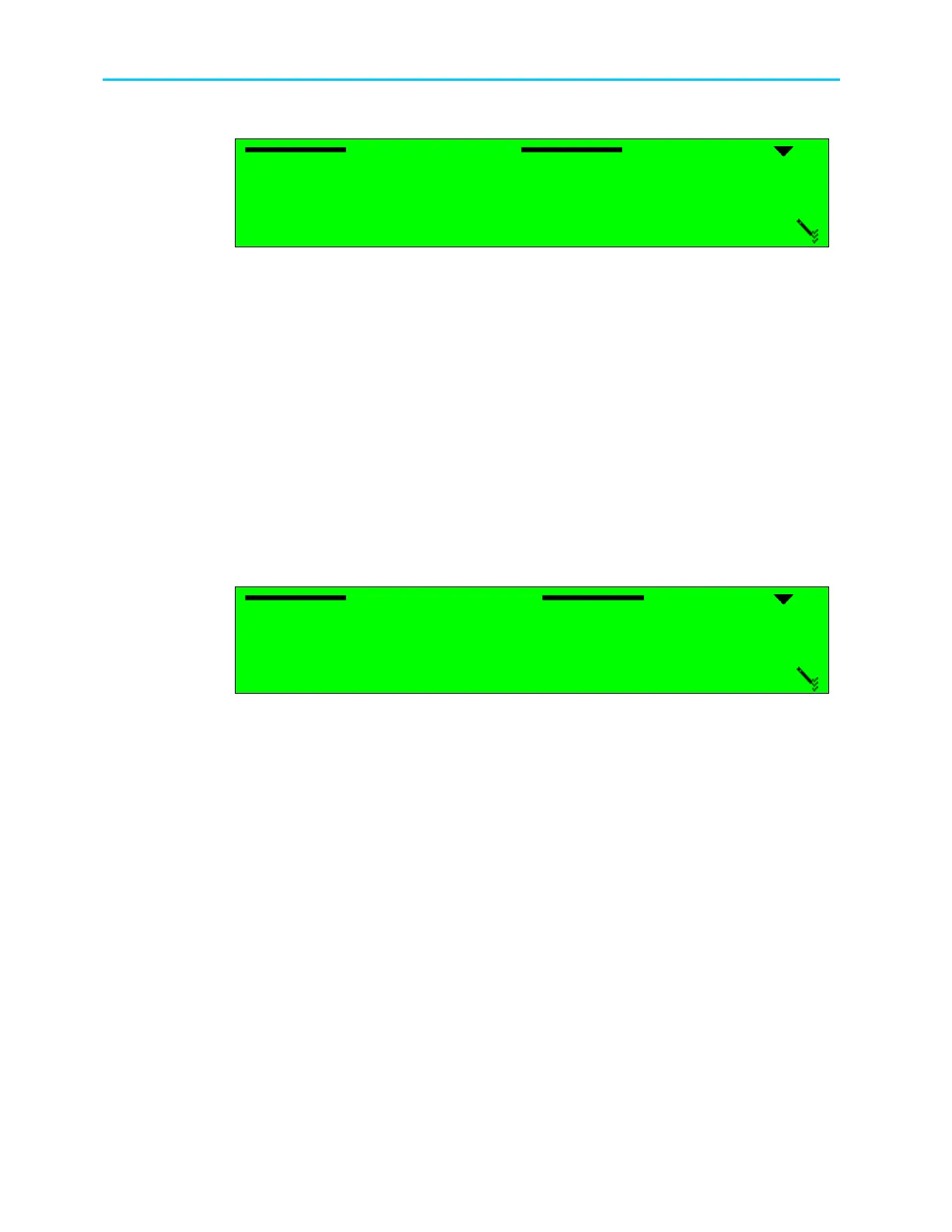
The following figure illustrates the Frequency Scan screen.
Frequency Scan
Frequency Scan Frequency Scan
Frequency Scan
1
11
1
OFF
OFF OFF
OFF
2
22
2
BAND
BANDBAND
BAND
3
33
3
+/
+/+/
+/-
--
-6 [MHz]
6 [MHz]6 [MHz]
6 [MHz]
The available options are:
• OFF – Frequency scan is disabled.
• BAND – Frequency scan is enabled. This mode allows scanning all bands.
• +/-6 [MHz] – Frequency scan is enabled. This mode allows scanning a selected
frequency range if the stream's frequency is unknown. This feature is especially useful for
low symbol rates signals (less then 10Msym/s). All reception parameters must be set,
including symbol rate and frequency. When operating the scanning, the ProView 2900
searches for a valid signal within a range of 12MHz (configured frequency ±6MHz). The
ProView 2900 locks on the first detected valid signal, and automatically sets the
configured frequency accordingly.
6.2.2.16. Acquisition Mode
The Acquisition Mode scanning function sets the acquisition mode for the LNB local oscillator
type; Range or Timing.
The following figure illustrates the Frequency Scan screen.
Acquisition Mode
Acquisition ModeAcquisition Mode
Acquisition Mode
1
11
1
Range
RangeRange
Range
2
22
2
Timing
TimingTiming
Timing
The available options are: Range and Timing.
• Range
High acquisition range mode is used mainly for wide symbol rates usually in full
transponder applications. In this mode the auto search range is -15% - +15% of the
Symbol Rate.
• Timing
Low acquisition range is used mainly for high sensitivity in order to receive signals with
low power. This mode is used mainly for DSNG applications. In this mode the auto
search range is -8% - +8% of the Symbol Rate.



 To Next Page