Chapter 6: Receiver Configuration Modules Satellite Receiver Configuration
© Harmonic Inc. Manual p/n 101543/Ver 1.0 6-23 ProView 2900 Series/SW Version 1.94
6.2.3.4. Roll-Off
The Roll-Off menu is used for setting the receiver’s roll-off factor value according to the roll-
off factor of the transmitted signal.
The Roll-off factor is the factor that is used for the base-band shaping of the transmitted
signal. Set the Roll-Off factor in accordance with the transmitted Roll-Off factor. The following
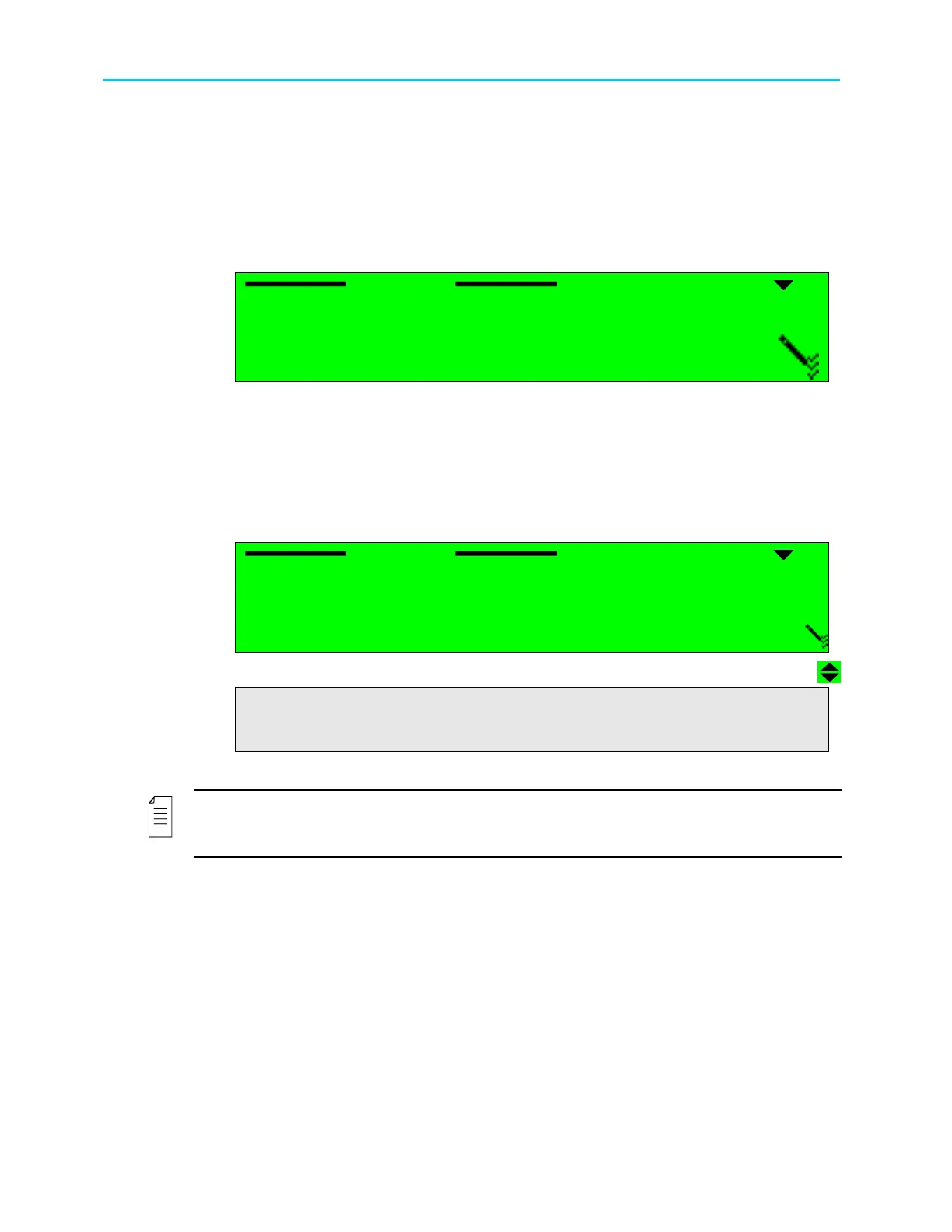
figure illustrates the Roll-Off screen.
Roll
Roll Roll
Roll-
--
-off
off off
off
1
11
1
35%
35% 35%
35%
2
22
2
25%
25% 25%
25%
3
33
3
20%
20% 20%
20%
Available options for the Roll-off factor are: 35%. 25%, 20%
6.2.3.5. FEC Rate
The FEC Rate parameter sets the Forward error correction rate value. The FEC parameter
can be acquired from the satellite transponder information or can be set to automatic. When
in Automatic mode, the ProView 2900 device tries all FEC rates until locking the rate to the
transport stream.
FEC
FECFEC
FEC Rate
Rate Rate
Rate
1
11
1
AUTOMATIC
AUTOMATIC AUTOMATIC
AUTOMATIC
2
22
2
1/2
1/2 1/2
1/2
3
33
3
2/3
2/3 2/3
2/3
4
44
4
3/4
3/4 3/4
3/4
5
55
5
5/6
5/6 5/6
5/6
6
66
6
7/8
7/8 7/8
7/8
6
66
6
8
8 8
8/
//
/9
99
9
The available options are: Automatic, 1/2, 2/3, 3/4, 5/6, 7/8, 8/9
NOTE
If the specific Viterbi rate is not provided, selecting the Automatic option enables the
ProView 2900 to automatically detect the Viterbi rate.



 To Next Page