Chapter 4: ProView 2900 Control Interfaces Front Panel Control Interface
© Harmonic Inc. Manual p/n 101543/Ver 1.0 4-3 ProView 2900 Series/SW Version 1.94
A. Top line indicates the menu name (Configuration) and the menu hierarchal
position (1
11
1-
--
-2
22
2, for example Configuration
ConfigurationConfiguration
Configuration under the Root
RootRoot
Root menu).
[ Up]/[ Up/Down]/[ Down] symbols indicate that up or down scrolling is
enabled.
B. Next up to four displayed lines is a list of numbered items.
C. Additional Available Items
The list can include more than four items, but only four items are visible at a time.
When more than four items are enabled, you can scroll using the [Up]/[Down]
arrow keys.
The currently selected option is displayed with white characters over a black
background (see Item #3 in the example above).
To access the next menu level press [Enter] to select the marked item (either
another menu navigation screen or an Edit Menu screen).
4.1.2.2. Edit Menu Screen
The Edit menu screen enables selecting, changing or displaying the value of a parameter or
set of parameters.
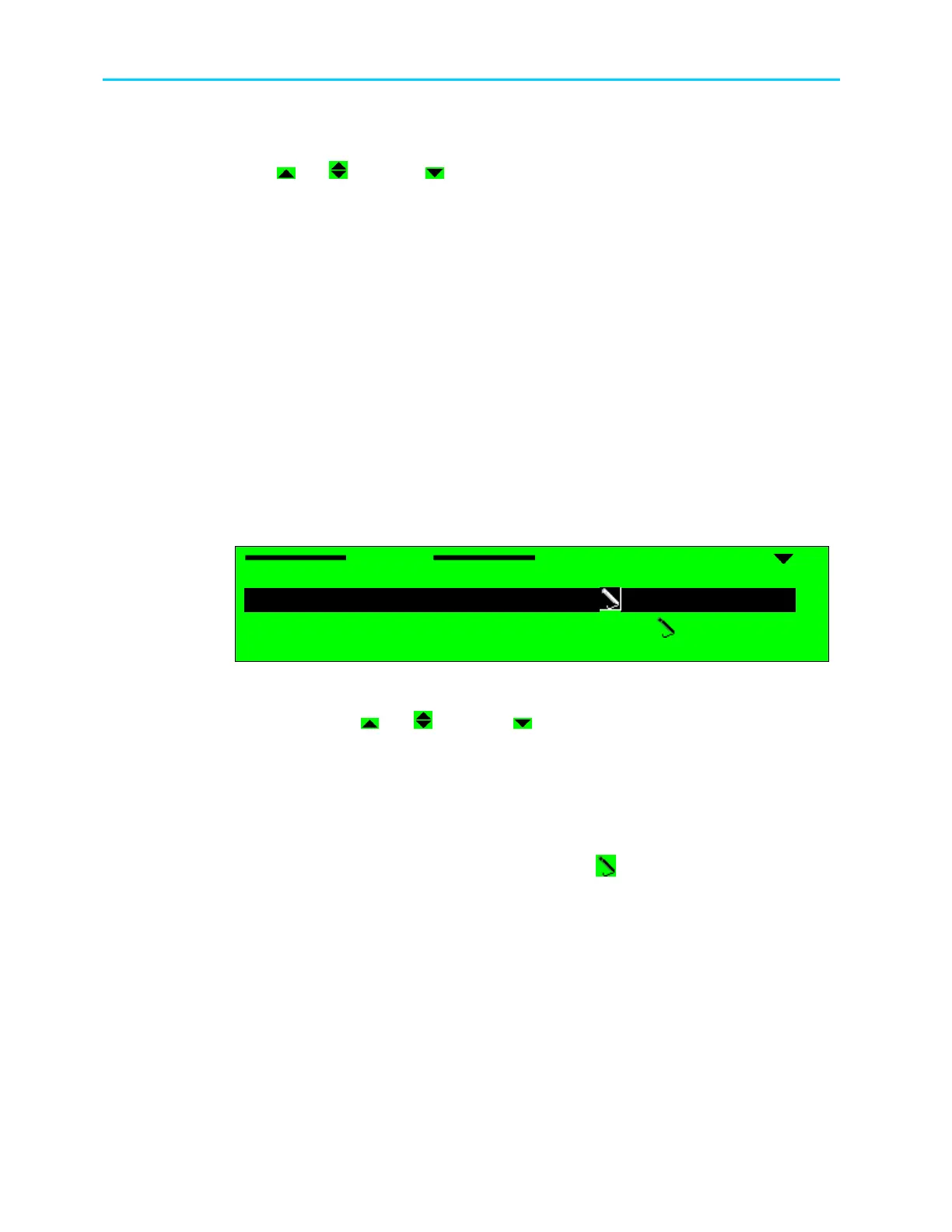
In this example, the Edit Menu screen displays the following items:
Stream
Stream Stream
Stream
1
11
1-
--
-2
22
2-
--
-2
22
2
1 Decoder Stream Source
1 Decoder Stream Source1 Decoder Stream Source
1 Decoder Stream Source
FRONT
FRONTFRONT
FRONT-
--
-END (QPSK)
END (QPSK)END (QPSK)
END (QPSK)
2 27MHz Synchronization
2 27MHz Synchronization2 27MHz Synchronization
2 27MHz Synchronization
STREAM PCR
STREAM PCR STREAM PCR
STREAM PCR
A. Top line indicates the menu name (Stream
StreamStream
Stream) and the menu hierarchal position
(1
11
1-
--
-2
22
2-
--
-2
22
2, for example Root
RootRoot
Root-
--
-Configuration
ConfigurationConfiguration
Configuration-
--
-Stream
StreamStream
Stream) in the ProView 2900
Menu Tree. [ Up]/[ Up/Down]/[ Down] symbols indicate that up or down
scrolling is enabled.
B. Next up to four displayed lines is a list of numbered items relevant to the menu
and their current values. The information provided for each list item is:
• Left-aligned column displays a numbered list of parameters.
• Right-aligned column displays parameter values.
- Editable parameters have a pencil icon next to them.
- Parameters without the pencil icon are for information only.
C. Additional Available Items
The list can include more than four items, but only four items are visible at the
time. When more than four items are enabled, you can scroll the list using the
[Up]/[Down] arrow keys.
The currently selected option is displayed with white characters over a black
background (see Item #1 in the example above).
Press [ESC] to abort the selection or to return to the menu’s previous level.



 To Next Page