Effect Mode Options Descriptions
DML-1200 w/Axon Embedded Graphic Engine 24/12/2010 _____________________________________________________________________________ 98
5.2.42 Texture Ripple, Circular
Effect Mode
parameter DMX value = 24
This effect varies the distance of reference points to the applied media file texture around the
Z axis without affecting the underlying object. This creates an effect of concentric rippling out from the object center.
Modifier 1:
Adjusts the size (amplitude) of the ripple from 0 = no adjustment to 255 (100%) = maximum size.
Modifier 2:
Adjusts the rate (frequency) of the ripple from 0 = no adjustment to 255 (100%) = maximum rate
Modifier 3:
Adjusts the offset (phase) speed and direction. A DMX value of 128 (50%) = no adjustment. DMX Values above the
midpoint increase speed in a forward direction to 255 (100%) = fastest speed. DMX values below the midpoint increase speed in a
backward direction from no adjustment to 0 = fastest speed.
5.2.43 Texture Ripple, Horizontal
Effect Mode
parameter DMX value = 22
This effect varies the distance of reference points to the applied media file texture around the
X axis without affecting the underlying object.
Modifier 1:
Adjusts the size (amplitude) of the ripple from 0 = no adjustment to 255 (100%) = maximum size.
Modifier 2:
Adjusts the rate (frequency) of the ripple from 0 = no adjustment to 255 (100%) = maximum rate.
Modifier 3:
Adjusts the offset (phase) speed and direction. A DMX value of 128 (50%) = no adjustment. DMX Values above the
midpoint increase speed in a forward direction to 255 (100%) = fastest speed. DMX values below the midpoint increase speed in a
backward direction from no adjustment to 0 = fastest speed.
5.2.44 Texture Ripple, Vertical
Effect Mode
parameter DMX value = 23
This effect varies the distance of reference points to the applied media file texture around the
Y axis without affecting the underlying object.
Modifier 1:
Adjusts the size (amplitude) of the ripple from 0 = no adjustment to 255 (100%) = maximum size.
Modifier 2:
Adjusts the rate (frequency) of the ripple from 0 = no adjustment to 255 (100%) = maximum rate
Modifier 3:
Adjusts the offset (phase) speed and direction. A DMX value of 128 (50%) = no adjustment. DMX Values above the
midpoint increase speed in a forward direction to 255 (100%) = fastest speed. DMX values below the midpoint increase speed in a
backward direction from no adjustment to 0 = fastest speed.
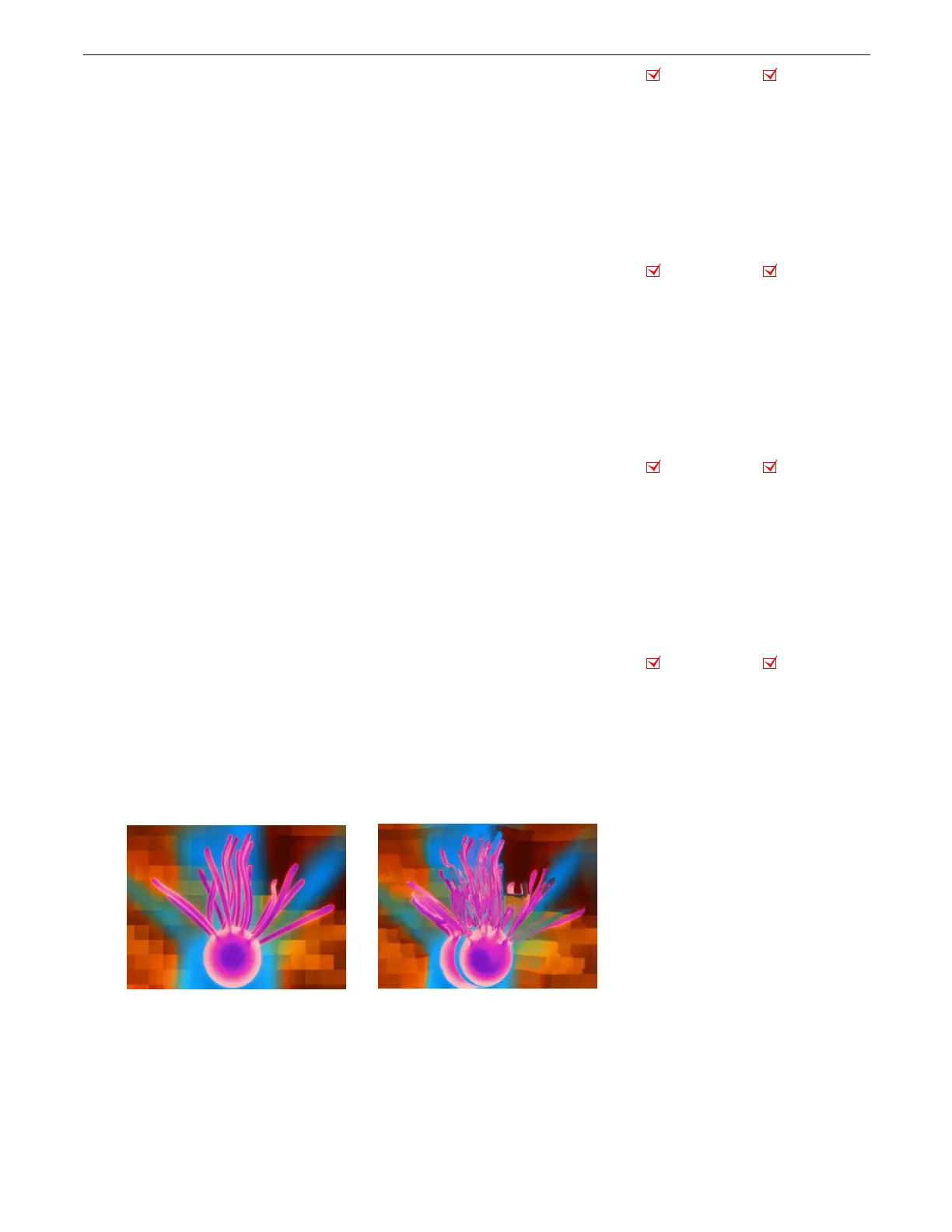
5.2.45 Texture Shift
Effect Mode
parameter DMX value = 88
This effect creates offset image elements by shifting the texture based upon selected color values.
Modifier 1:
Shifts the texture left to right
Modifier 2:
Shifts the texture up to down
Modifier 3:
Selects a color and scales the shift. Red and green color values (cyan) shift from 0 = maximum to 84 = a minimum shift.
Red and blue color values (magenta) shift from 85 = maximum to 170 = a minimum shift. Green and blue color values (yellow)
shift from a 171 = maximum to 255 = a minimum shift.
Object Effect Global Effect
Object Effect Global Effect
Object Effect Global Effect
Object Effect Global Effect
Original Content
Modifier 1 parameter DMX = 24
Modifier 2 parameter DMX = 184
Modifier 3 parameter DMX = 18



 To Next Page