Effect Mode Options Descriptions
DML-1200 w/Axon Embedded Graphic Engine 24/12/2010 _____________________________________________________________________________ 60
Modifier 3:
Adjusts comparison edge threshold from 0= no adjustment to 255 (100%) = maximum adjustment.
5.1.14 Edge Detect Black and White 2
Effect
Mode
parameter DMX value = 92
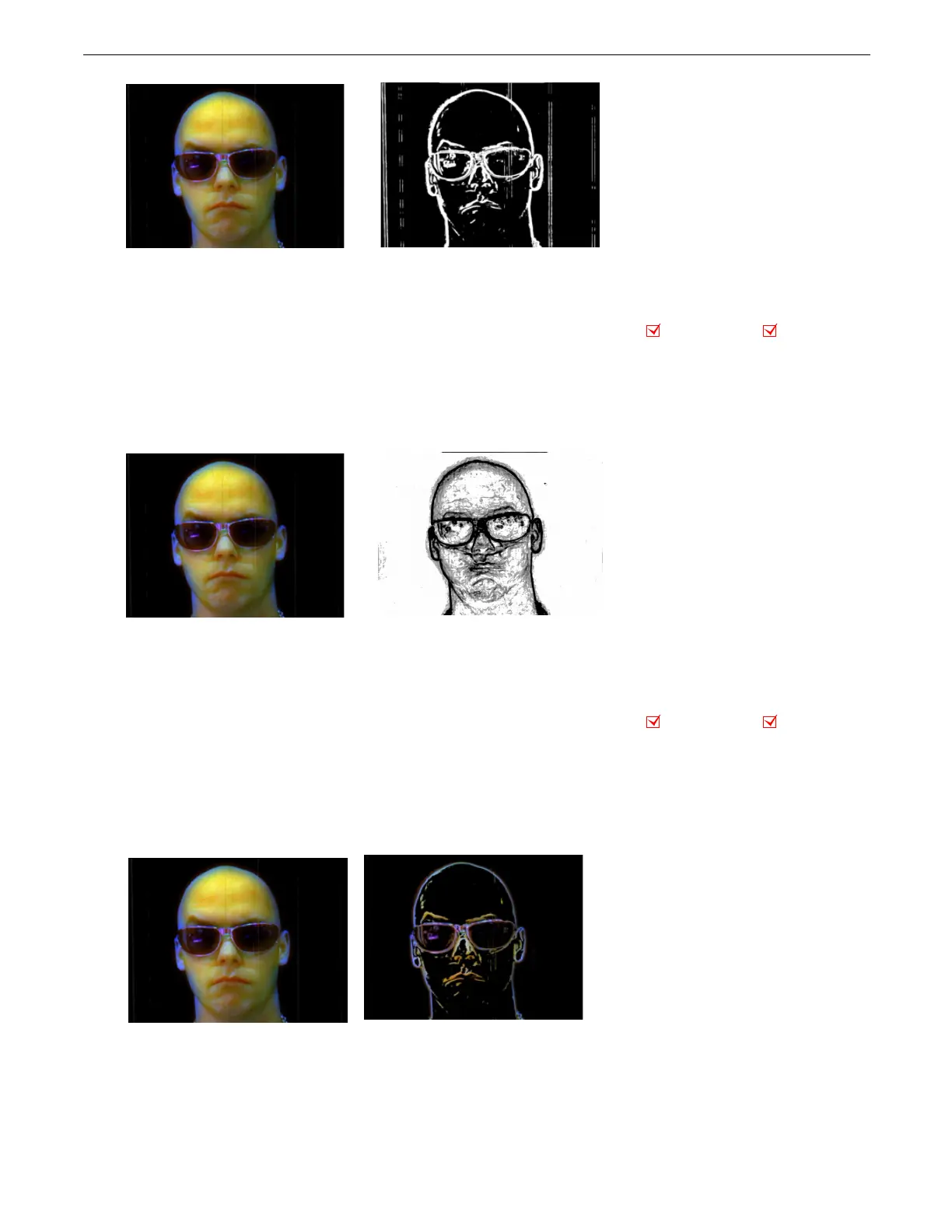
This effect displays only the edges of image components as either black or white.
Modifier 1:
Adjusts sample distance from 0= no adjustment to 255 (100%) = maximum adjustment.
Modifier 2:
Adjusts comparison edge threshold from 0= no adjustment to 255 (100%) = maximum adjustment
Modifier 3:
Sets the detected edge scaler, 0 - 127 = white edge on black background, 128-255 = black edge on white background.
5.1.15 Edge Detect Color
Effect Mode
parameter DMX value = 20
This effect displays only the edges of image components with their color values.
Modifier 1:
Adjusts horizontal edge search size from 0= no adjustment to 255 (100%) = maximum adjustment.
Modifier 2:
Adjusts vertical edge search size from 0= no adjustment to 255 (100%) = maximum adjustment.
Modifier 3:
Adjusts comparison edge threshold from 0= no adjustment to 255 (100%) = maximum adjustment
.
Modifier 1 parameter DMX value = 184
Modifier 2 parameter DMX value = 114
Modifier 3 parameter DMX value = 62
riginal Content
Object Effect Global Effect
riginal Content
Modifier 1 parameter DMX value = 155
Modifier 2 parameter DMX value = 40
Modifier 3 parameter DMX value = 129
Object Effect Global Effect
Original Content
Modifier 1 parameter DMX = 184
Modifier 2 parameter DMX = 114
Modifier 3 parameter DMX = 62



 To Next Page