Graphic Functions
23 ______________________________________________________DML-1200 w/Axon Embedded Graphic Engine 24/12/2010
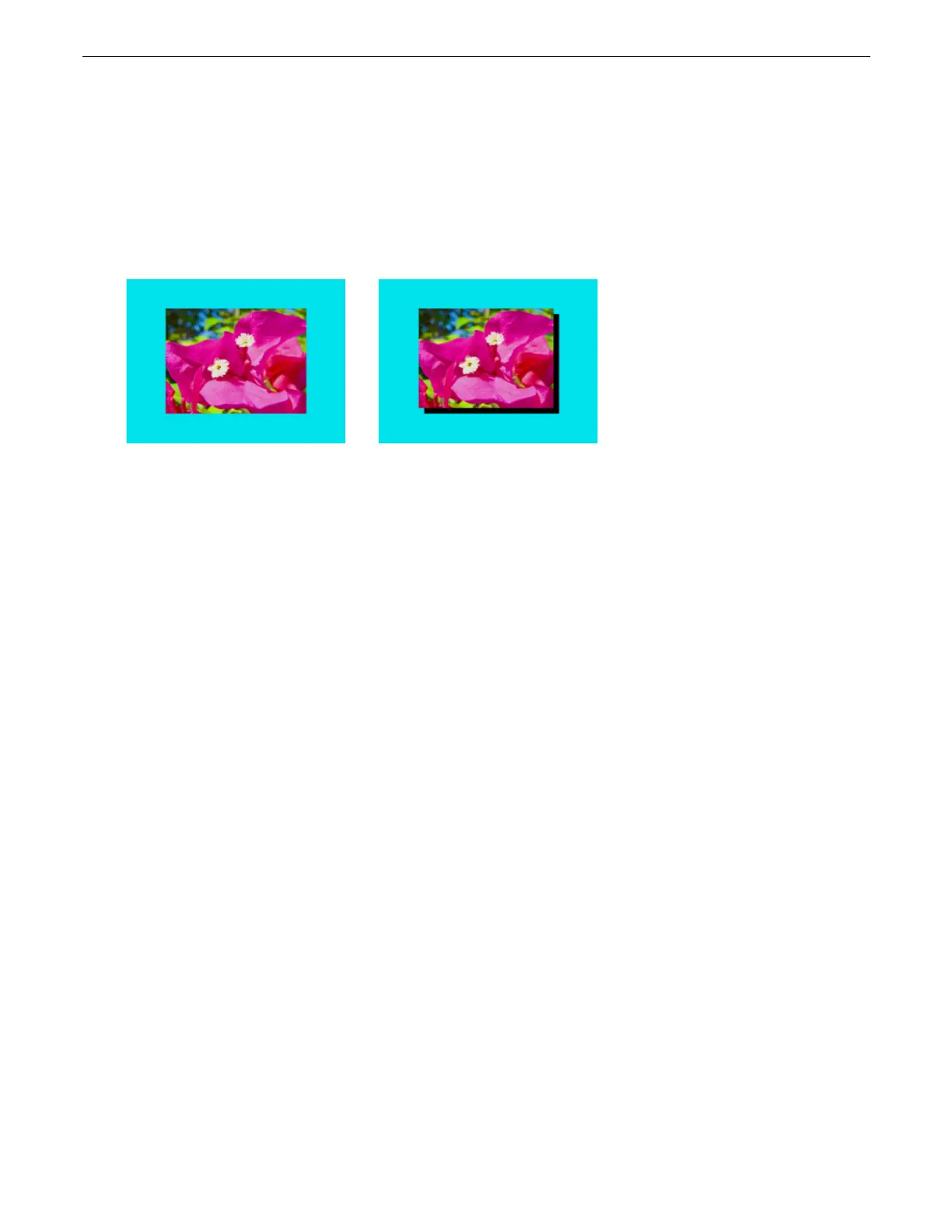
2.3.3.5 Drop Shadow
Visual Mode
Parameter DMX value = 19
You can create a drop shadow behind the media file texture on a 3D object, and vary its size horizontally and vertically. This option
creates a black plane behind the selected media file texture on a flat rectangular object that can be positioned to form a drop
shadow effect. You won’t see the shadow until you select a Modifier 1 or 2 DMX value above or below 128 (50%)
Modifier 1:
The default DMX value of 128 (50%) = no adjustment. Values below the midpoint move the “shadow” right as you
approach 0 = maximum horizontal shadow width. Values above the midpoint move the “shadow” left as you approach the
maximum horizontal shadow width at a value of 255 (100%)
Modifier 2:
The default DMX value of 128 (50%) = no adjustment. Values below the midpoint move the “shadow” down as you
approach 0 = maximum vertical shadow width. Values above the midpoint move the “shadow” up as you approach the maximum
vertical shadow width at a value of 255 (100%).
2.3.3.6 Exposure Control
Visual Mode
Parameter DMX value = 10
Exposure Control adjusts the image Black level and Contrast to optimize the projected image for your performance environment.
You can use it to easily modify the black level and contrast for a specific application.
Exposure Control provides finer Contrast and Black level control than the Content Optimization option (see
page 18
) which pushes
colors to saturation more quickly.
Modifier 1:
Adjusts black level from 0 = full black through 255 (100%) = brightest. At a DMX value of 128 (50%) there is no
adjustment.
Modifier 2:
from 0 = least contrast through 255 (100%) = maximum contrast. At a DMX value of 128 (50%) there is no adjustment.
Original Content
Visual Mode Parameter DMX value = 19
Visual Mode Parameter DMX value = 19
Visual Mode Modifier 1 DMX value= 0
Visual Mode Modifier 2 DMX value=255



 To Next Page