Content Management Application (CMA)
DML-1200 w/Axon Embedded Graphic Engine 24/12/2010 _____________________________________________________________________________ 102
6.1.2 Launching the CMA
Once the CMA is installed, double clicking on the application icon will launch it and display the CMA Client Window.
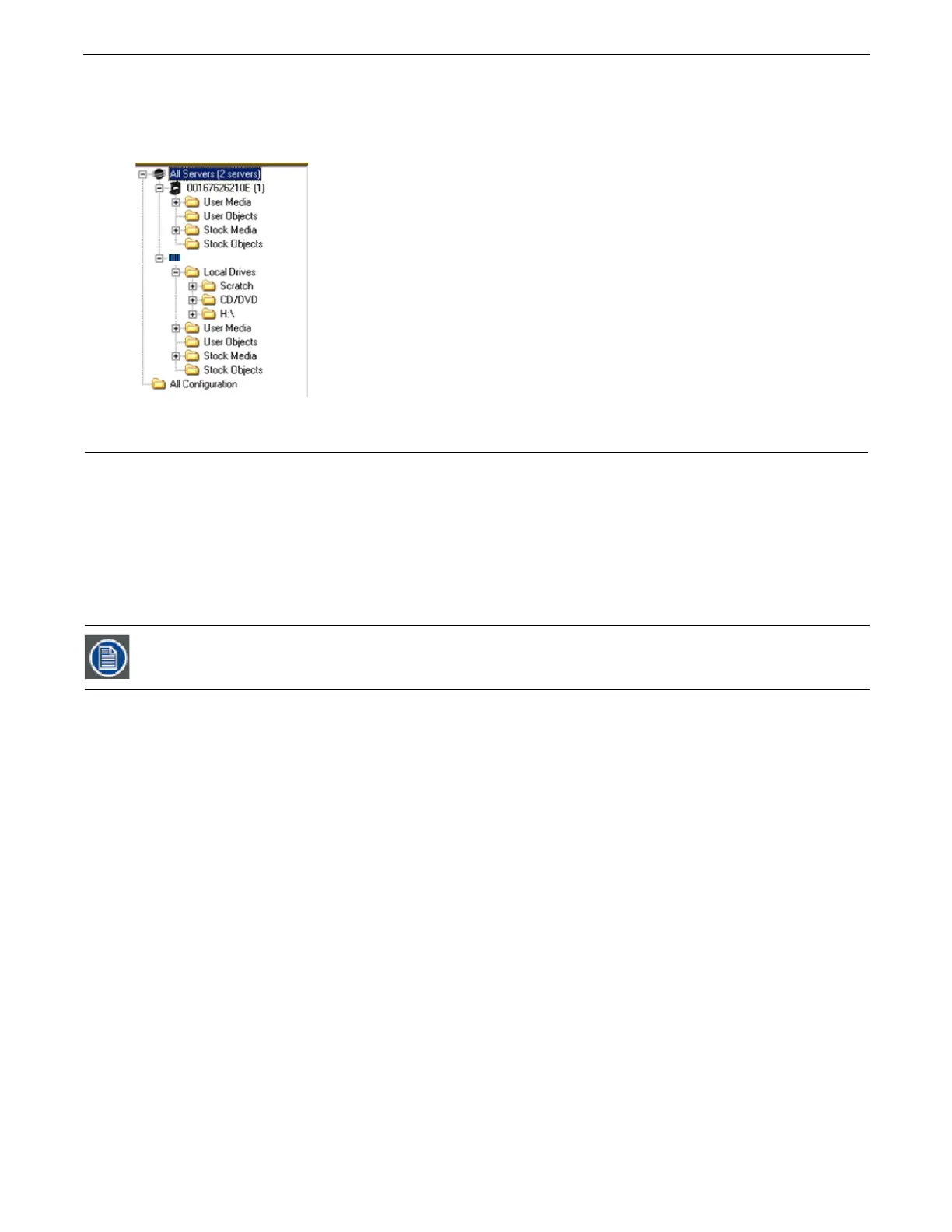
When the CMA starts, he application automatically finds and identifies the Local Drives including any connected USB drives, the
CD/DVD drive as well as DML-1200 w/Axon, Axon, DL.3 and DL.2 media servers connected to the same Ethernet network.
6.2 Auto Discovery
When a DML-1200 w/Axon fixture is connected to an ethernet network, it sends out “Discovery” messages. These messages are
received by other media servers on the link as well as the CMA software. The messages contain information that allows the media
servers to communicate with each other, and the CMA to communicate with all the units on the network.
The CMA window will display the IP Address, Fixture ID, the Media Server software version and the server model. Fixtures derive
their IP addresses through a router or automatic IP assignment.
Fixture Identification
The Fixture ID is a unique number used in the control protocol to identify specific fixtures for sychronization functions. For more
information on Sychronization content playback, (see
Synchronizing Content
on page 30).
To ensure that sychronization works properly, each media server should be assigned a unique fixture ID.
DML-1200



 To Next Page