Content Management Application (CMA)
107 _____________________________________________________DML-1200 w/Axon Embedded Graphic Engine 24/12/2010
6.3.4 Viewing Content
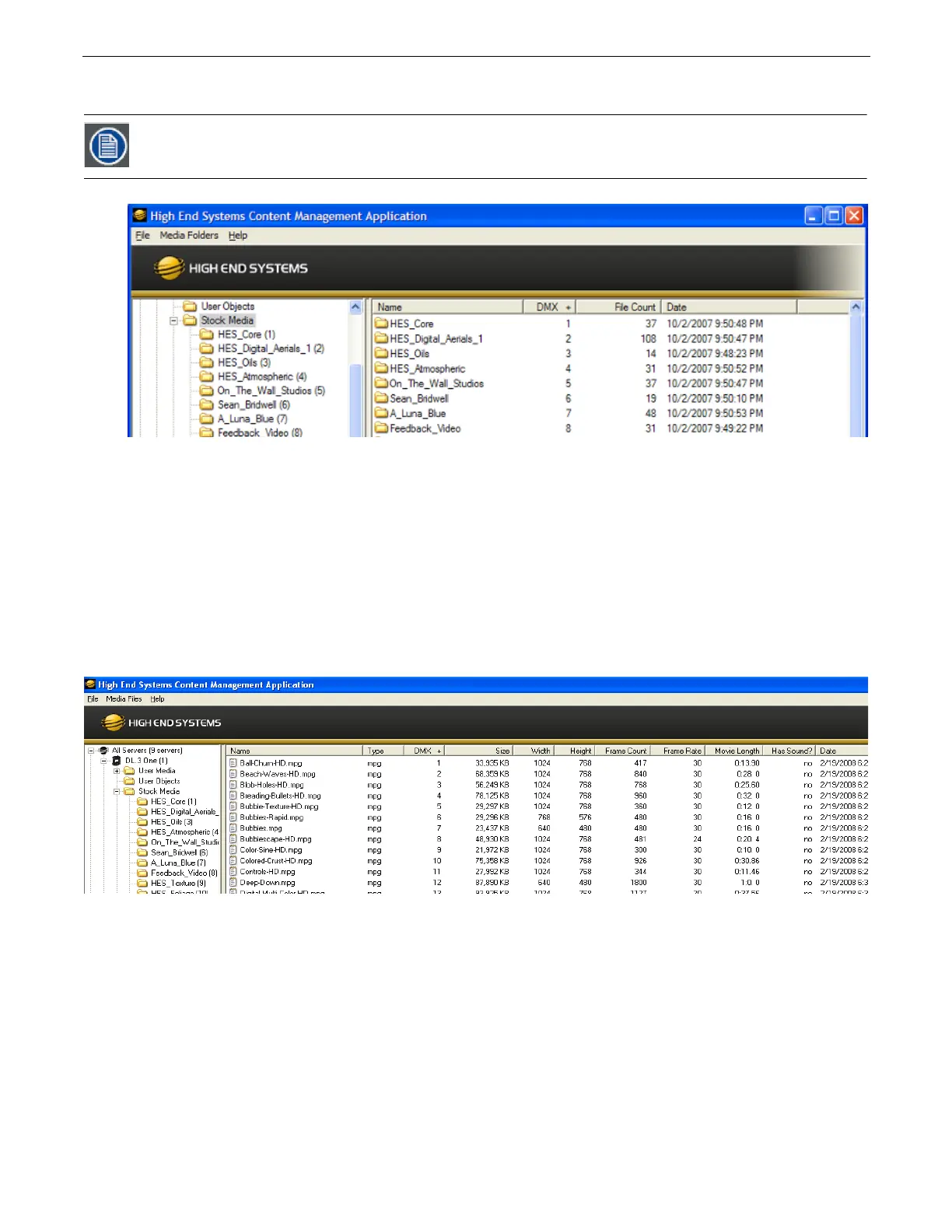
You can view information about media folders and files within each folder in a table format.
6.3.4.1 Viewing Folders
Clicking on a media folder in the left pane reveals information about any sub-folders it contains.
•
Name
of the Media File collection. This value is editable for User content. See
Naming and Deleting User Content Files and
Folders
on page 103.
•
DMX
is the currently assigned DMX value for the folder. This value can be auto-assigned and edited for User content. See
Editing
User Content DMX Values
on page 104.
•
File Count
of files in this collection
•
Date
the folder was last modified
6.3.4.2 Viewing Files
Double clicking on a media folder in the left pane reveals information about its content files.
•
Name
of the file. This value is editable for User content. See
Naming and Deleting User Content Files and Folders
on page 103.
•
Type
indicates the file format extension
•
DMX
is the currently assigned DMX value for the folder. This value can be auto-assigned and edited for User content. See
Assigning DMX Values to User Content
on page 103.
•
Size
of file in kilobytes
•
Width
in pixels
•
Height
in pixels
•
Frame Count
•
Frame Rate
in frames per second
•
Movie Length
in hr.min.sec
•
Has Sound?
- Indicates whether or not the movie file has sound data encoded into it. This should always say “no” if the content
is encoded correctly.
•
Date
the file was last modified
Clicking on a column heading sorts the table according to the values in that column



 To Next Page