Global Functions
DML-1200 w/Axon Embedded Graphic Engine 24/12/2010 _____________________________________________________________________________ 44
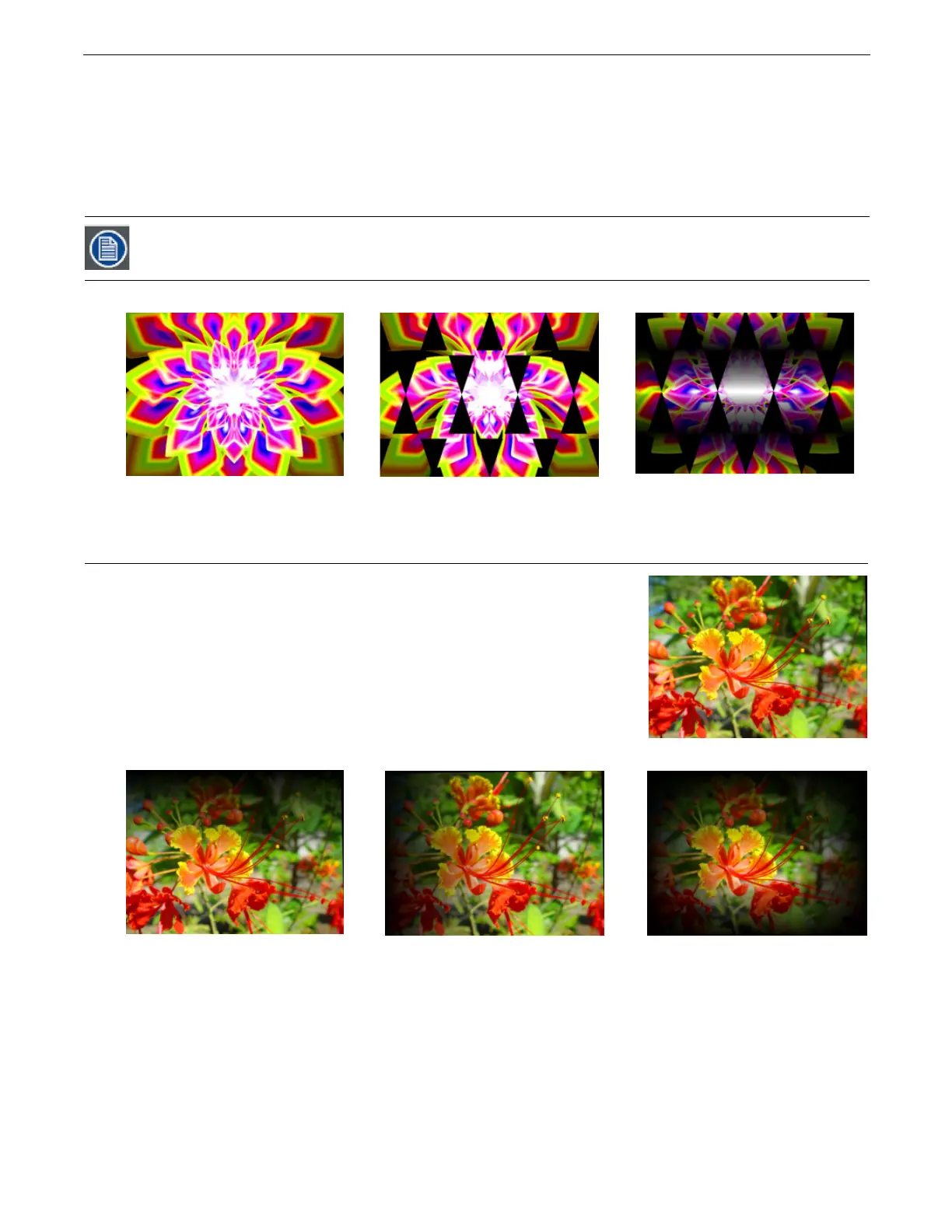
4.4.3 Mask Edge Fade
The
Mask
Edge
Fade
parameter operates differently depending on the value of the Mask Select parameter.
Default DMX Value:
0 = no adjustment to mask
When the
Mask Select
parameter value = 0 to 127 (49%),
Mask Edge Fade
adjusts the amount of fading from a DMX value of 0 =
no edge fade to 255 (100%)= maximum edge fade.
When the
Mask Select
parameter value =128 (50%) to 255 (100%), the strobing masks are selected and
Mask Edge Fade
adjusts
the speed of the strobing from minimum at a DMX value = 0 to a maximum strobe speed at a DMX value = 255 (100%),
4.5 Image Edge Fade
Four
Image
Edge
Fade
parameters let you control the Edge Fade for individual sides of
your object (top, bottom, left and right). When projecting abutting images, adjusting the
Edge Fade parameter lets you smooth the line between two images and also allows you
to change an object’s boundary.
Default DMX Value:
0 = all edges are sharp and hard.
Adjust each side separately for edge fade from 0 = no fade to 255 (100%) = opaque.
A Global Effect Mode parameter option lets you define a Mask Edge Fade color, (see page 56).
Mask applied without Edge Fade
Mask with Edge Fade applied
Original Image
Original Content
100% Left Edge Fade 100% Top, Bottom, Left, Right Edge Fade
100% Top Edge Fade



 To Next Page