Graphic Functions
15 ______________________________________________________DML-1200 w/Axon Embedded Graphic Engine 24/12/2010
2.2.2 Rotation Parameters
2.2.2.1 X Rotation
The
X Rotation
parameter rotates the selected Graphic Object around the X axis with 16-bit precision. You can index the rotation or
set a continuous rotation creating a vertical flip at variable speeds.
This parameter lets you view an object from a different angle by turning the object. You can also view an object from a different
angle by changing the viewpoint in space for the composite image, (see
Global Viewpoint Mode
on page 42).
Default DMX Value:
32768 (50%) = No X Rotation
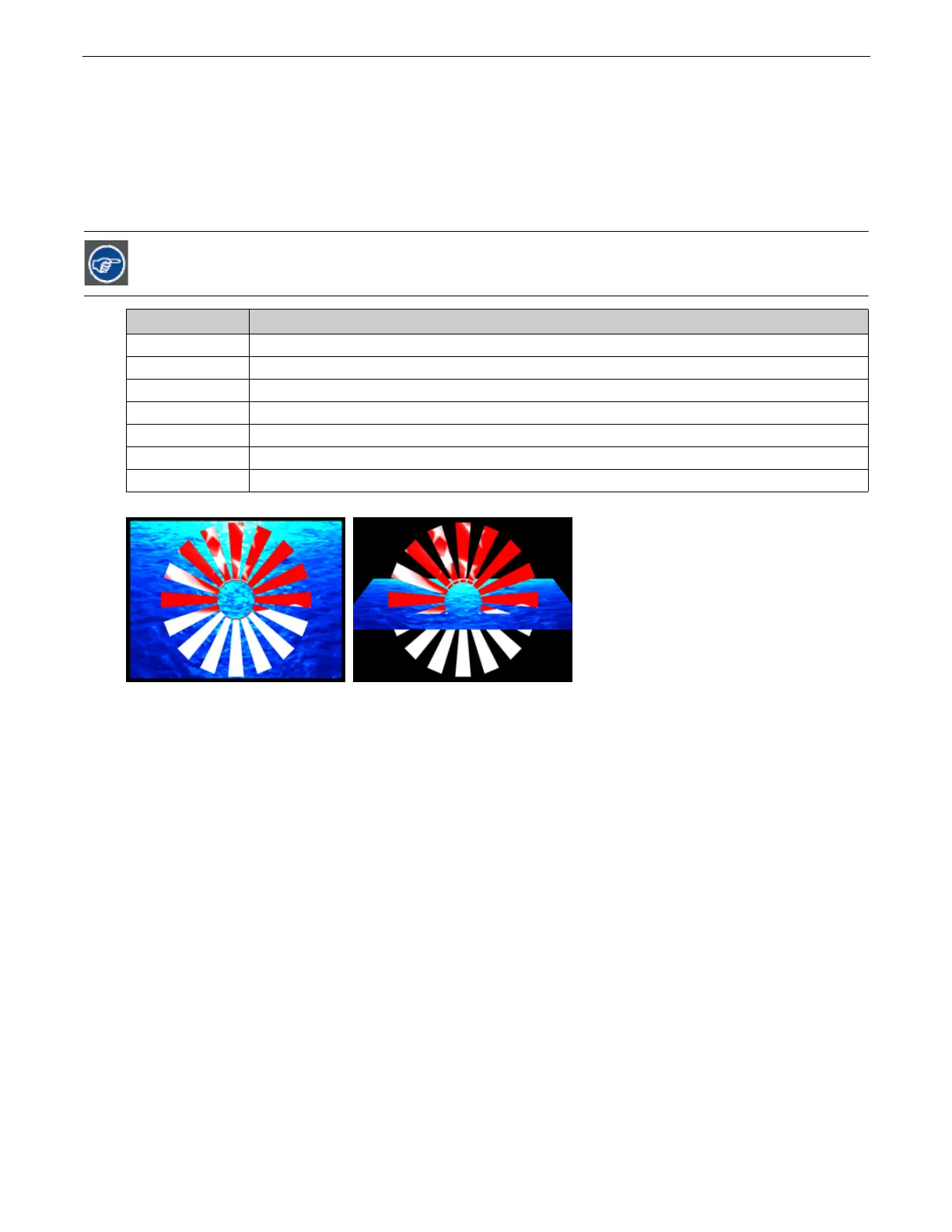
Using this parameter, you can turn one object through another
% of Value Range Function
1–24
Continuous variable-speed counterclockwise image rotation around X-axis (fast to slow)
25
Continuous rotation stop
26–49
Rotates the image counterclockwise around X-axis in steps to –720 degrees
50
0° rotation around X-axis
51–74
Rotates the image clockwise around X-axis in steps to 720 degrees absolute
75
Continuous rotation stop
76–100
Continuous variable-speed clockwise image rotation around X-axis (slow to fast)
Original Object 1 and Object 2 X-axis Rotation Applied to Object 2



 To Next Page